www.boblov.com
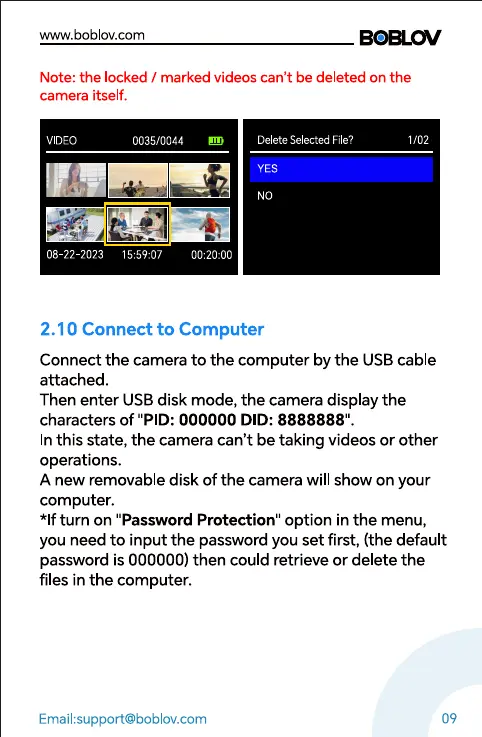
Note: the locked / marked videos can't be deleted on the
camera itself.
VIDEO
08-22 2023
0035/0044
Delete Selected File?
ES
NO
1/02
2.10 Connect to Computer
Connect the camera to the computer by the USB cable
attached.
Then enter USB disk mode, the camera display the
characters of "PID: 000000 DID: 8888888"
In this state, the camera can't be taking videos or other
operations.
A new removable disk of the camera will show on your
computer.
*If turn on "Password Protection" option in the menu,
you need to input the password you set first, (the default
password is 000000) then could retrieve or delete the
files in the computer.
09



 To Next Page