www.boblov.com
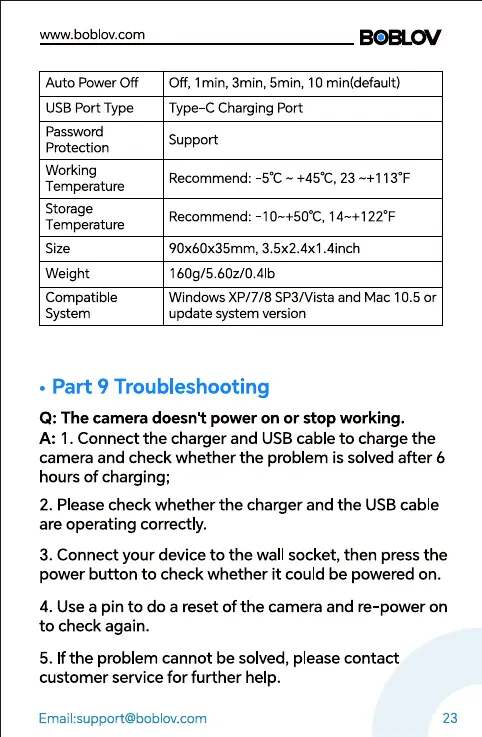
Auto Power Off
USB Port Type
Password
Protection
Working
Temperature
Storage
Temperature
Size
Weight
Compatible
System
Off, Imin, 3min, 5min, 10 min(default)
Type CCharging Port
Support
Recommend:
Recommend:
-sOC +45C, 23-+1130F
-10-+500C, 14-+1220F
90x60x35mm, 3.5x2.4x1.4inch
160g/5.60z/O.41b
Windows XP/7/8 SP3/Vista and Mac 10.5 or
update system version
• Part 9 Troubleshooting
Q: The camera doesn't power on or stop working.
A: 1. Connect the charger and USB cable to charge the
camera and check whether the problem is solved after 6
hours of charging;
2. Please check whether the charger and the USB cable
are operating correctly.
3. Connect your device to the wall socket, then press the
power button to check whether it could be powered on.
4. Use a pin to do a reset of the camera and re-power on
to check again.
5. If the problem cannot be solved, please contact
customer service for further help.
23



 To Next Page