4. Audio Recording:
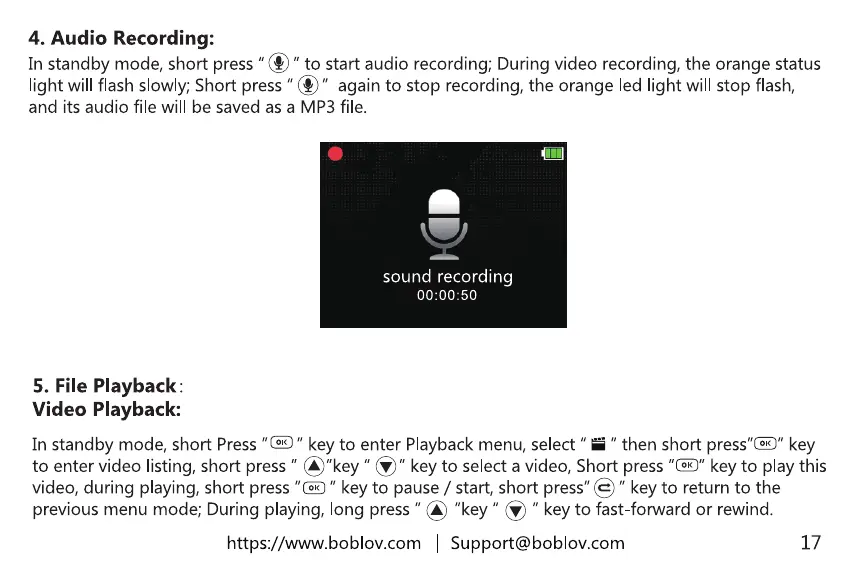
In standbymode,shortpress"@"to startaudiorecording;Duringvideorecording,the orangestatus
light will flashslowly;Shortpress"@" againto stop recording,the orangeled light will stop flash,
and its audio file will be saved as a MP3 file.
sound recording
5. File Playback.
Video Playback:
In standby mode, short Press " key to enter Playback menu, select " " then short key
to enter video listing,short press" @"key " S" keyto selectavideo,Shortpress"@" keyto playthis
video,during playing,short press"0 " keyto pause/ start,short press"@" keyto returnto the
previousmenumode;Duringplaying,long press"@ "key" @ " keyto fast-forwardor rewind.
https://www.boblov.com I Support@boblov.com
17



 To Next Page