3. Photo shooting:
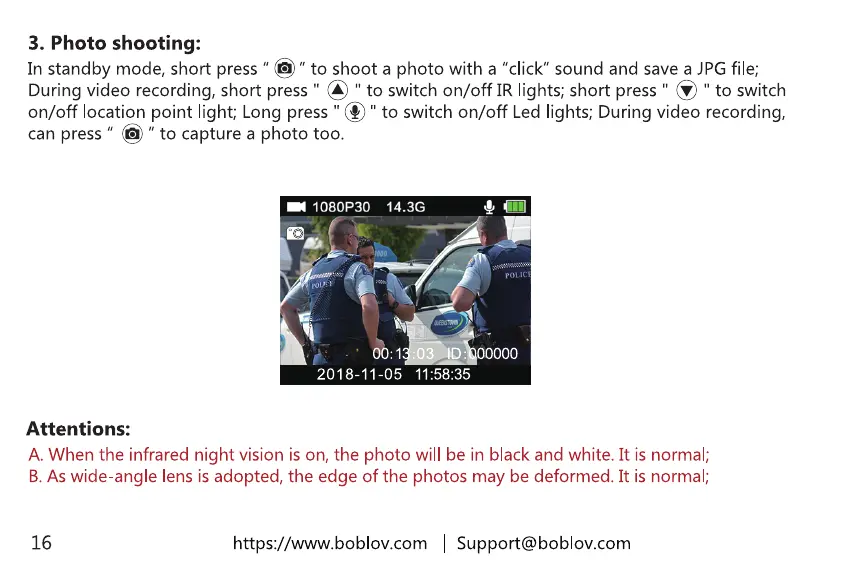
In standby mode,short press" @"to shoot a photo with a "click"sound and savea JPGfile;
Duringvideo recording,short press" @ " to switch on/off IR lights;short press" @ " to switch
on/off location point light; Long press"@"to switchon/off Ledlights; Duringvideo recording,
can press" @ " to capturea photo too.
1080P30 14.3G
00000
2018-11-05
Attentions:
A. When the infrared night vision is on, the photo will be in black and white. It is normal;
B. As wide-angle lens is adopted, the edge of the photos may be deformed. It is normal;
16
https://www.boblov.com I Support@boblov.com



 To Next Page