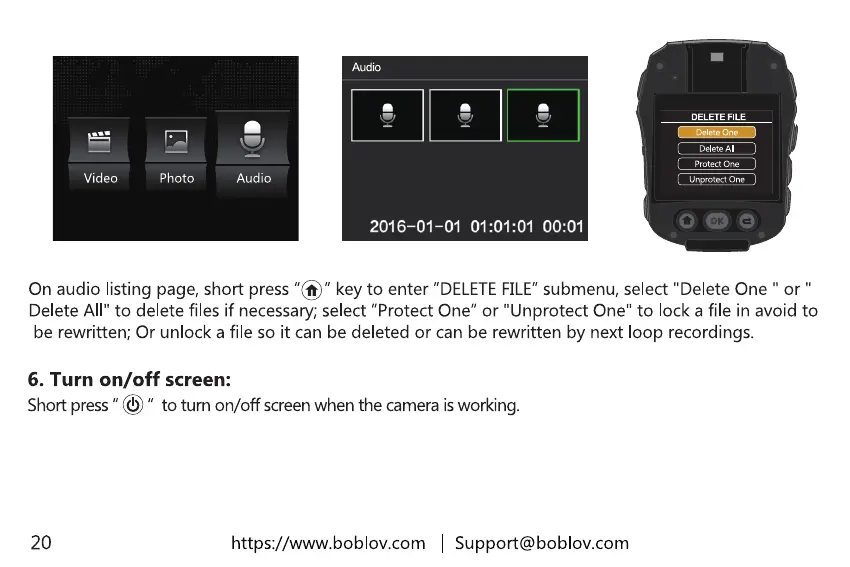
Onaudio listing page,short press"@" keyto enter
"DELETE FILE"
submenu, select "Delete One " or
Delete All" to delete files if necessary; select "Protect One" or "Unprotect One" to lock a file in avoid to
be rewritten; Or unlock a file so it can be deleted or can be rewritten by next loop recordings.
6. Turn on/off screen:
Short press to turn on/off screen when the camera isworking.
20
https://www.boblov.com
I Support@boblov.com



 To Next Page