10
BOBLOV
https://www.boblov.com/ I Email: support@boblov.com
6.6. Audio Recording
This camera is able to record audio independently, when
camera is powered on, short press" O "Button to start
recording a piece of audio, led indicator flashes orange,
press it again to stop recording and save,audio files are
named after the date and time, saved in MP3 format; or
when camera is powered off, long press" 0 "Button for 3
seconds to boot the camera and then it will record a piece
of audio directly.
6.7. Loop Recording
If you enable loop recording feature, when storage is full,
the device will keep recording by covering old data. (Note:
this action will not cover videos which are in protection)
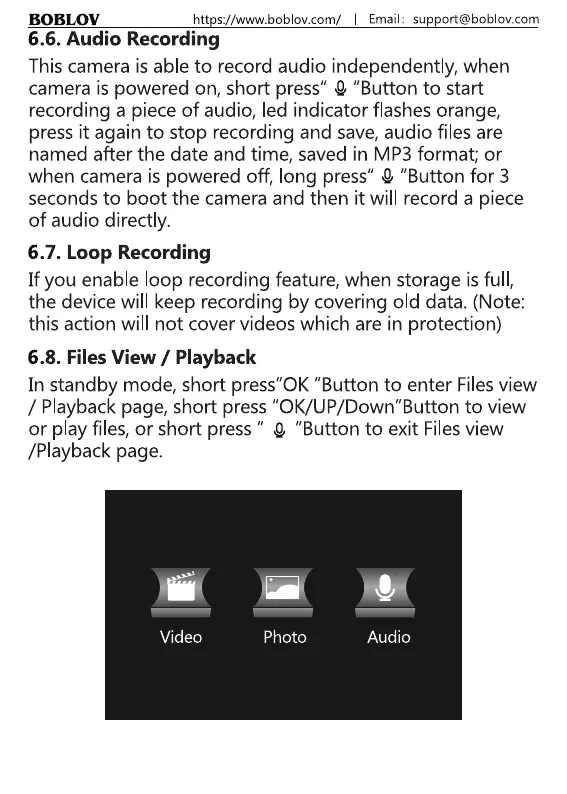
6.8. Files View / Playback
In standby mode, short press"OK "Button to enter Filesview
/ Playback page, short press "0K/UP/Down"Button to view
or play files, or short press " 0 "Button to exit Filesview
/Playback page.
Video Photo
10
Audio



 To Next Page