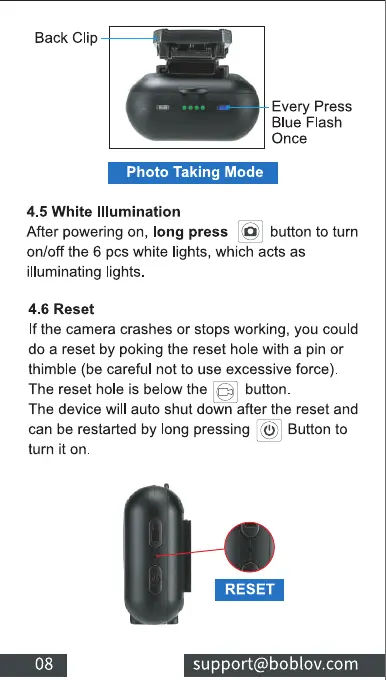
Back Clip
Every Press
Blue Flash
Once
Photo Taking Mode
4.5 White Illumination
Afterpoweringon, longpress @ buttontoturn
on/off the 6 pcs white lights, which acts as
illuminating lights
4.6 Reset
If the camera crashes or stops working, you could
do a reset by poking the reset hole with a pin or
thimble (be careful not to use excessive force).
The reset hole is below the button
The device will auto shut down after the reset and
can be restarted by long pressing Q) Button to
turn it on
08
RESET
support@boblov.com



 To Next Page