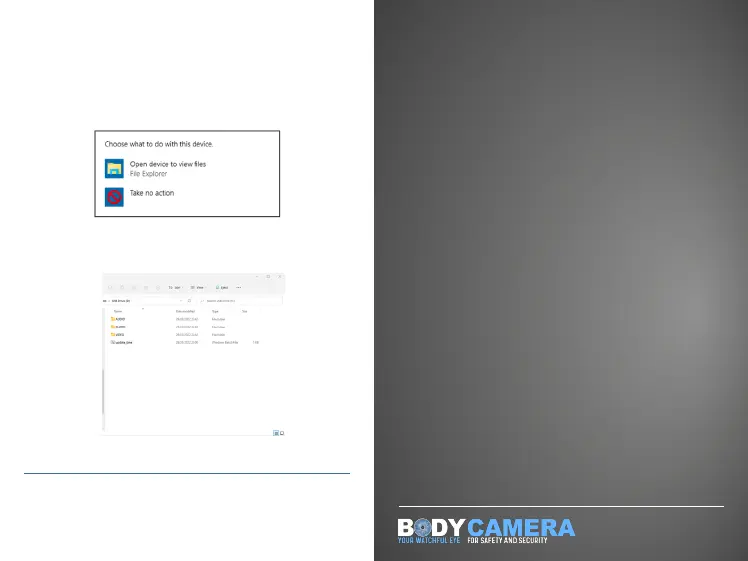
Connect your body camera via the USB cable
provided whilst computer is on the desktop.
You should the recieve a prompt to ‘choose
what to do with this device’.
Click ‘Open device to view files’. Here there
will be three folders in which you can view all
your files.
Please note! Mac is incompatible with this device
Finding your Files on Windows
12
Thank you for taking the time to
read this instruction manual for
your new Boblov X9 body camera.
If you have any further questions,
please feel free to call us on:
0121 456 7800
or email us at
sales@speakit.co.uk



 To Previous Page