Quick Start
Parts and Accessories
Syncing blOck™
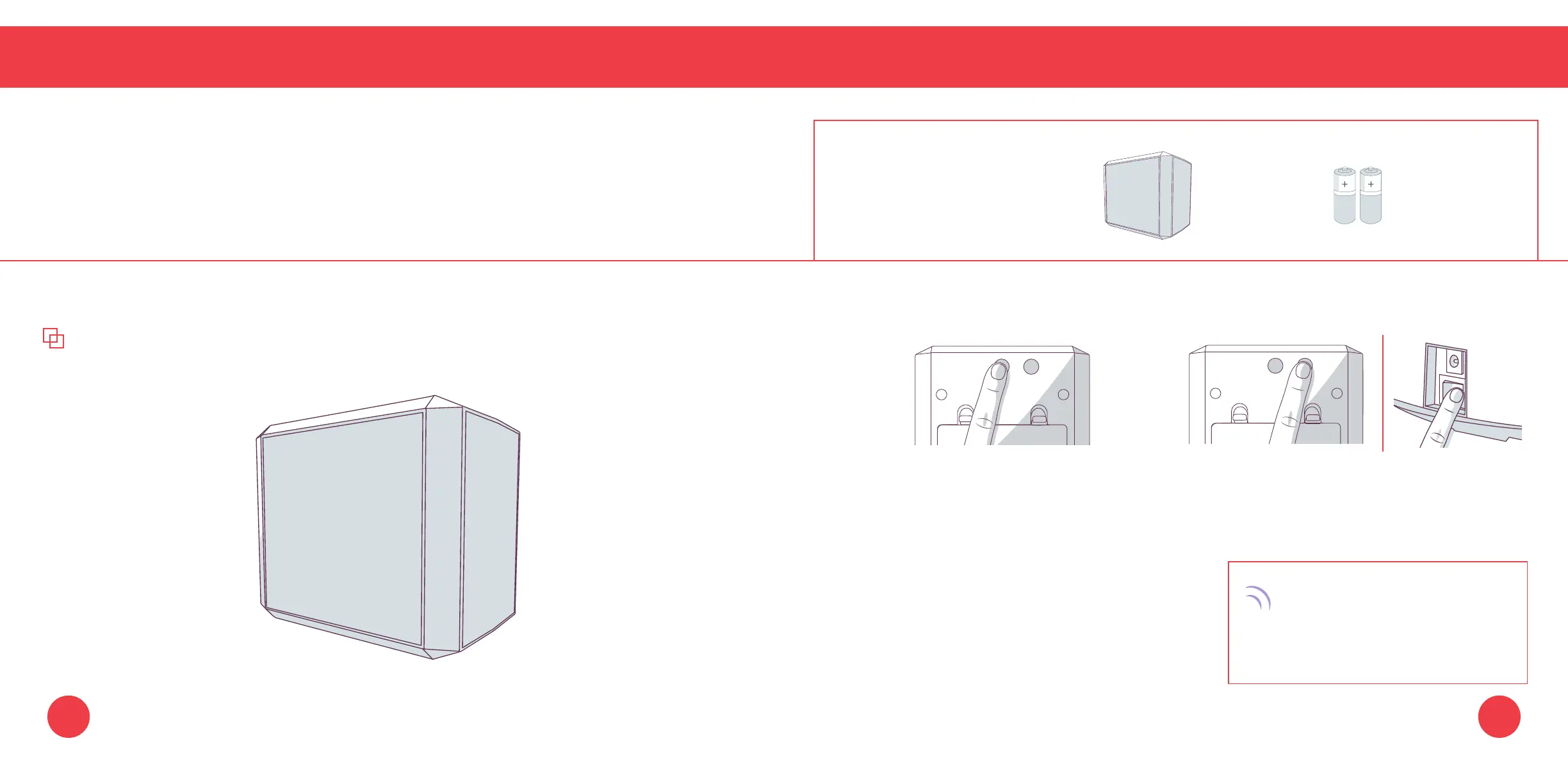
Syncing bObi blOck™
As with bObi’s remote, you will need to sync bObi blOck
™
before using it for the rst time.
1. Press the power button. Wait for the red
light on the front side of bObi blOck
™ to
start slowly blinking before proceeding.
2. Hold down the SYNC button while at the
same time ipping bObi’s power switch ON.
bObi will chirp twice to let you
know the sync was successful.
If bObi does not chirp, repeat
the process.
You can sync multiple blOck
™
accessories with bObi.
Quick Tip:
Parts You’ll Need: bObi AA Batteries x4
blOck
™
(not included)
6463















 To Next Page