Quick Start
Parts and Accessories
Using blOck™
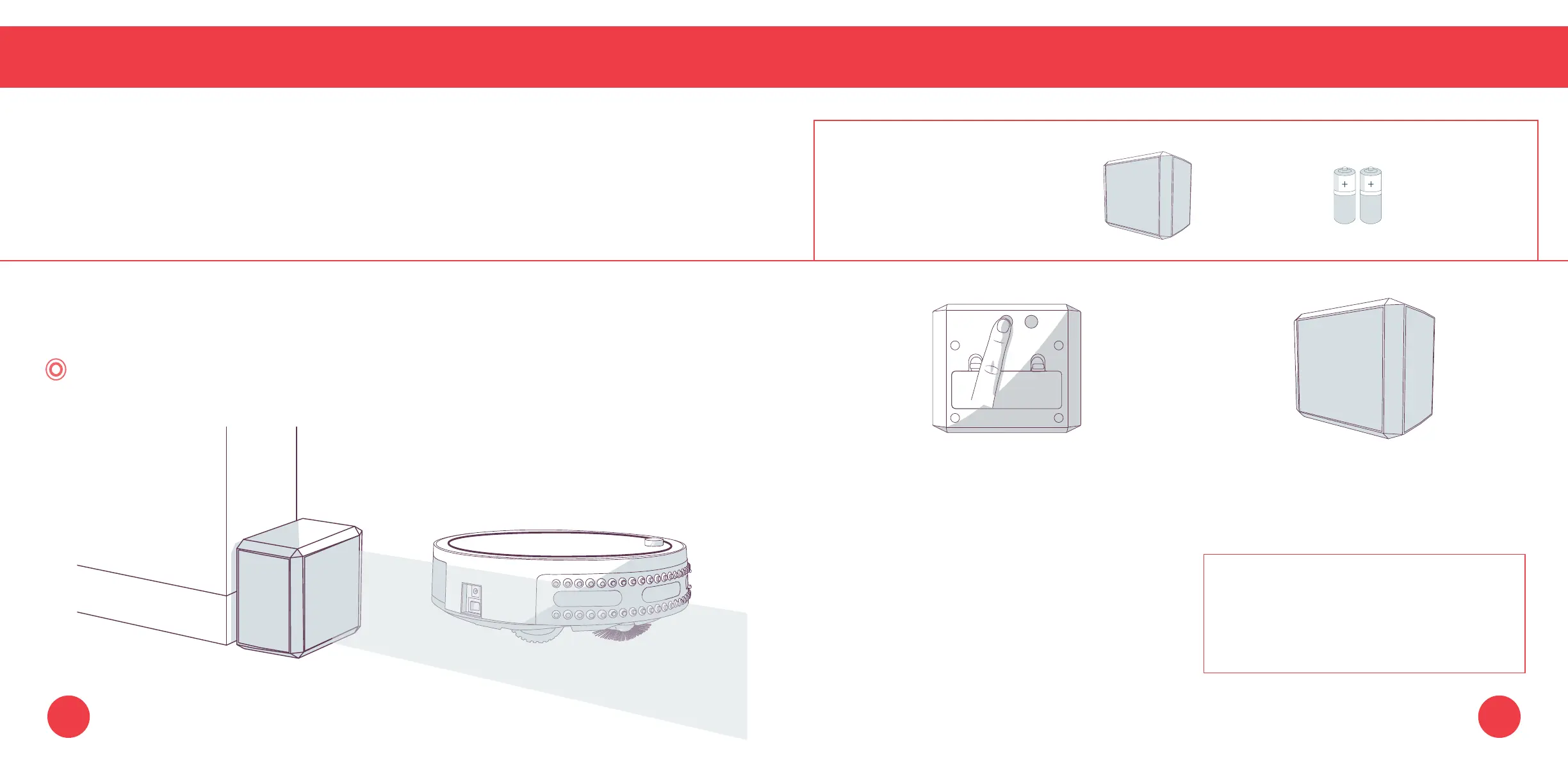
Using bObi blOck™
You can use bObi blOck
™
to create digital barriers that bObi will not cross. bObi blOck
™
emits a 10
foot barrier from its front side.
1. Press the power button. The power
light on the front side will turn on.
2. Position bObi blOck
™
so the area you
do not want bObi to enter is blocked.
Parts You’ll Need: bObi AA Batteries x4
blOck™ (not included)
bObi blOck™ will remain ON for 3 hours
before turning itself OFF. To conserve
battery, turn blOck off when it is not in
use.
The power lights will blink rapidly when bObi blOck
™
is low on battery.
To conserve battery, turn bObi blOck
™
off when it is not in use.
Quick Tip:
Make sure bObi blOck
™
is synced before proceeding.
6665















 To Next Page