cleaning
charging
Oops! I feel there’s something funny
going on with my:
Edge Sensors
Touch Sensors
Left Wheel
Main Brush
Obstacle Sensors
Dustbin
Right Wheel
Mainboard
cleaning
charging
Oops! I feel there’s something funny
going on with my:
Edge Sensors
Touch Sensors
Left Wheel
Main Brush
Obstacle Sensors
Dustbin
Right Wheel
Mainboard
54 55
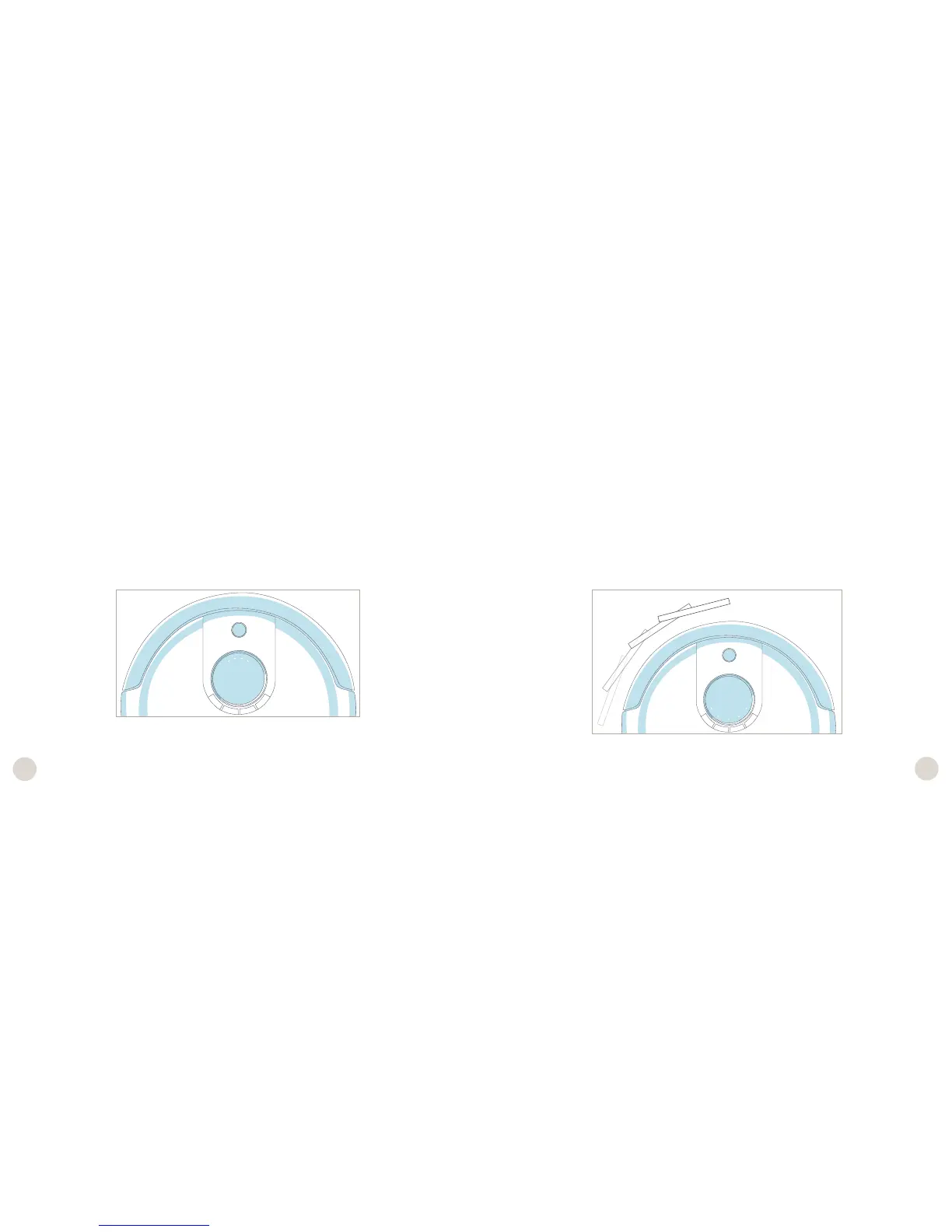
Step One: Edge Sensors
The 4 bars at the top of the screen should be lit on Junior’s display.
Lift Junior about 6 inches (15 cm) off the ground. You should see the 4 bars turn off.
If all 4 bars turn off while Junior is lifted, place Junior back on the floor and continue
on to the next step without pressing any additional buttons.
Step Two: Wall Sensors
Use a thick, flat, and white surface to imitate a wall and drag it around Junior’s bumper.
The 5 bars at the bottom of the screen should light up one at a time as you move your
imitation wall around Junior’s bumper.
If all 5 bars light up, you may move on to the next step of the checkup test. Do not
press any additional buttons.














 To Next Page