SH042-1 User Manual for BodiTrak LT V1.5, 25 Jan 2019
13
BodiTrak Technical Support: 800-847-3157
Enter a name for the image in the ‘comments’ field to the right of the finish
button (Figure 8) and then touch the Snapshot button. A screenshot will be
saved. You can repeat this step up to three more times. If you wish to stop
before all four screenshots are taken simply tap the Finish button.
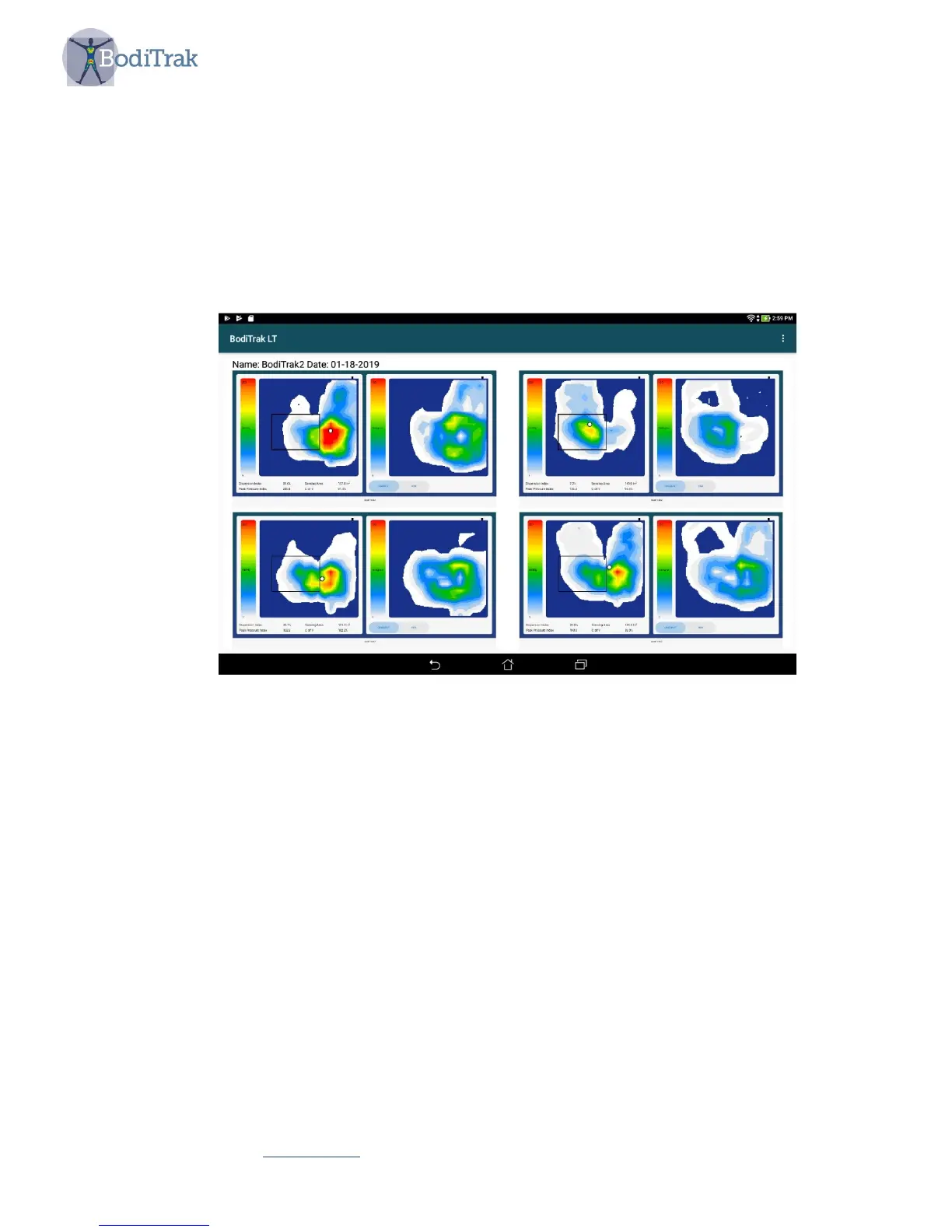
After you have taken the snapshots a screen will appear showing all of the
images together (Figure 9). You can select any one of the images to see an
enlarged view.
Figure 9 – Multiple Comparison Report display
A pdf file is automatically generated. The image can be located by going to the
BodiTrak LT home page and selecting the File Manager icon.



 To Next Page