Alchemist User Manual
4
Reverb
The built-in reverb effects feature studio grade digital processing. The 3-position switch chooses
between:
• PLATE–Emulates a classic studio plate reverb.
• HALL–The sound of a large space.
• SPRING– Classic spring reverb sound.
Whichever reverb you choose:
• REVERB – This knob sets the level of the reverb effect. The reverb signal is applied in
parallel to your dry signal, so your dry signal never goes through the internal effect unit. The
reverbcanbeturnedon/offfromthefootswitch.
Power Switches
The upper switch chooses the full power (40w) or low power (20w) mode, and sets the amp to standby
(poweron,butpowerampisnotdrivingthespeaker).Thelowerswitchturnstheampon/off.
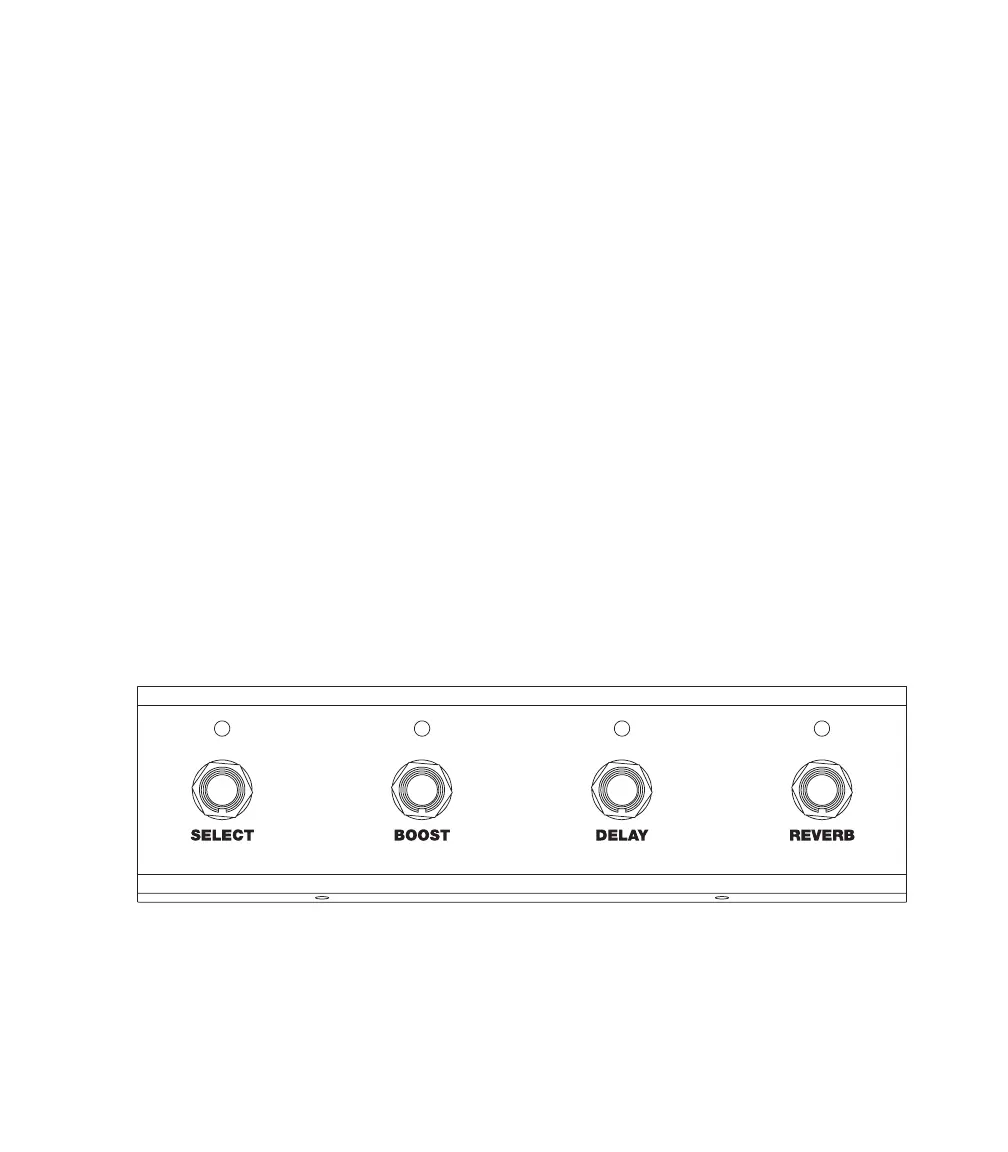
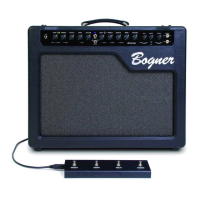
Footswitch
Your amp comes with a 4 button footswitch, which connects using a standard XLR (mic) cable.
• SELECT–Chooses between the 2 channels, overriding the front panel toggle switch.
• BOOST–Turnsbooston/off,overridingthefrontpaneltoggleswitch.
• DELAY–Turnsthedelayeffecton/off.
• REVERB–Turnsthereverbeffecton/off.


 To Next Page