2.3 Accessories List
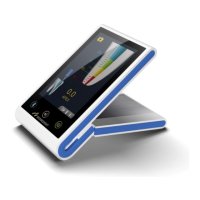
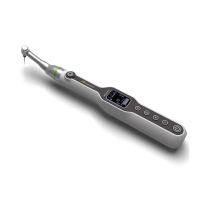
Please see the packing list for the device configuration.
3. User Interface
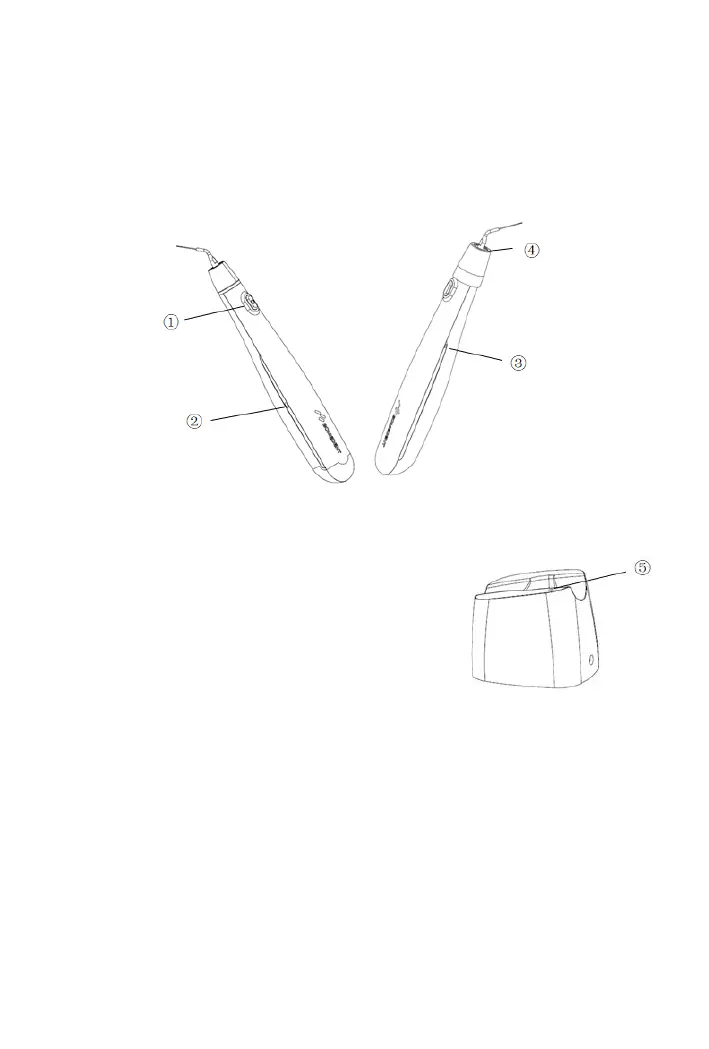
① : switch button with built-in power indicator light
② : battery power indicator light and charging indicator light
③ : bluetooth button with built-in bluetooth indicator light
④ : illuminating light
⑤ : Charging indicator light on charging base
Switch button
:
Power on: when the device is off, press and hold the switch button for 1 second,
and the device will enter the standby state with the ring tone;
Power off: in standby state, press and hold the switch button for 1 second, and the
device will be turned off with the ring tone.
Operation and stop: in standby state, press the switch button for 0.1 seconds, and
the device will enter the working state and start vibrating. Press the switch button


 To Next Page