20
en
BRIGHTNESS OF THE DISPLAY
The brightness of the display depends on the ambient
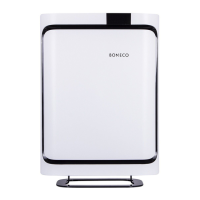
light. The display is dimmed automatically if the BONECO
P700 is used in a dark room (such as a bedroom).
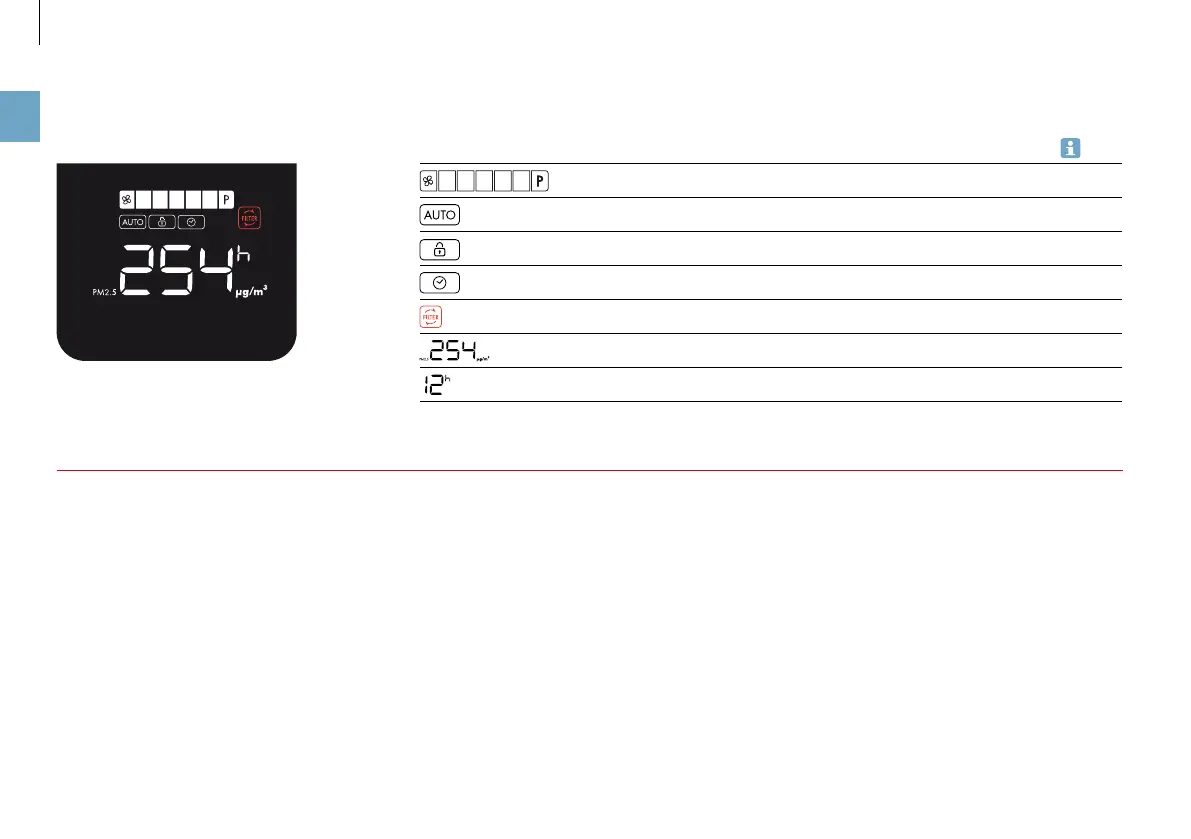
INDICATORS ON THE DISPLAY
Overview of all indicators
on the display
Indicator Meaning
Selected fan level 23
The appliance is running on automatic 23
The child-safety lock is activated 22
ON timer or OFF timer is activated 24
Filter used up, replace 19
Measured fine dust pollution 22
Remaining time indicator for the timer 24
IDLE STATUS
The indicators on the display are hidden after 60 seconds,
with the exception of those indicating fine particle.
The warning for the filter change is not hidden (see page
19).
ACTIVATING THE LIGHTING
Touch any spot on the control panel to activate the display
lighting for at least 60 seconds.



 To Next Page