24
en
TIMER FUNCTION
The timer function lets you determine how long the
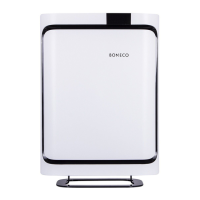
BONECO P700 should run before it switches off auto-
matically (OFF timer).
Alternatively, you can specify a time for when the ap-
pliance switches on automatically (ON timer). Use this
function, for example, to activate the BONECO P700 be-
fore you return home, so that you have the perfect living
climate waiting for you.
The maximum duration of the timer is 12 hours.
SETTING THE OFF TIMER
1. Switch on the BONECO P700 using the button.
2. Select the desired fan power or mode.
3. Press the button repeatedly to set the duration
of the operation (1 to 12 hours).
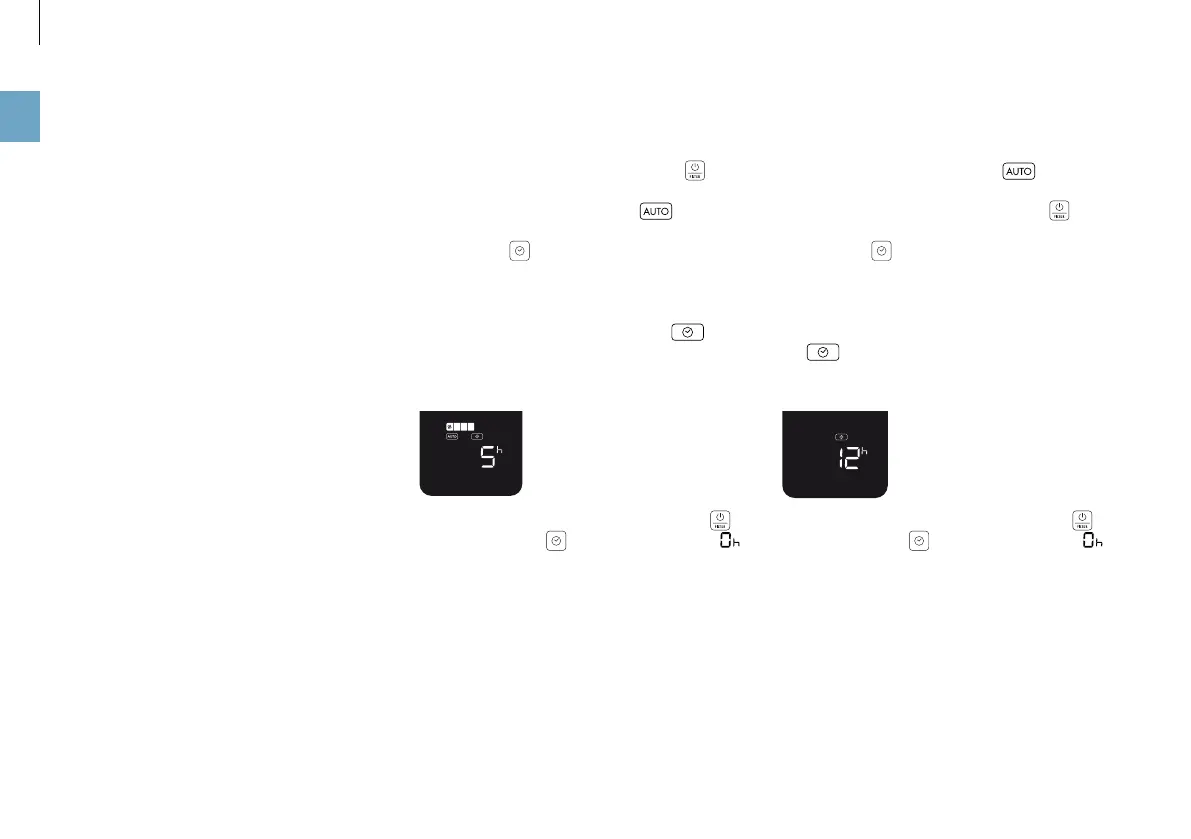
The remaining time is shown on the display for 3 seconds.
After, the fine particle pollution and the icon are
displayed again. The appliance then runs for the speci-
fied period and then switches itself off, in this example,
after 5 hours.
4. To deactivate the OFF timer early, press the but-
ton or press the button again and select .
SETTING THE ON TIMER
1. Select the desired fan power or mode.
2. Switch off the BONECO P700 using the button.
3. Press the button repeatedly to set the period (1
to 12 hours) until the start.
The remaining time until the start is shown on the display
for 3 seconds. Afterwards, the fine particle pollution and
the icon are displayed again. The BONECO P700
switches on after the timer expires and operates with the
selected program, in this example, after 12 hours:
4. To deactivate the ON timer early, press the but-
ton or press the button again and select .
TIMER FUNCTION



 To Next Page