21
en
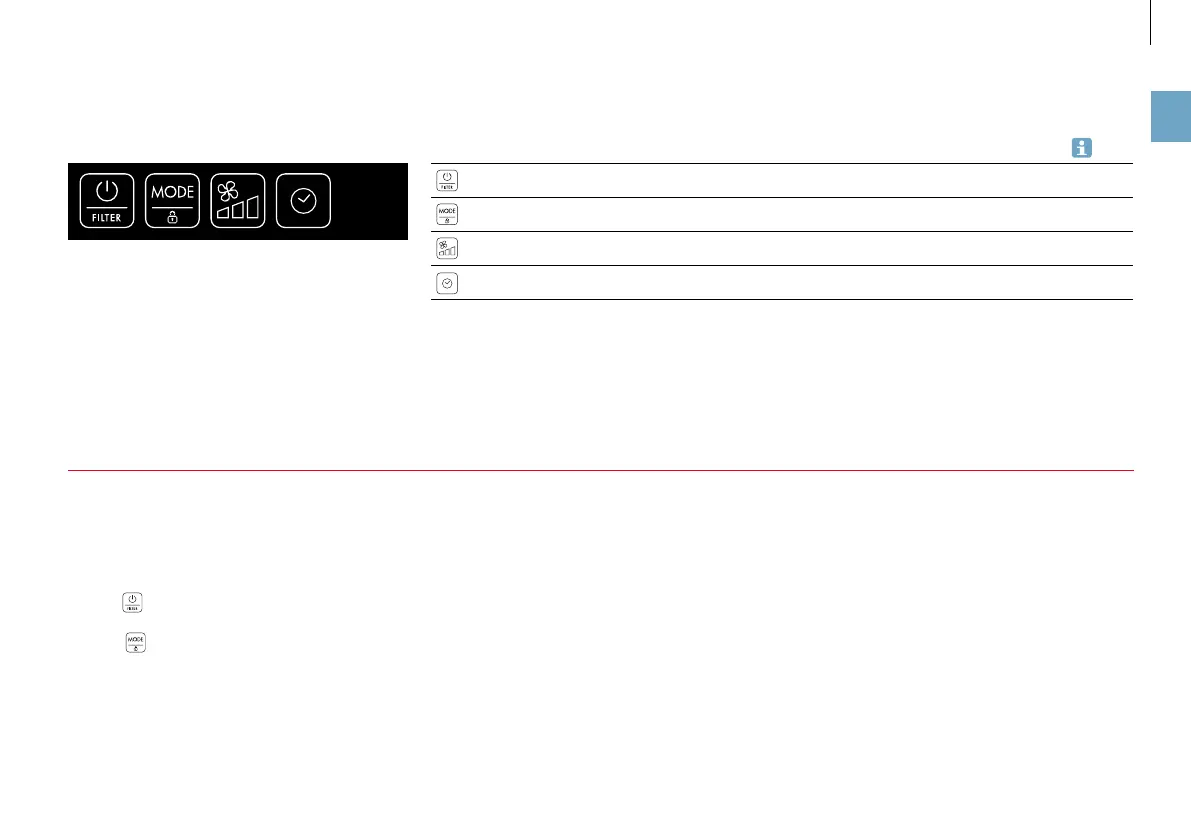
THE CONTROL PANEL
Overview of all buttons
on the control panel
Button Function
On/off switch, clear the filter warning 18, 19
Activate the child-safety lock, change mode 22, 23
Regulate the fan level 23
Activate the timer 24
LIGHTING
All buttons on the control panel are illuminated while the
appliance is being operated. If there is no input within 60
seconds, the lighting is switched off.
•
The icon always remains illuminated.
•
The
icon remains illuminated as long as the
child-safety lock is activated.
ACTIVATING THE LIGHTING
Touch any spot on the control panel to activate the dis-
play and the control panel in its entirety for at least 60
seconds.



 To Next Page