13
en
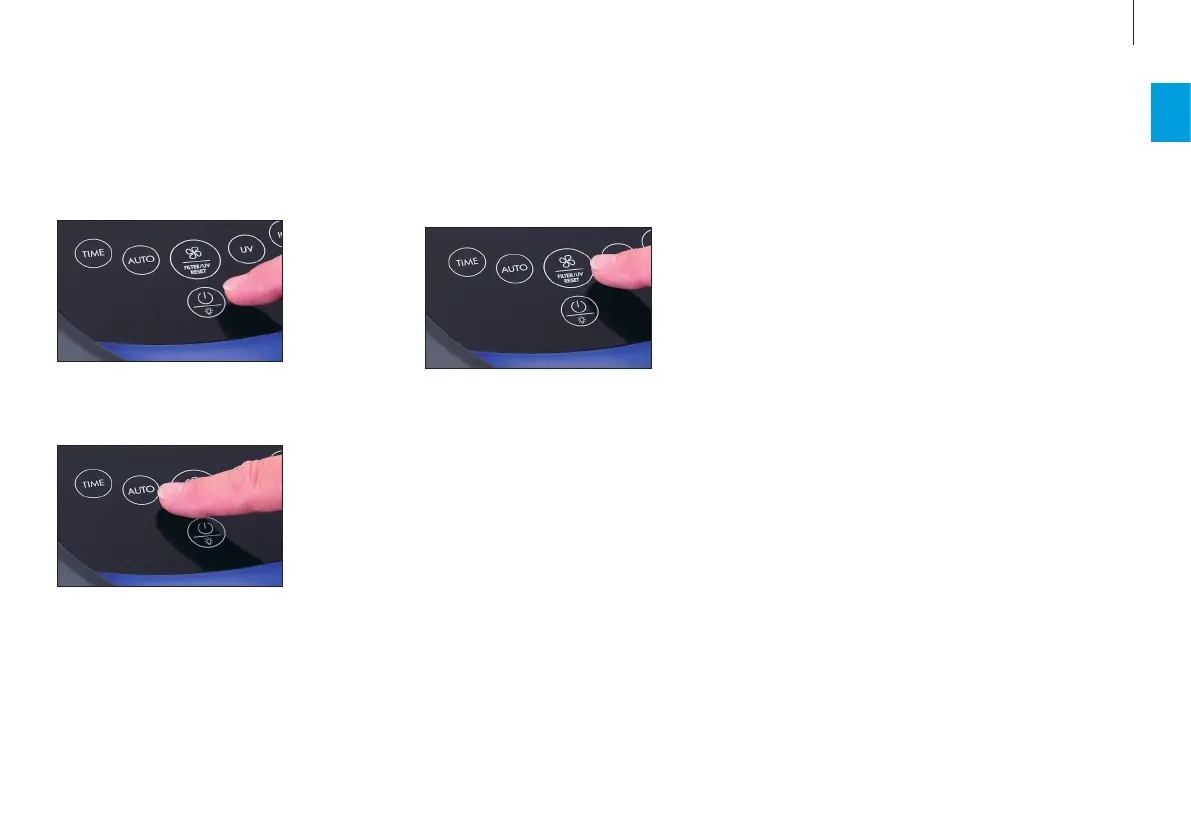
3. To exit automatic mode and switch to manual
mode, tap the button for the performance level.
Each time you tap, you switch between the per-
formance levels: I › II › III › I
The last setting is saved when you switch o the ap-
pliance and restored the next time you switch it on.
On the other hand, if you disconnect the Therapure
TP350 from the power outlet, automatic mode will
be activated the next time you switch the appliance
on.
The Therapure TP350 has an Auto mode in which the
appliance controls its performance independently.
1. Switch on the Therapure TP350.
2. To switch the appliance to Auto mode, tap the
AUTO button. The AUTO indicator appears on the
display.
AUTO MODE AND MANUAL CONTROL


 To Next Page
 Loading...