5
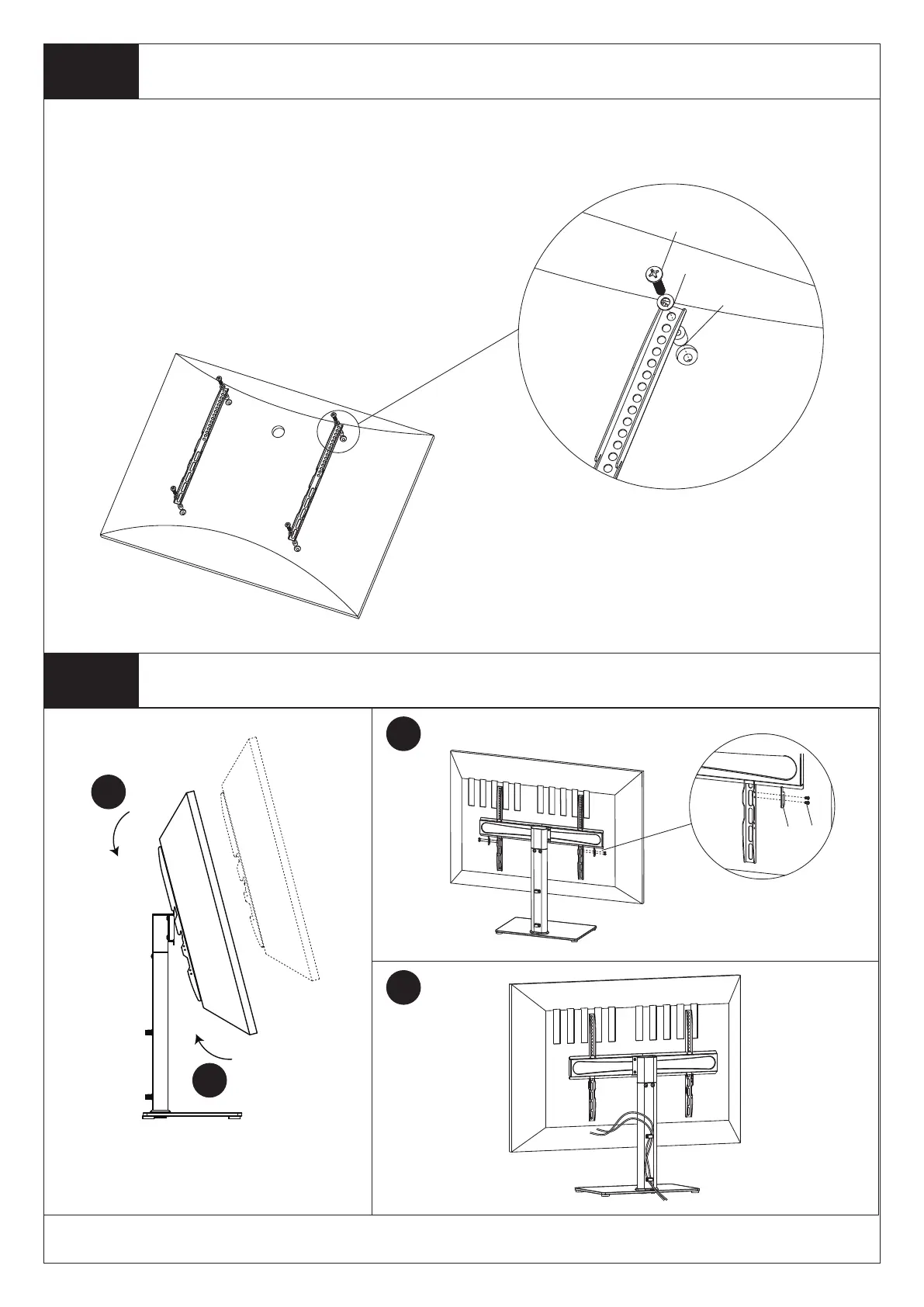
l to q
r,s,t
u,v
y
z
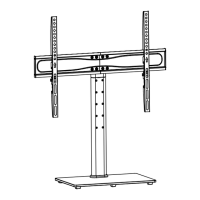
Hang the TV onto Stand, there are two gears
that can be adjusted!
First of all, make sure the diameter of the Bolt(l to q) your TV requires. Once you have determined the correct diameter,
please see the diagram as below. You will thread the Bolt into the TV using the correct Washer(r,s,t), and using the
spacer(u,v) if necessary. Please make sure the Monitor Brackets are vertically centered and level with each other.


 To Next Page