9SYNC 9.7 USER MANUAL - Android Mobile App
DOWNLOAD thE APP BEfORE PAIRINg WIth YOUR ANDROID DEvICE
1. Turn on your fully charged Android device
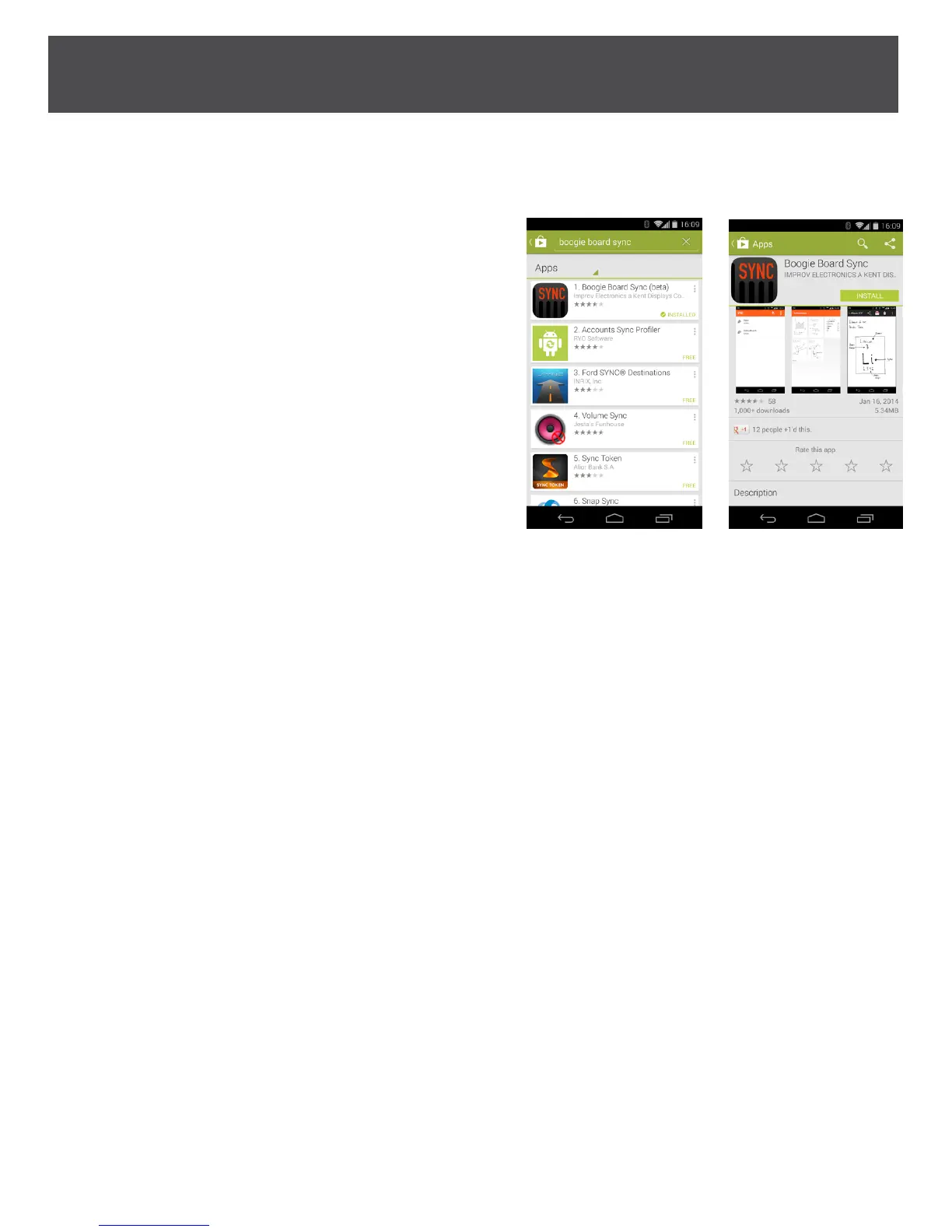
2. If you don’t currently have a Google account set one up
3. On your Android device open the Google Play Store App
a. Search for “boogie board sync” to bring up Boogie
Board Sync eWriter mobile app
b. Select “install” button
c. When a list of permissions comes up, select “accept”
4. Installing may take a few minutes
5. When complete, the Boogie
Board Sync icon appears
on your home screen


 To Next Page