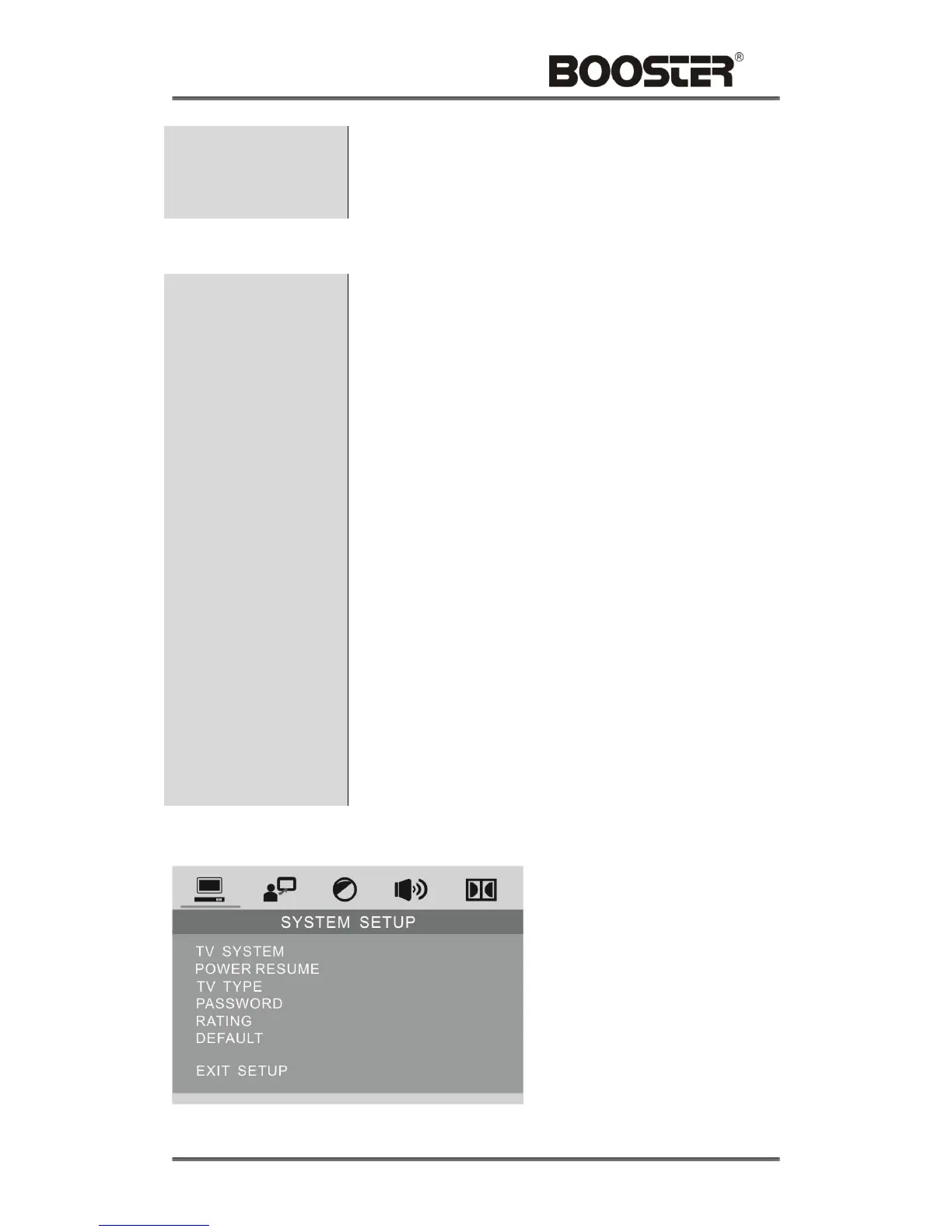
Touch to access the DVD SETUP menu.
Touch the [<] / [>] icons to switch the main menus as
following:
SYSTEM – LANGUAGE – VIDEO – SPEAKER – DIGITAL
Touch the [∧] / [∨] icons to access the submenus from main
menus.
Touch the [∧] icon on the top submenu or [∨] icon on the
bottom of submenu to exit the submenus to main menus.
Touch the [∧] / [∨] icons to select the submenus as your
need.
Touch the [>] or [ENTER] icons to access the items of
submenus.
Touch the [<] icon to exit the items of submenus.
Touch the [∨] / [∧] icons to select the item you want to
change.
Touch the [OK] icon to confirm the item you have selected
and exit to the submenus.
Touch the [OK] icon on the submenu EXIT SETUP to exit the
DVD SETUP Menu and save all settings.


 To Next Page