• To stop the cooking time:
Action Control panel Display
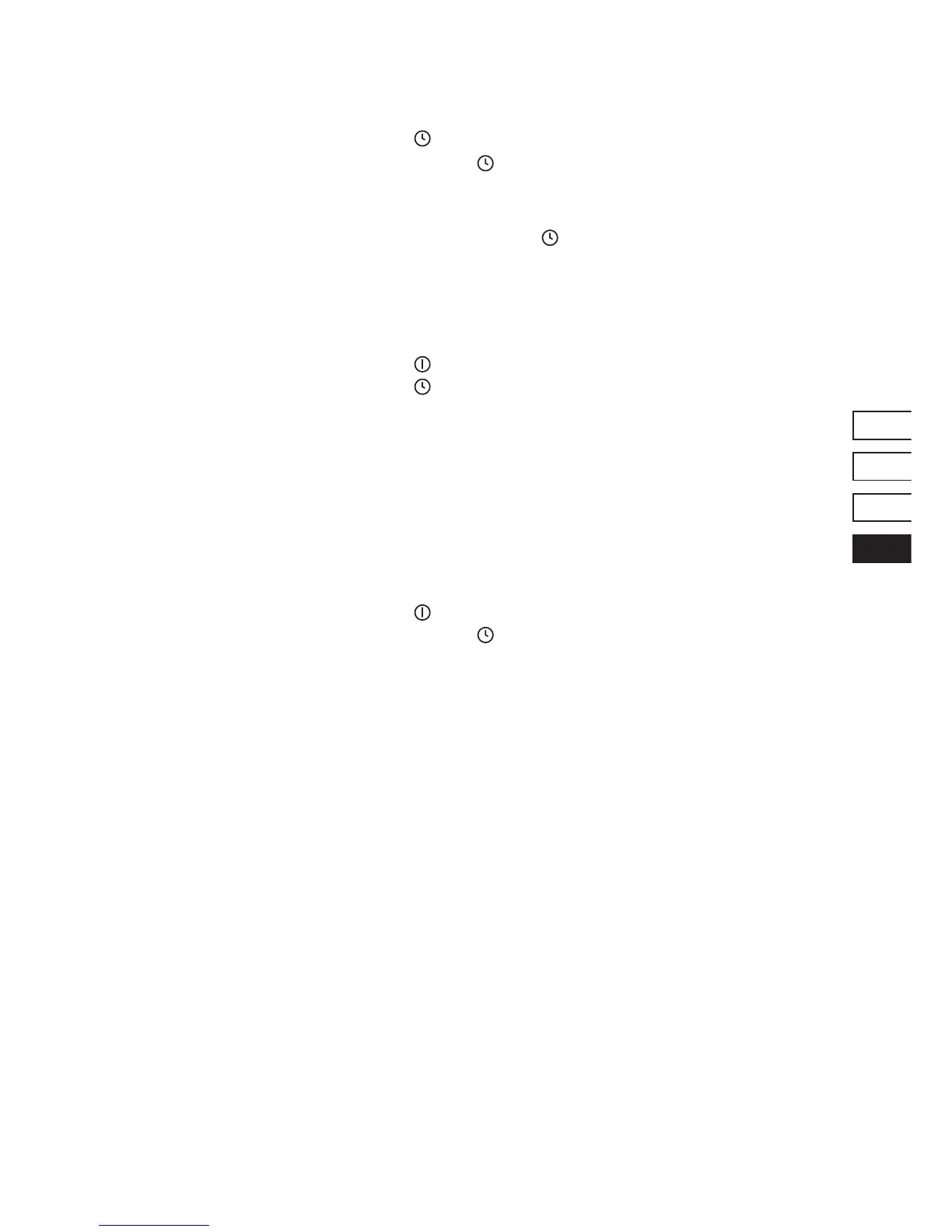
To select « Timer » Press key
[ ]
The remaining time
To stop the « Timer » Press key [ - ] then
[ ]
Displays [ 00 ] then stops
As soon as the selected cooking time is nished the timer displays blinking [00] and a sound rings.
To stop the sound and the blinking it is enough to press the key
[ ]
• Egg timer function
Action Control panel Display
Activate the hob Press key
[ ]
The control light is on
To select « Timer » Press key
[ ]
[ 00 ] minutes
Increase the time Press key [ + ] The time increases…
Decrease the time Press key [ - ] The time decreases…
After a few seconds the control light stops with blinking.
• To stop the egg timer function
Action Control panel Display
Activate the hob Press key
[ ]
Timer light blinking
To stop the « Timer » Press key [ - ] then
[ ]
Displays [ 00 ] then stops


 To Next Page