58
• Start up / switch off the hob:
Action Control panel Display
To start press key [ 0/I ] [ 0 ] are blinking
To stop press key [ 0/I ] nothing or [ H ]
• Start up / switch off a heating zone:
Action Control panel Display
Zone selection press display [ 0 ] selected [ 0 ] and control light on
To set slide on the “SLIDER“ [ 0 ] to [ 9 ]
(adjust the power) to the right or to the left
To stop slide to [ 0 ] on “SLIDER“ [ 0 ] or [ H ]
or press on [ 0 ] [ 0 ] or [ H ]
If no action is made within 20 second the electronics returns in waiting position.
positie.
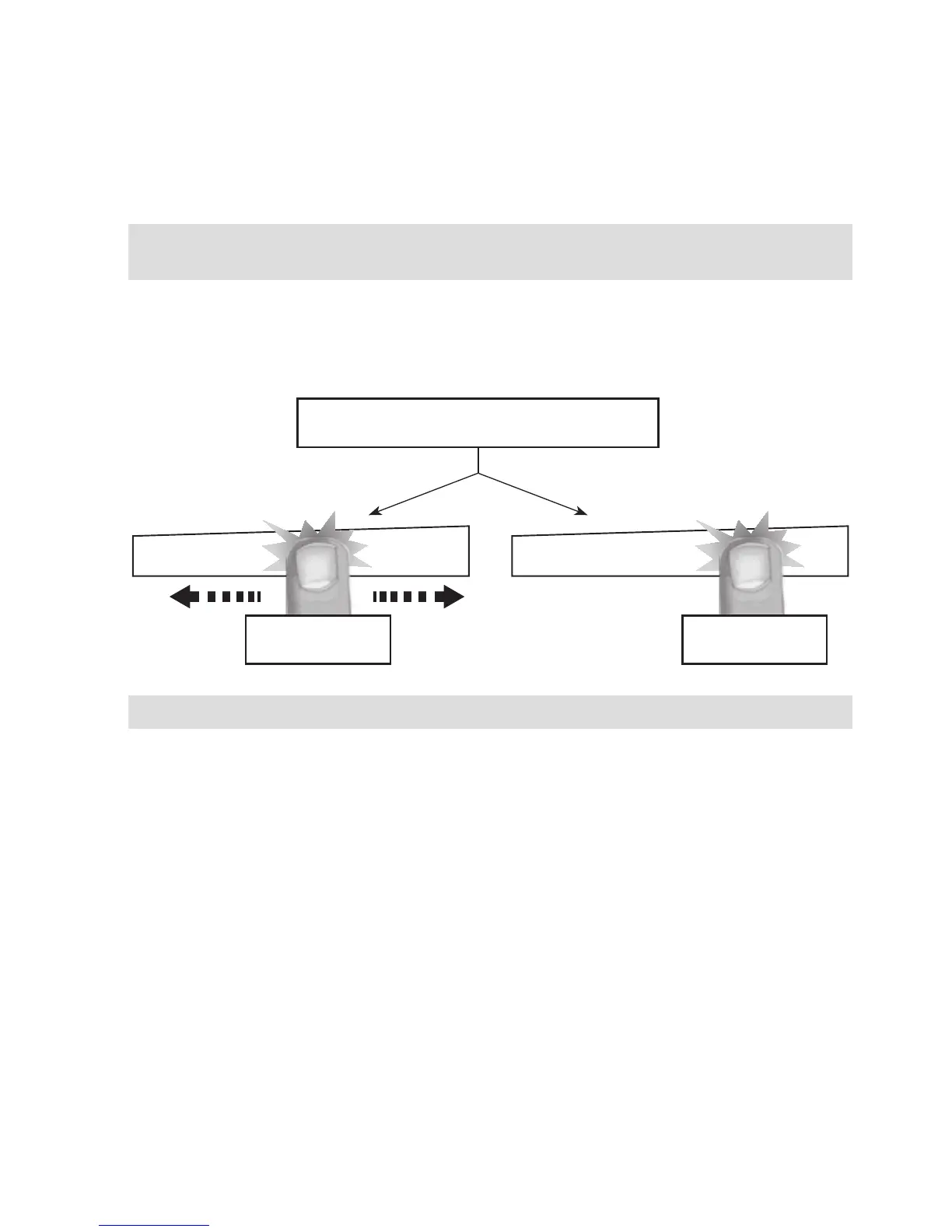
To select the power with the slider, slide your nger on the “SLIDER” zone. You can already have a
direct access if you put your nger directly on the chosen level.
Power selection zone “SLIDER” and timer
setting zone
“SLIDER“ Direct access
Power selection zone “SLIDER” and timer
setting zone
Sensitive touch
Your ceramic hob is equipped with electronic controls with sensitive touch keys. When your nger
presses the key, the corresponding command is activated. This activation is validated by a control
light, a letter or a number in the display and/or a “beep” sound.
In the case of a general use press only one key at the same time.
Starting-up



 To Next Page