Bosch Security Systems
Divar | Installation Manual | Quick install EN | 2-4
QUICK INSTALL MENU >
>> LANGUAGE
• Select the language for the menu from the list.
>> TIME ZONE
• Select a time zone from the list.
>> TIME FORMAT
• Select either a 12 or a 24 hour clock format.
>> TIME
• Fill in the actual time.
>> DATE FORMAT
• Select from three date formats which show either the month (MM), the
day (DD) or the year (YYYY) first.
>> DATE
• Fill in the actual date.
>> ACTIVE CAMS
• Select the cameras you wish to activate. Only activated cameras are
configured after exiting the Quick Install menu. Press the camera keys to
select or deselect a camera. A check mark means selected.
>> ALARM MONITOR
• Select the monitor on which input alarm messages are displayed.
>> RECORDING SETTINGS
• Opens recording settings submenu to fill in the basic recording settings
for the day and weekend/night profiles.
>> NETWORK SETTINGS
• Opens network settings submenu to fill in the settings that control the
behavior of the unit with respect to a network.
>> SAVE & EXIT
• Select this item to load the settings you have made into the unit and exit
the Quick Install.
>> CANCEL
• Select this item to exit the Quick Install without saving.
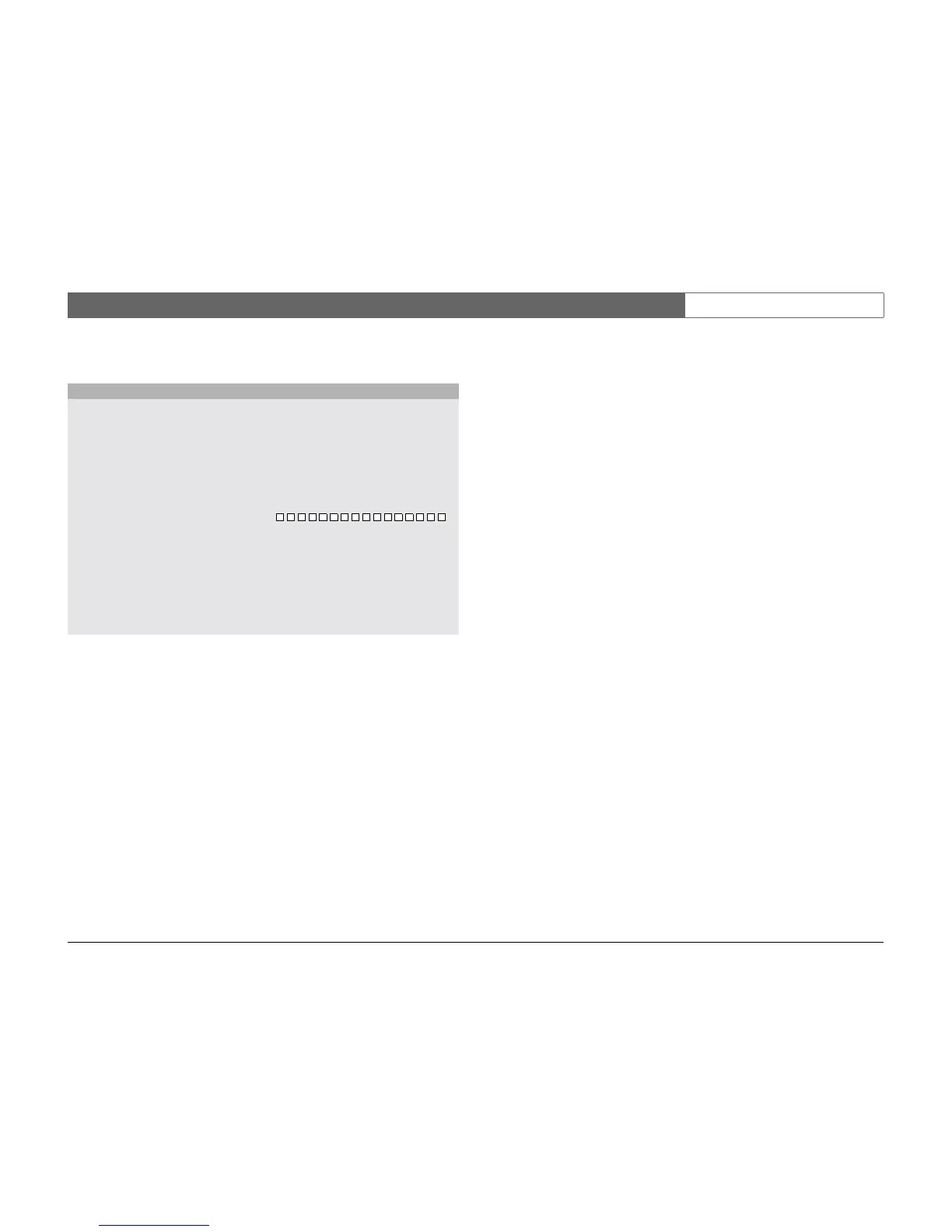
QUICK INSTALL
LANGUAGE ENGLISH
TIME ZONE GMT +01:00 WEST EUROPE
TIME FORMAT 24-HOUR
TIME 19:45:00
DATE FORMAT YYYY-MM-DD
DATE 2002-06-20
1 2 3 4 5 6 7 8 9 10 11 12 13 14 15 16
ACTIVE CAMS
ALARM MONITOR MON A ONLY
RECORDING SETTINGS >
NETWORK SETTINGS >
SAVE & EXIT >
CANCEL



 To Next Page