Robert Bosch LLC M-VCI – NETGEAR® Router Installation Guide Index | Version 1.0 | April 2011
5 | Installation Steps | Step 1
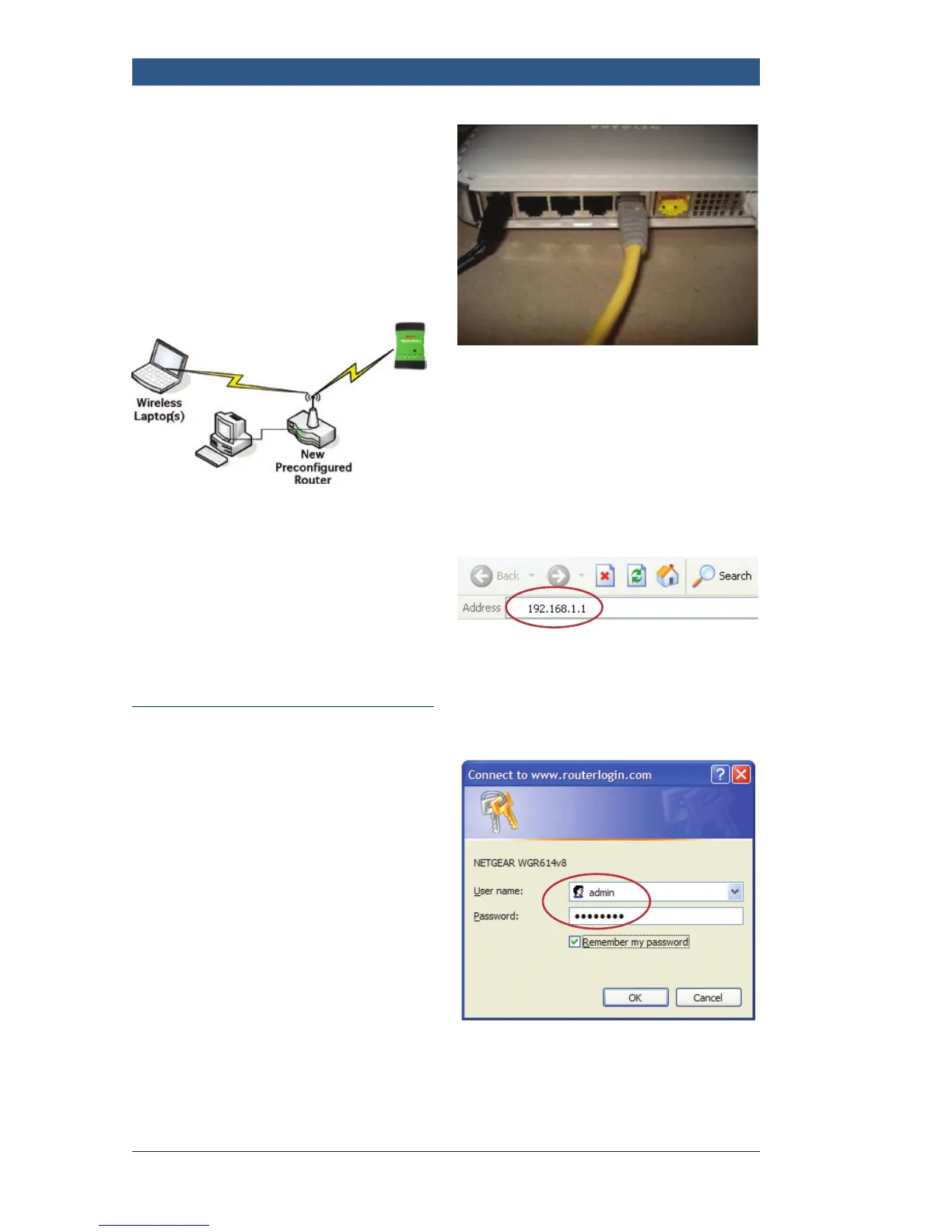
This shows the NETGEAR pre-
configured router installed into a
network (Setup Type II) without
any pre-existing wireless router.
No network changes are necessary
for DSL/cable modem or wired
computers.
This shows the NETGEAR pre-
configured router installed as a
stand-alone device (Setup Type III)
without internet.
Installation Steps
Step 1 - NETGEAR Router
configuration (For: Types I,
II & III) (Getting Started)
f Connect the NETGEAR router
to AC power
f Disable the wireless card on
your computer
f Disconnect all wired network
connections
f Connect the router to the
computer LAN port
f Reboot the computer
(to renew the IP address)
f Open your web browser
f Enter http://192.168.1.1 into
your browser address bar and
press <Enter>
f Enter User Name and Password
– User Name: admin
– Password: password
Note: The router does not need
internet connection at this time.



 To Next Page