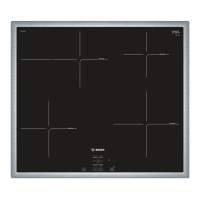
Getting familiar with the appliance
In this section we describe the control panel, elements
and displays.
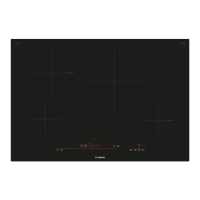
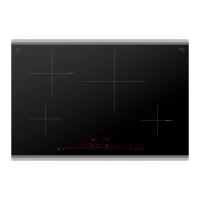
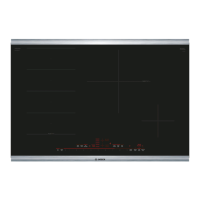
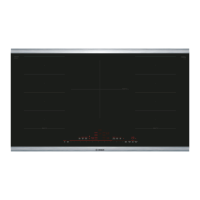
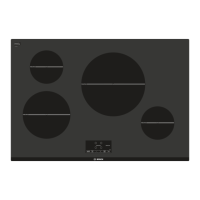
Page 2 contains a list of models and dimensions.
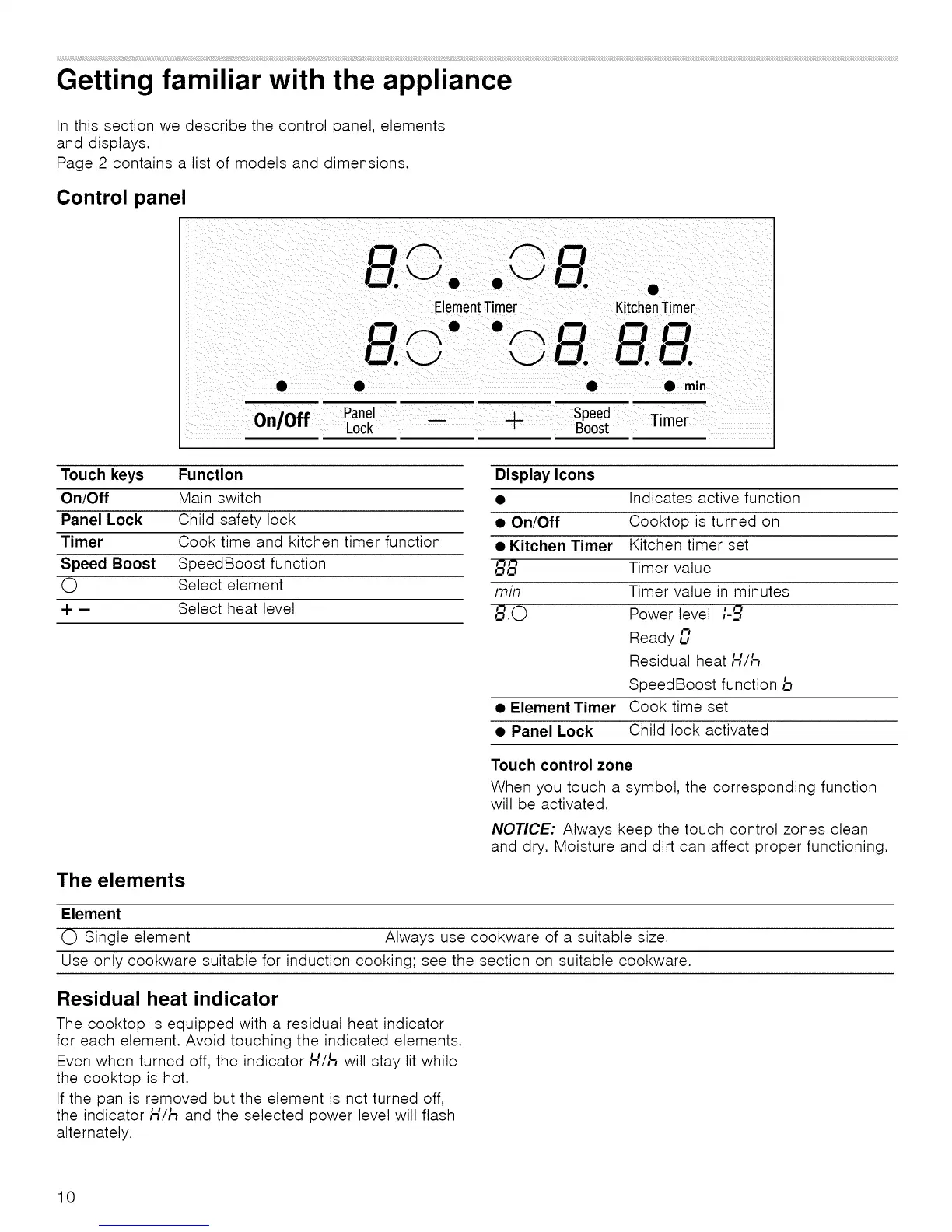
Control panel
or" Oo
121._ • • 121. •
ElementTimer KitchenTimer
!--1 I--I I--I
• • • • min
On/Off Panel __ _4_ Speed
Ti
mer
Lock -- Boost
Touch keys Function
On/Off Main switch
Panel Lock Child safety lock
Timer Cook time and kitchen timer function
Speed Boost SpeedBoost function
O Select element
+ - Select heat level
Display icons
• On/Off
• Kitchen Timer
88
min
8.0
• Element Timer
• Panel Lock
Indicates active function
Cooktop is turned on
Kitchen timer set
Timer value
Timer value in minutes
Power level /-_
Ready Lan
Residual heat H//_
SpeedBoost function b
Cook time set
Child lock activated
The elements
Element
O Single element
Touch control zone
When you touch a symbol, the corresponding function
will be activated.
NOTICE: Always keep the touch control zones clean
and dry. Moisture and dirt can affect proper functioning.
Always use cookware of a suitable size.
Use only cookware suitable for induction cooking; see the section on suitable cookware.
Residual heat indicator
The cooktop is equipped with a residual heat indicator
for each element. Avoid touching the indicated elements.
Even when turned off, the indicator/-{//-_ will stay lit while
the cooktop is hot.
If the pan is removed but the element is not turned off,
the indicator H//_ and the selected power level will flash
alternately.
10


 To Next Page