39
Operation
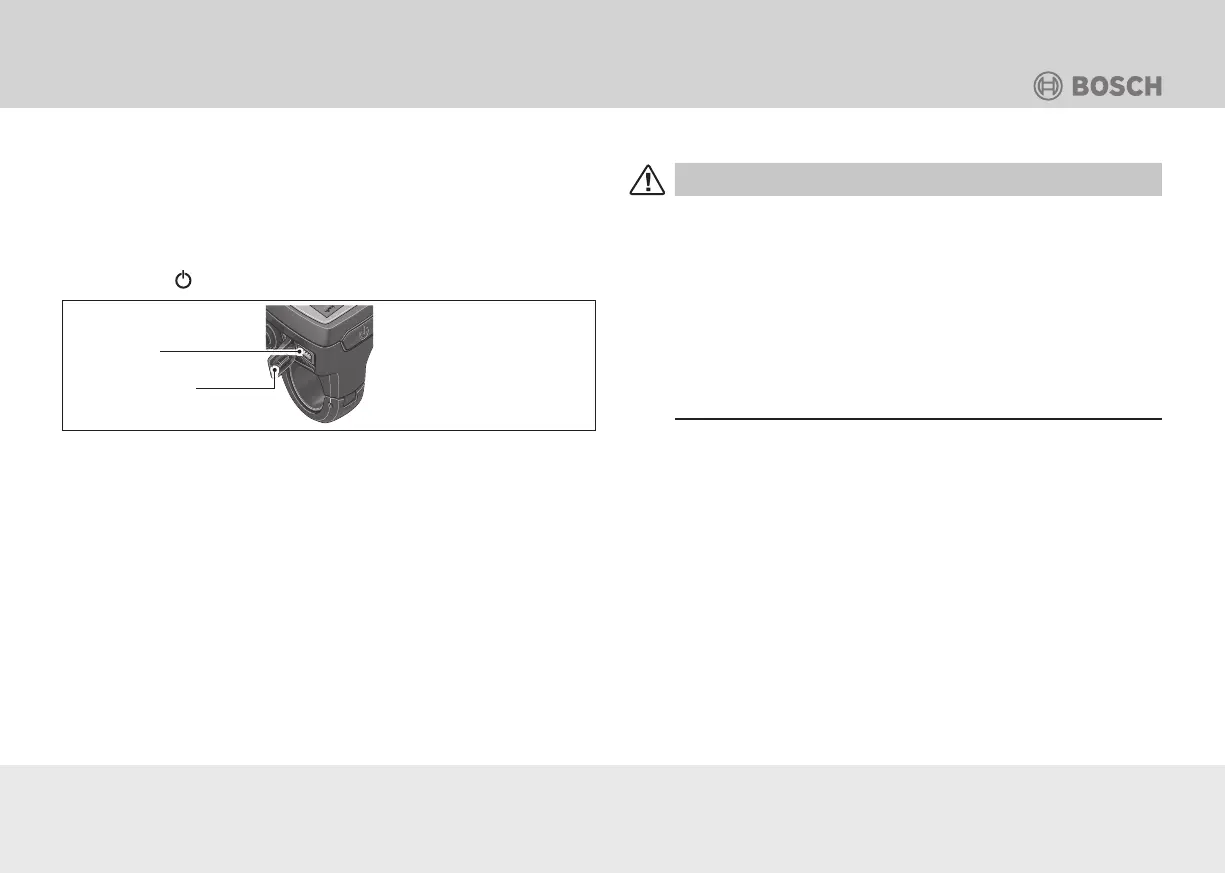
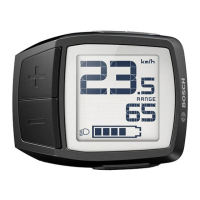
System query with USB
NOTICE: You can use the USB port to connect a diagnosis sys-
tem from the “Purion” model and check the version status of the
subsystem. The USB port has no other function.
1. When the e-bike system is switched off, push both
the - (Minus) and + (Plus) buttons at the same time.
2. Push the
button on the control computer.
Protective cap
USB port
Fig.: B-21 USB port on the Purion control computer.
Walk assistance
CAUTION
Risk of injury!
If used incorrectly, your limbs could get caught in rotating
parts.
• Only use the “Walk assistance” function when pushing
the e-bike.
• Only use the walk assistance on level and solid ground.
• Only use the walk assistance function if the e-bike is on
both wheels.
Walk assistance helps you push the e-bike. With this function,
the speed depends on the selected gear and may reach up to
6 km/h. The lower the gear, the lower the speed in the walk assist
function.
• Activate the walk assistance by tapping the WALK button on
the control unit.
• Press the + (Plus) button within 3 seconds and keep it held in
order to implement the walk assistance.
• The e-bike drive will be activated.




 To Next Page