EasyManua.ls Logo

Bose T1 ToneMatch - User Manual

Bose T1 ToneMatch
62 pages
Print Icon
To Next Page IconTo Next Page
Loading...
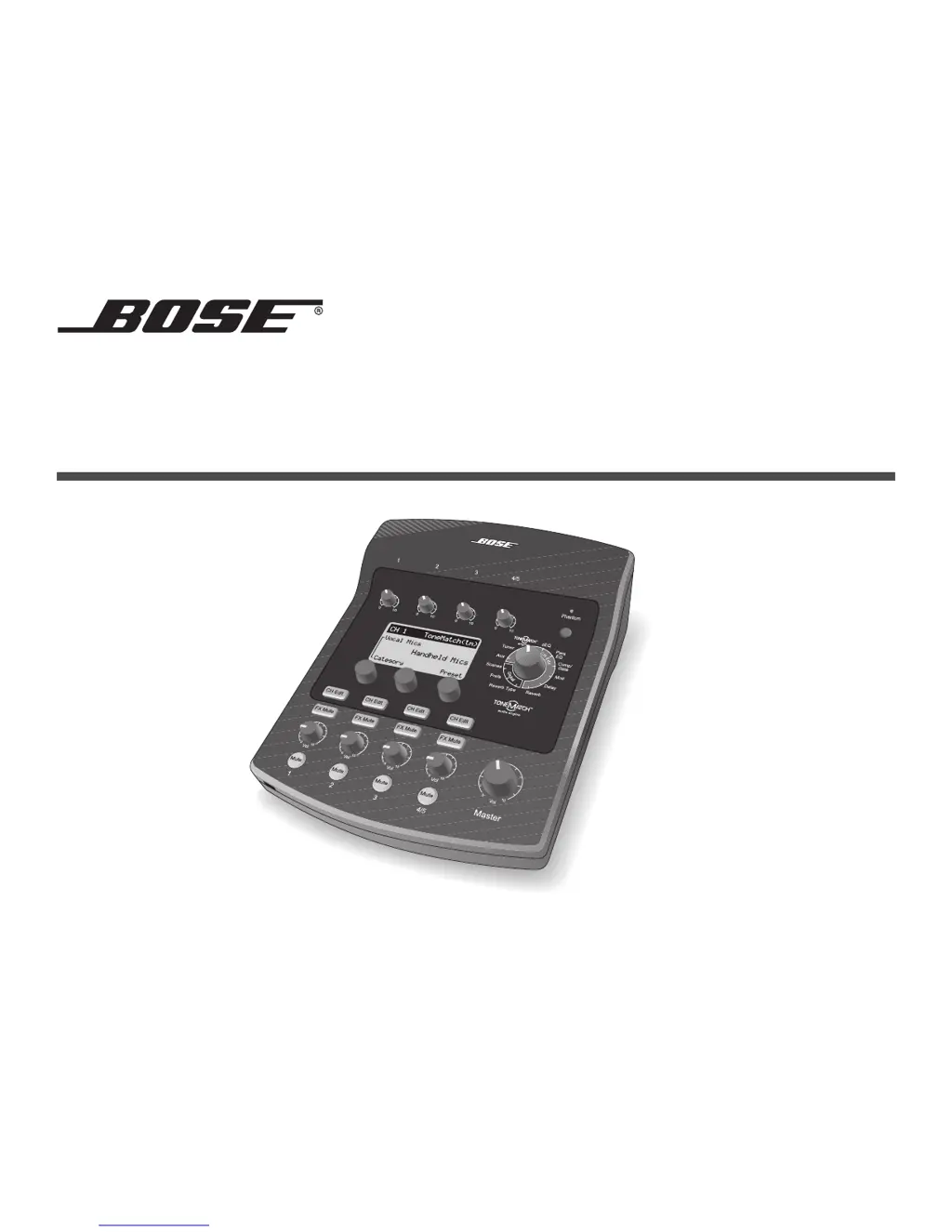
T1 ToneMatch
TM
AUDIO ENGINE
Owner’s Guide

Other manuals for Bose T1 ToneMatch

Questions and Answers

  • J
    Jeremy PhillipsAug 18, 2025
    Why does the master volume control have no effect on my Bose T1 ToneMatch Music Equipment T1?
    • C
      Catherine HoltAug 18, 2025
      Ensure the Master output is set to 'Post Master Volume' in the Prefs menu under Master Out. This setting allows the master volume control to function correctly.
  • T
    Theresa JonesAug 20, 2025
    What to do if my Bose T1 ToneMatch Music Equipment T1 is on, but there is no sound?
    • H
      Hailey PopeAug 20, 2025
      To troubleshoot no sound: * Ensure the Master volume is up and input channels aren't muted. * Check individual channel volumes and trim until the green LED is lit, indicating a strong signal. * Verify signal presence using the Prefs Input and Output level meters. * Confirm the input source volume is up and try different cables or plugging the source directly into the L1 power stand or another amplifier. * Power cycle the audio engine by turning it off for 30 seconds, then back on.
  • C
    Christopher MontesAug 23, 2025
    How to stop microphone feedback on Bose T1 ToneMatch Music Equipment T1?
    • B
      Brittany MorenoAug 23, 2025
      To eliminate microphone feedback with your Bose Music Equipment T1: * Reposition the microphone so it doesn't directly face the L1 loudspeaker. * Try using a different microphone or adjust the positions of the L1 system and vocalist. * Increase the distance between the L1 system and the microphone. * Reduce high frequencies using the zEQ on the microphone channel. * Use the Para EQ to notch out specific feedback frequencies. * Temporarily disable audio effects (Mod, Delay, Reverb) to see if they contribute to the feedback.
  • M
    Melissa ThompsonAug 26, 2025
    Why is the sound quality poor from my microphone or instrument connected to Bose T1 ToneMatch T1?
    • M
      Ms. Melissa CrosbyAug 26, 2025
      To resolve poor sound quality from a microphone or instrument connected to your Bose Music Equipment T1: * Ensure there's no unwanted zEQ or Para EQ equalization applied. * Verify you've selected the appropriate ToneMatch engine preset, or set ToneMatch to Flat. * Confirm there are no unwanted effects active (check the Status in the Prefs menu). * Adjust the T1 input Trim properly (green LED indicates a good signal; lower Trim if the LED is red). * Try a different microphone or instrument cable, ensuring it's fully inserted. * Check the settings on your microphone or instrument and the batteries, if any.
  • A
    Alexander TannerAug 30, 2025
    What to do if I am not hearing any effects on my Bose T1 ToneMatch T1?
    • G
      gregoryrichardsAug 30, 2025
      To fix not hearing any effects on your Bose Music Equipment T1: * Verify you've pressed the correct CH Edit button. * Ensure the FX Mute button is not pressed for the channel you're working with.
  • G
    glenn56Sep 1, 2025
    Why is there a hum or buzz from my Bose Music Equipment L1 system with nothing plugged into the T1?
    • V
      Veronica VaughnSep 1, 2025
      To address a slight hum or buzz from the L1 system when nothing is plugged into the T1 input connectors: * Plug both the T1 and the L1 power stand into the same AC outlet. * Use an AC outlet tester to check for reversed or open contacts in the outlet. * If using an extension cord, test the cord as well.
  • C
    cassidydaltonSep 3, 2025
    What to do if my Bose Music Equipment T1 is not responding to control knobs?
    • J
      josephcolonSep 3, 2025
      To resolve the issue of the Bose Music Equipment T1 not responding to control knobs, turn off the audio engine, wait 30 seconds, and then turn it back on.
  • C
    Christopher HarrisSep 8, 2025
    How to adjust bass, mid-range, or high frequencies on Bose Music Equipment T1?
    • J
      Juan GarciaSep 8, 2025
      To correct too much or not enough bass, mid-range, or high frequencies on your Bose Music Equipment T1: * Ensure there is no unwanted zEQ or Para EQ equalization applied. * Verify that you have selected an appropriate ToneMatch engine preset for your microphone/instrument. If you do not want to use a ToneMatch engine preset, make sure ToneMatch is set to Flat in the Utility category.
  • C
    Christina JonesSep 12, 2025
    Why does my stereo recording sound poor on Bose T1 ToneMatch Music Equipment T1?
    • P
      paulromeroSep 12, 2025
      To troubleshoot poor-sounding playback of a stereo recording using a CD player, MP3 player, or similar device on your Bose Music Equipment T1: * Connect the left channel to T1 input channel 4 and the right channel to T1 input channel 5, as these are designed for line-level inputs. * Disable any extended bass or EQ features on your CD or MP3 players. * If using recording software, configure the software settings for 48kHz/24-bit operation. * If using the T1 with an L1 model I system: Avoid using a female 1/8" stereo-to-male ¼" stereo adapter; instead, use a stereo-to-monaural adapter.
  • D
    Daniel MarquezSep 13, 2025
    Why does the aux output not sound right on my Bose T1 ToneMatch Music Equipment T1?
    • B
      burtoncharlesSep 13, 2025
      To resolve issues with the Aux output on the Bose Music Equipment T1: * Check that the Aux output is configured for the desired tap point for each input channel. * Verify that each input assigns the desired signal level to the Aux output. Note that reverb is not sent through the Aux output, regardless of the tap point.

Summary

Safety Information and Precautions

General Safety Warnings

Essential warnings about product use, including exposure to moisture and heat.

Important Safety Instructions

A comprehensive list of safety guidelines and precautions for operating the device.

System Setup and Connections

Connecting to L1 Model II

Steps for connecting the T1 ToneMatch audio engine to an L1 model II power stand.

Connecting to L1 Model I

Guidelines for connecting the T1 ToneMatch audio engine to an L1 model I power stand.

Operating the T1 ToneMatch Audio Engine

Optimizing Input Gain and Volume

Guides users on setting input levels for optimal sound quality and system balance.

Master Volume and Muting

Explains controlling overall output volume and silencing individual channels or effects.

Editing Channel Sound

Covers selecting ToneMatch presets, adjusting zEQ, and fine-tuning with Para EQ.

Effects Processing

Describes how to apply Comp/Gate, Mod, Delay, and Reverb effects to channels.

Scene Management

Instructions for loading, saving, and sharing custom performance scenes for the T1.

Detailed Factory Settings Values

Care & Maintenance

Troubleshooting Guide

Offers solutions to common problems encountered while using the T1 ToneMatch audio engine.

Bose T1 ToneMatch Specifications

General IconGeneral
Sample rate48 kHz
Channels quantity- channels
Digital sound processing- bit
DJ mixer-
BacklightYes
Backlight colorBlue
Windows operating systems supportedWindows 2000, Windows 2000 Professional, Windows XP Home, Windows XP Home x64, Windows XP Professional, Windows XP Professional x64
Weight and Dimensions IconWeight and Dimensions
Depth208.9 mm
Width165.5 mm
Height67.6 mm
Weight970 g