EasyManua.ls Logo

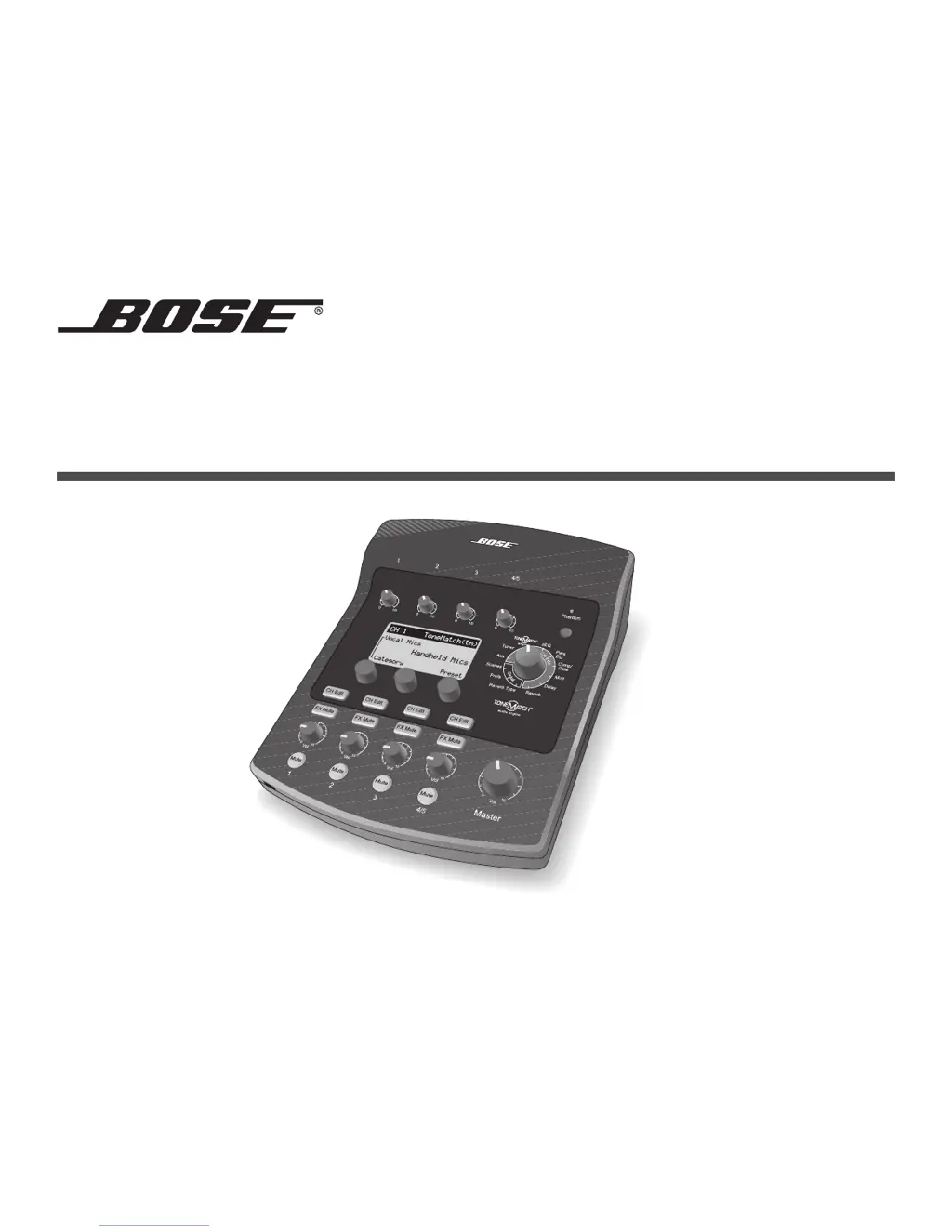
Bose T1 ToneMatch - User Manual

Bose T1 ToneMatch
62 pages
Print Icon
To Next Page IconTo Next Page
Loading...
T1 ToneMatch
TM
AUDIO ENGINE
Owner’s Guide

Other manuals for Bose T1 ToneMatch

Questions and Answers

  • D
    Dr. Michele EdwardsSep 15, 2025
    What to do if my Bose Music Equipment T1 is plugged in, power switch is on, but no power?
    • J
      Jacqueline MoralesSep 15, 2025
      To troubleshoot a Bose Music Equipment T1 that is plugged in but has no power: * Ensure the AC outlet has power by testing it with another device or an AC outlet tester. * If using with an L1 Model II system: Check the ToneMatch cable connection, ensure the power cord is fully inserted, and verify the L1 power stand is on with a blue LED. * If using with an L1 Model I system: Check the audio engine connection, ensure the power supply cord is fully inserted, and try a different power supply if available.
  • T
    Timothy FloresNov 27, 2025
    How to fix Bose Music Equipment T1 when unable to send audio from a computer via USB?
    • W
      William WilsonNov 27, 2025
      To resolve the issue of not being able to send audio from a computer to the Bose Music Equipment T1 via USB: * Check that the USB cable is correctly connected to both the audio engine and the computer. * Try using a different USB cable to rule out a faulty cable. * Ensure that the audio engine is powered on. * Confirm that the computer is playing audio and that the audio setting is not disabled. * Verify that the USB signal is assigned to the correct audio engine inputs in the “PC to USB” settings in the Prefs menu. * Ensure that the audio engine input channels assigned to the incoming USB signal are not muted and that their volume controls are turned up. * Make sure that the Trim control for the appropriate input channel is turned up sufficiently so that the green LED is l...

Summary

Safety Information and Precautions

General Safety Warnings

Essential warnings about product use, including exposure to moisture and heat.

Important Safety Instructions

A comprehensive list of safety guidelines and precautions for operating the device.

System Setup and Connections

Connecting to L1 Model II

Steps for connecting the T1 ToneMatch audio engine to an L1 model II power stand.

Connecting to L1 Model I

Guidelines for connecting the T1 ToneMatch audio engine to an L1 model I power stand.

Operating the T1 ToneMatch Audio Engine

Optimizing Input Gain and Volume

Guides users on setting input levels for optimal sound quality and system balance.

Master Volume and Muting

Explains controlling overall output volume and silencing individual channels or effects.

Editing Channel Sound

Covers selecting ToneMatch presets, adjusting zEQ, and fine-tuning with Para EQ.

Effects Processing

Describes how to apply Comp/Gate, Mod, Delay, and Reverb effects to channels.

Scene Management

Instructions for loading, saving, and sharing custom performance scenes for the T1.

Detailed Factory Settings Values

Care & Maintenance

Troubleshooting Guide

Offers solutions to common problems encountered while using the T1 ToneMatch audio engine.

Bose T1 ToneMatch Specifications

General IconGeneral
Sample rate48 kHz
Channels quantity- channels
Digital sound processing- bit
DJ mixer-
BacklightYes
Backlight colorBlue
Windows operating systems supportedWindows 2000, Windows 2000 Professional, Windows XP Home, Windows XP Home x64, Windows XP Professional, Windows XP Professional x64
Weight and Dimensions IconWeight and Dimensions
Depth208.9 mm
Width165.5 mm
Height67.6 mm
Weight970 g