EasyManua.ls Logo

Boss Audio Systems 508UAB - User Manual

Boss Audio Systems 508UAB
16 pages
Print Icon
To Next Page IconTo Next Page
Loading...
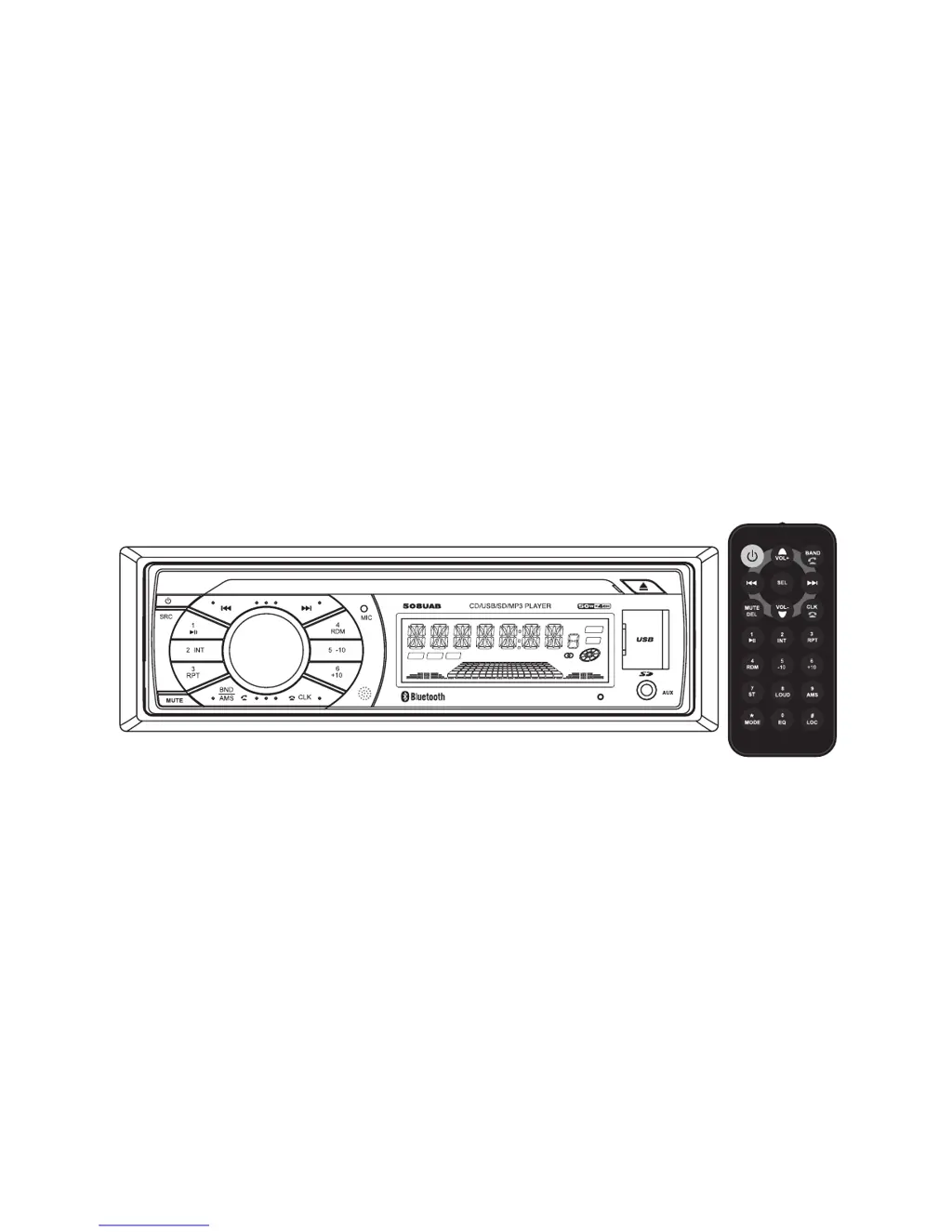
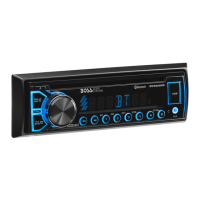
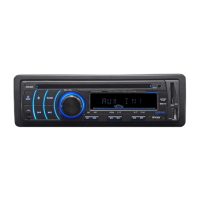
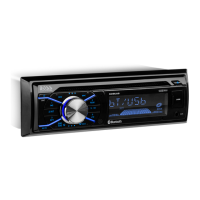
In-Dash Car AM/FM Radio, CD/MP3
Player with USB/SD Card Inputs
USER’S MANUAL
Model No.:508UAB
Car Single-DIN CD Series
CLASS
FLAT
INT RDM RPT
CARD
USB
ROCKPOP

Questions and Answers

  • J
    Jennifer MartinAug 13, 2025
    How to troubleshoot no power on my Boss Audio Systems Receiver?
    • J
      Joe TorresAug 13, 2025
      If your Boss Audio Systems Receiver has no power, there are a couple of things you can check: * First, make sure your car ignition is switched to the “ACC” position. * Second, inspect the fuse. If it's blown, replace it with a new one.
  • J
    Joan AlvaradoAug 17, 2025
    What to do if there is no sound from my Boss Audio Systems Receiver?
    • J
      johnny68Aug 17, 2025
      If you're not getting any sound from your Boss Audio Systems Receiver, here are a couple of things to check: 1. Ensure that the volume isn't turned all the way down. Adjust it to your desired level. 2. Verify that all the wiring is properly connected. If you find any issues, repair the wiring connection.
  • S
    Sheryl ChavezAug 21, 2025
    Why is the radio not working on my Boss Audio Systems Receiver?
    • K
      Kimberly NguyenAug 21, 2025
      If the radio on your Boss Audio Systems Receiver isn't working, the first thing you should check is the antenna cable. Make sure it's properly inserted.
  • N
    ndouglasAug 25, 2025
    What causes sound to skip on Boss Audio Systems Receiver?
    • P
      pottsamandaAug 25, 2025
      If the sound is skipping on your Boss Audio Systems Receiver, consider these potential causes: * The installation angle might be more than 30 degrees. Adjust it to be less than 30 degrees. * The disc could be dirty or scratched. Try cleaning the disc or using a new one.
  • G
    Glenn MitchellAug 28, 2025
    What to do if my Boss Audio Systems Receiver cannot read the disc?
    • C
      Carl CarterAug 28, 2025
      If your Boss Audio Systems Receiver can't read discs, here are a few things to try: * Ensure that the disc is inserted correctly with the label facing upward. * Check if the disc is dirty or scratched; if so, clean it or try a different disc. * If the temperature inside the car is too high, allow the vehicle to cool down before using the player.
  • A
    Adam LangSep 1, 2025
    Why are the operation keys not working on my Boss Audio Systems Receiver?
    • M
      Miranda GainesSep 1, 2025
      If the operation keys on your Boss Audio Systems Receiver aren't working, try the following: * Make sure the front panel is properly installed. Reinstall it if necessary. * If the car interior is too hot, allow the vehicle to cool down before using the player.
  • D
    Danielle MitchellSep 5, 2025
    What to do if automatic radio station selection does not work on Boss Audio Systems Receiver?
    • B
      Bradley BoyleSep 5, 2025
      If the automatic radio station selection on your Boss Audio Systems Receiver isn't working, it could be due to weak signals. In this case, try selecting a station manually.
  • M
    Michael CampbellSep 9, 2025
    What to do if the disc cannot be loaded in my Boss Audio Systems Receiver?
    • M
      Mr. Dustin HendersonSep 9, 2025
      If your Boss Audio Systems Receiver won't load a disc, it might be because another disc is already in the player. Eject the current disc and then insert the new one.

Summary

Precautions and Safety

General Precautions and Warnings

Covers fire, shock, interference risks, operating conditions, and general warnings.

Lithium Battery Cell Warnings

Important safety information regarding lithium battery cells.

Drive and Connection Safety

Precautions regarding inserting objects into car radio openings and connections.

Installation

Installation Procedures and Opening

Details on dashboard opening requirements and initial installation steps.

Installing and Wiring the Car Radio

Step-by-step guide for physically installing the unit and connecting wires.

General Operation and Settings

Radio Operation

Frequency, Band, and Tuning

Switching between frequencies, bands, and tuning methods.

Media Playback Operations

Bluetooth Connectivity

Pairing and Call Management

Steps to pair devices, make calls, answer/reject, and manage call audio.

Troubleshooting

Common Issues and Solutions

Guide to diagnosing and resolving common operational problems.

Boss Audio Systems 508UAB Specifications

General IconGeneral
BrandBoss Audio Systems
Model508UAB
CategoryCar Stereo System
LanguageEnglish

Related product manuals