EasyManua.ls Logo

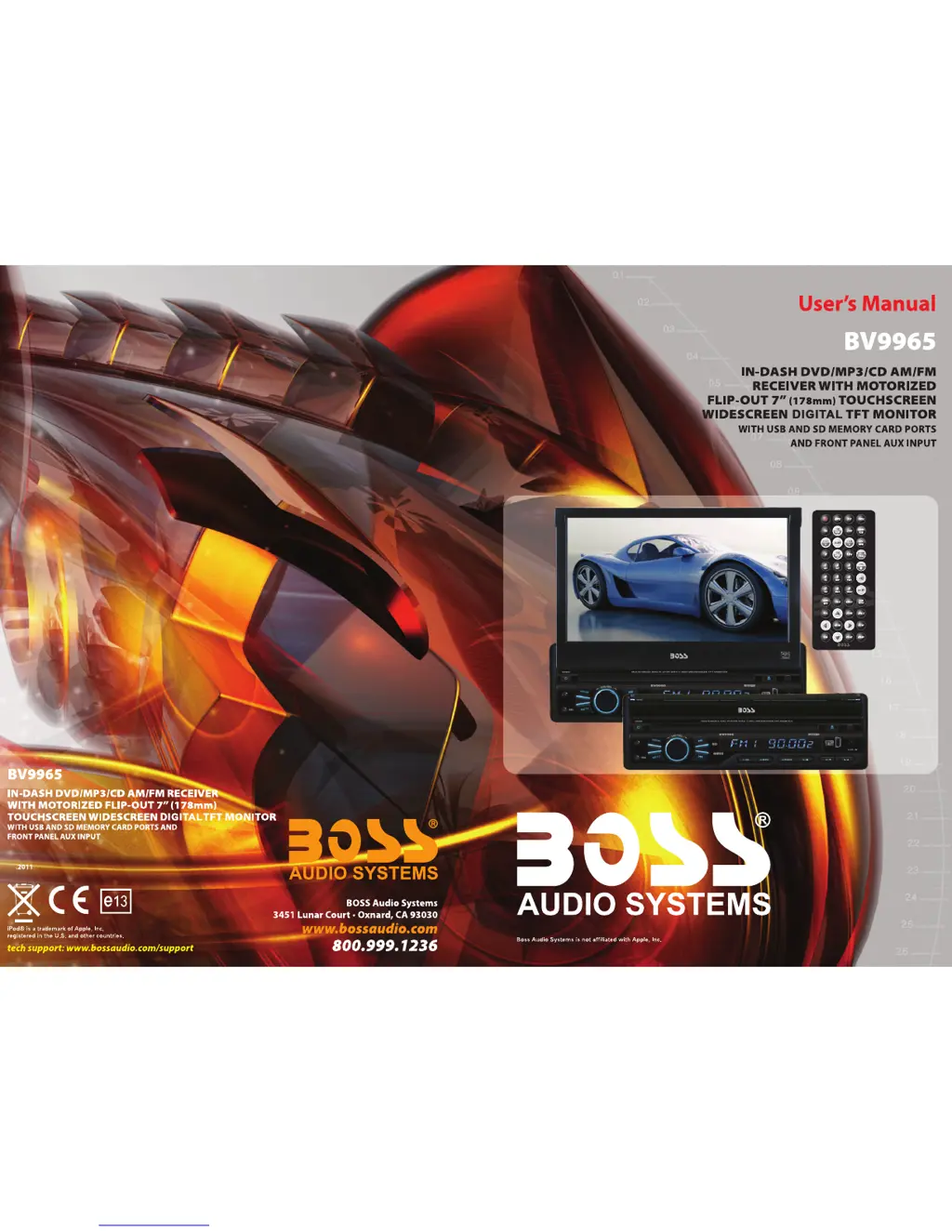
Boss Audio Systems BV9965 - User Manual

Boss Audio Systems BV9965
10 pages
Print Icon
To Next Page IconTo Next Page
Loading...
09

Questions and Answers

  • J
    Julie ThompsonAug 1, 2025
    How to fix Boss Audio Systems Car Stereo System that cannot power on?
    • P
      Patrick SnyderAug 1, 2025
      If your Boss Audio Systems Car Stereo System won't power on, first check the fuse and replace it with one of the same type. If that doesn't work, there might be an issue with the MPU. In that case, use a penpoint to press the RES button on the panel, and then try powering it on again.
  • C
    Courtney JarvisAug 7, 2025
    What to do if my Boss Audio Systems Car Stereo System cannot play disc?
    • M
      Mark WoodwardAug 7, 2025
      If your Boss Audio Systems Car Stereo System won't play a disc, there are a few things to check: 1. Make sure the disc isn't scratched; if it is, try a new disc. 2. Ensure you've inserted the disc with the label side up. 3. The lens might be dirty; try cleaning it with a lens cleaning disc.
  • M
    Manuel MorrisonAug 14, 2025
    Why is the radio station performing poorly on my Boss Audio Systems Car Stereo System?
    • M
      Monica RaymondAug 14, 2025
      If you're experiencing poor radio station performance with your Boss Audio Systems Car Stereo System, it might be due to a weak signal. Try moving your car to a different location and then research for stations again.
  • K
    Kristi BryantAug 19, 2025
    What to do if my Boss Audio Systems BV9965 Car Stereo System cannot load disk?
    • K
      Kathleen GarciaAug 19, 2025
      If your Boss Audio Systems Car Stereo System cannot load a disc, make sure there isn't already one inside. Remove any existing disc before trying to insert another one.
  • J
    Jeffery RobinsonAug 26, 2025
    Why cannot I watch image during driving with Boss Audio Systems BV9965?
    • A
      Amanda WhitakerAug 26, 2025
      You cannot watch images on your Boss Audio Systems Car Stereo System while driving. To view images, park your car in a safe location, shift to 'P' (Park), engage the hand brake, and ensure the parking brake wire is grounded.

Summary

BV9965 In-Dash DVD Receiver

Key Product Features

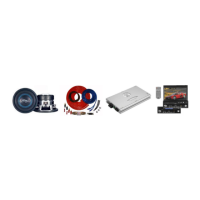
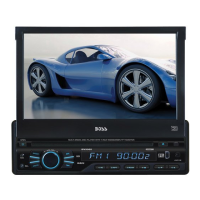
In-dash DVD/MP3/CD AM/FM receiver with motorized flip-out 7" touchscreen monitor.

Core Operations and Setup

Technical Information and Troubleshooting

Wiring Diagram and Connections

Details the ISO standard connector wiring and notes for installation.

User Interface and Basic Functions

Touchscreen Calibration Guide

Step-by-step instructions to recalibrate the touch screen for accurate input.

Media Functionality Deep Dive

Radio Operation and Features

Details on radio band selection, station searching, RDS, and sound settings.

Disc Playback Operations

Instructions for playing DVD, VCD, CD, MP3, JPEG, and MPEG4 discs.

Boss Audio Systems BV9965 Specifications

General IconGeneral
BrandBoss Audio Systems
ModelBV9965
CategoryCar Stereo System
LanguageEnglish

Related product manuals