PANEL
INTRODUCTION
1
---
,r-
""P
....-~-a
:
~-
-
::~~::~::
_:
__ :
.:.::.:::::::~~~:::=::~
' ~=:;;,.~.
~
2
---++•
:1
1\
i
Ill
3---
·- -~ I
~I
~~
l
I
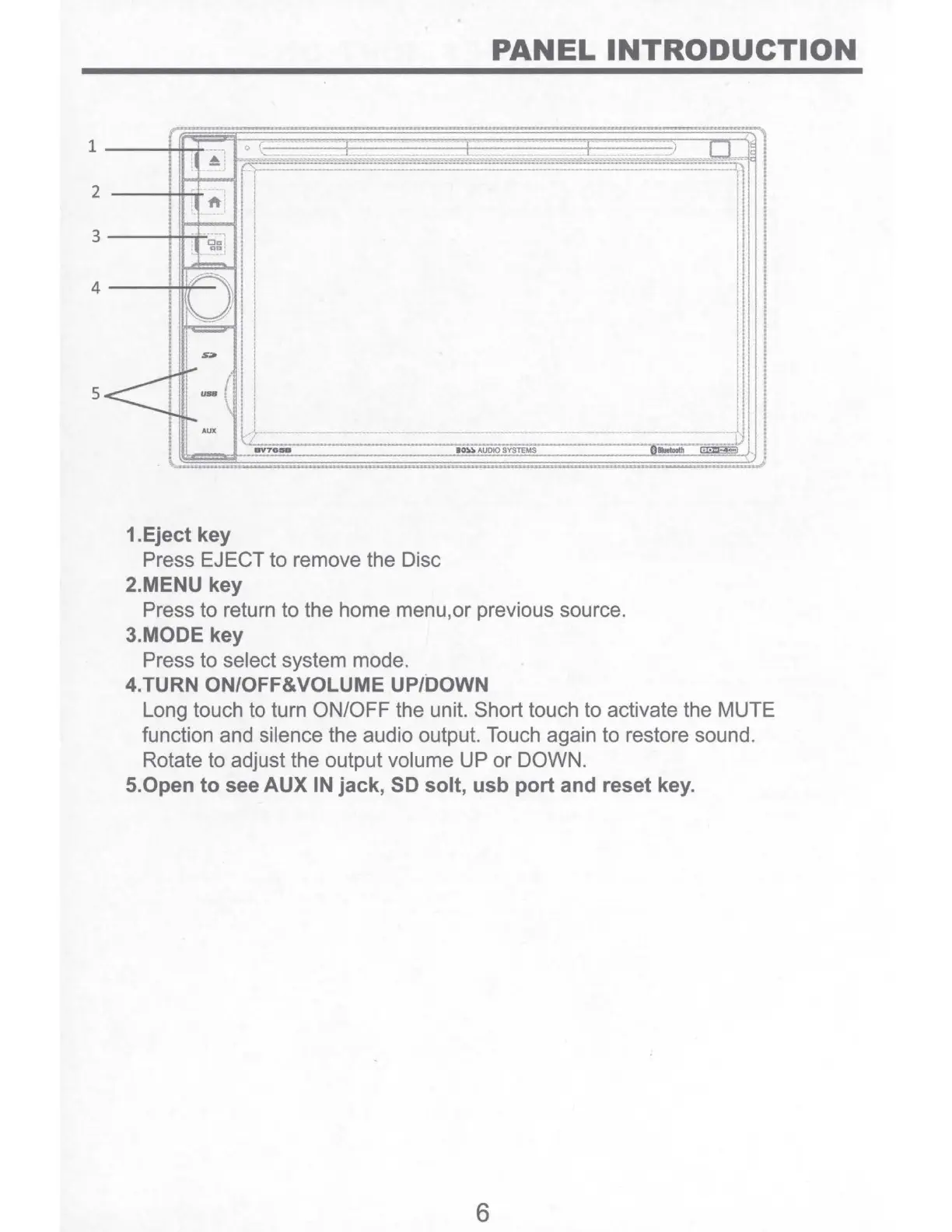
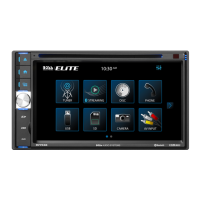
1.Eject key
Press EJECT to remove the Disc
2.MENU key
Press to return to the home menu,or previous source.
3.MODE key
Press to select system mode.
4.TURN ON/OFF&VOLUME UP/DOWN
Long touch to turn ON/OFF the unit. Short touch to activate the MUTE
function and silence the audio output. Touch again to restore sound.
Rotate to adjust the output volume UP
or
DOWN.
5.0pen
to see
AUX
IN
jack, SD solt, usb port and reset key.
6


 To Next Page