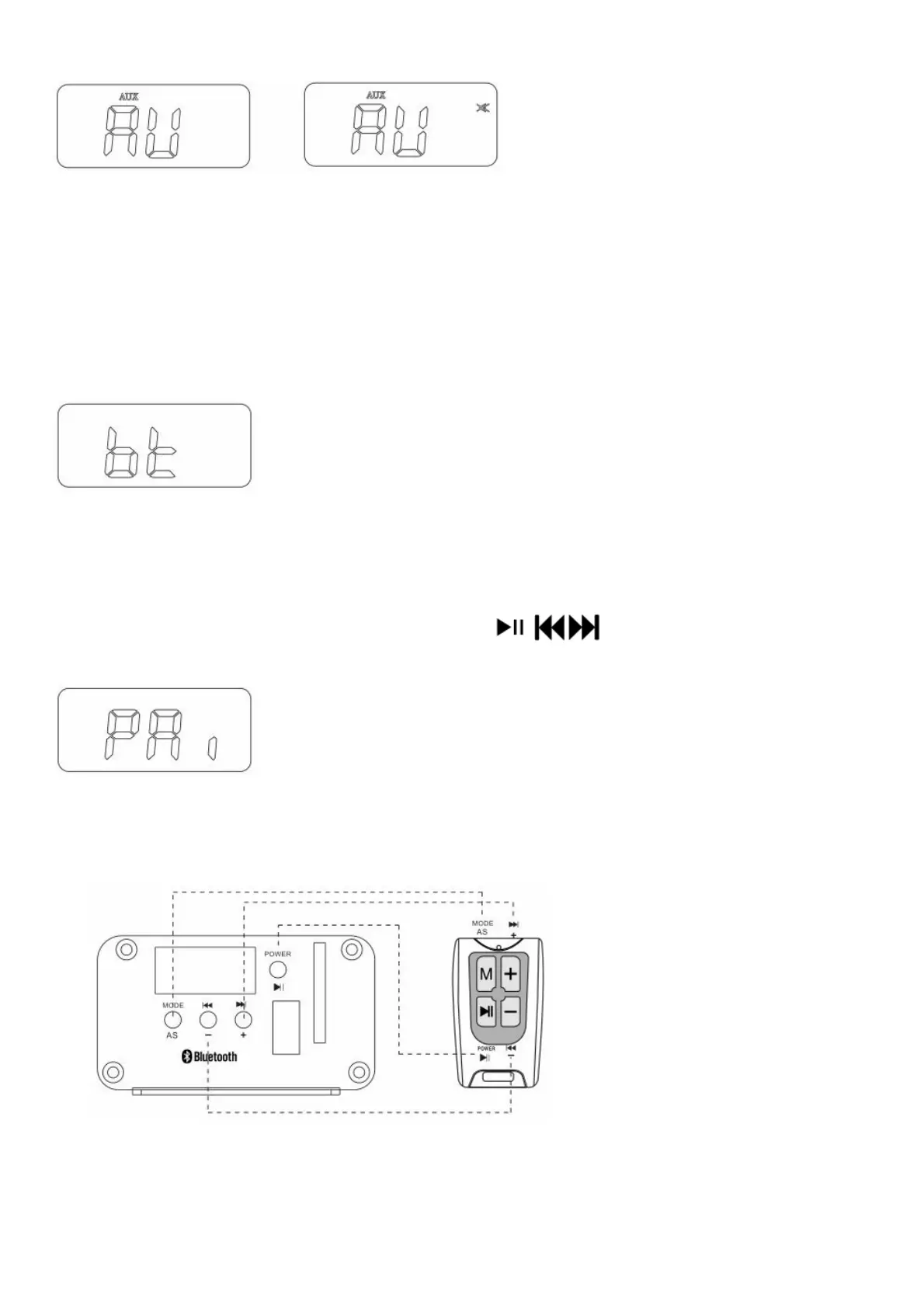
4. In AUX mode, press POWER button to mute the output of system and release it by pressing the button again.
Bluetooth
Pairing a Bluetooth device with the system
Press MODE button on the system and select BT mode, LCD display shows bt as below. If bt on the screen is
flashing, it
means the system is ready to be paired.
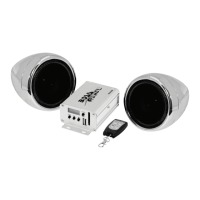
To pair and connect, search for Boss Audio MCBK520B on your mobile device
The system stops flashing after successful pairing.
Note: In order for Bluetooth technology to work properly, the two devices need to be close together; no more than 25
feet apart is recommended. Make sure that you are near your Bluetooth device when trying to pair your Bluetooth
device with it.
Play music through the system controls in BT mode
Activate music player in your paired Bluetooth device, pressing / / buttons of the system can control the
paired device play/ pause/last song/next song in BT connected mode
Remote Control
The remote controller can take place of the 4 same buttons on the main unit
Remote controller function diagram
Note: Remote Distance: 8-10 meters( 26.2-32.8 feet) (open area)
Specifications



 To Next Page