10
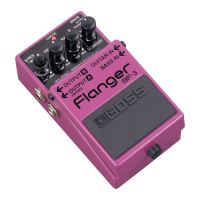
Operating the Unit
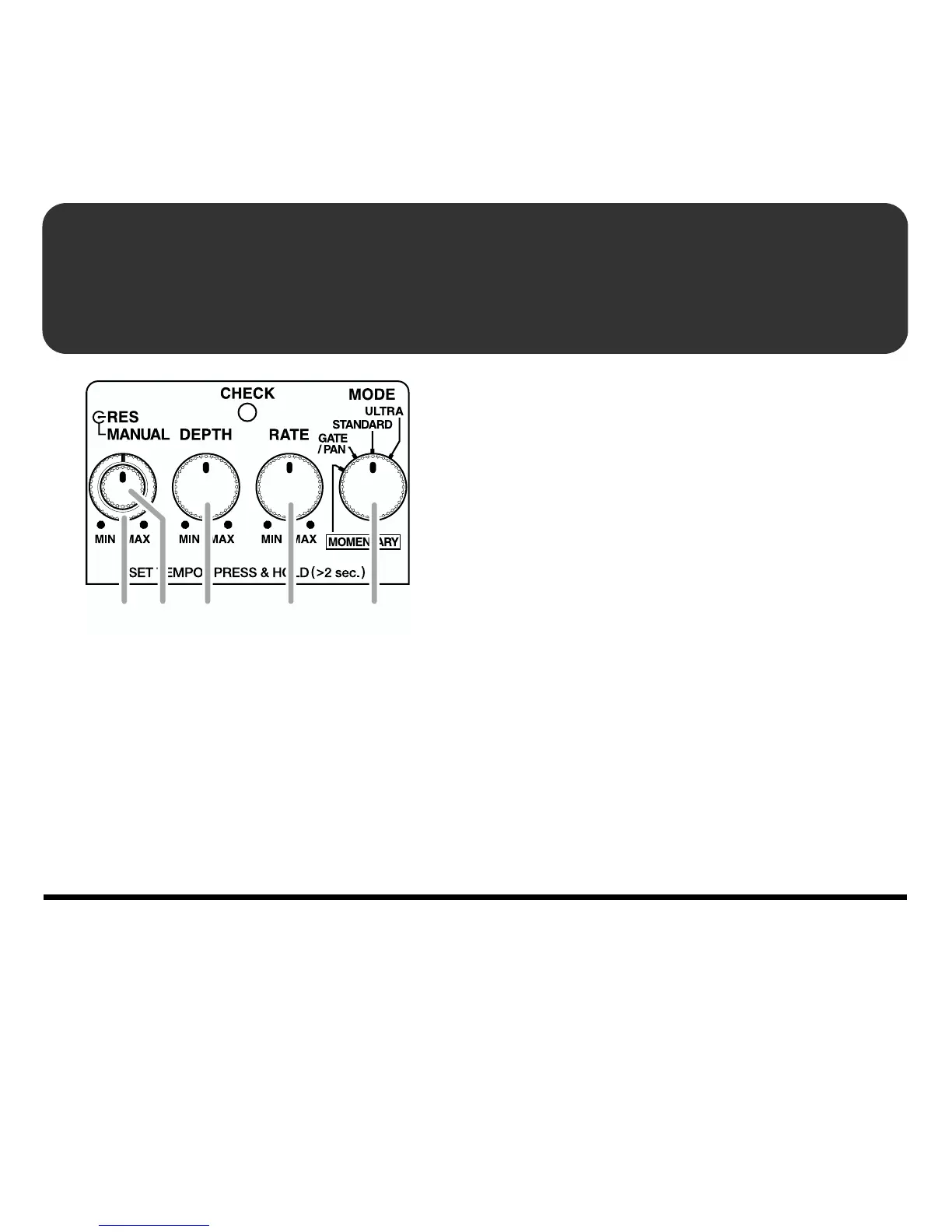
fig.05
1.
When you have made the necessary
connections (p. 8), depress the pedal
switch to turn the effect on. (the
CHECK indicator turns red.)
* When MOMENTARY mode is selected,
continue pressing the pedal switch. (the effect
is on only while the pedal is depressed)
2.
Select the mode with the MODE knob.
* When MOMENTARY is selected, the
CHECK indicator light goes off, and the
effect is switched off. Hold the pedal down
when using the following settings in
MOMENTARY mode (the effect is on only
while the pedal is depressed).
3.
Set the flanging rate with the RATE
knob.
4.
Set the sweep depth with the DEPTH
knob.
5.
Set the center frequency to which the
effect is applied with the MANUAL
knob.
6.
Turn the RES knob to set the strength
of the effect.
46 3 25


 To Next Page