12
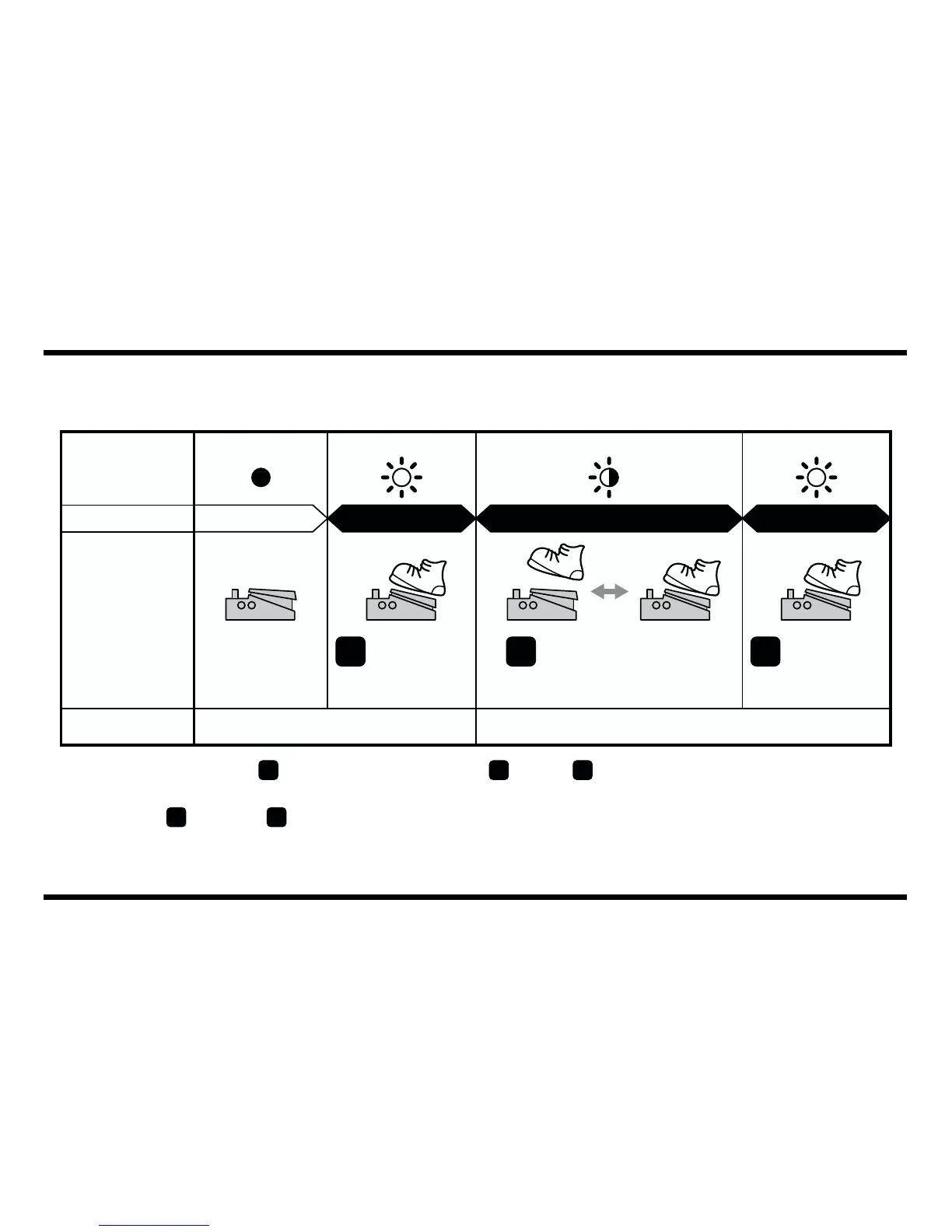
Setting the RATE by Inputting the Tempo with the Pedal Switch
When Switching to Tempo Input with the Effect OFF (CHECK indicator: Off)
* RATE cycles for use with the tempo settings can be made in the range of 0.1–18 seconds.
fig.07
* If you carry out Step immediately after Step , Step may inadvertently be interpreted as
tempo input, thus changing the RATE setting. Allow a brief interval to pass before progressing
from Step to Step .
* If you adjust the RATE knob after completing the settings, the effect then reflects the position of the RATE knob.
* You cannot input the tempo in MOMENTARY mode.
CHECK
Indicator
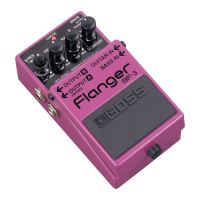
Flanger Effects
Pedal Switch
RATE
Red
On
Off RedRed/Green Blinking
Effect reflects knob positions Effect synchronized to tempo
OffOff On
1 32
Press the BF-3’s pedal
switch in timing with the
tempo.
Press and hold
the BF-3’s
pedal switch
for at least two
seconds.
Press and hold
the BF-3’s
pedal switch
for at least two
seconds.
3 2 3
2 3


 To Next Page