Panel Descriptions
5
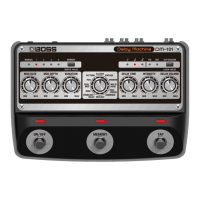
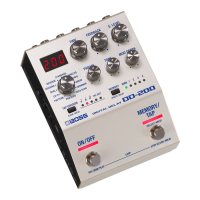
11 [MEMORY] button
Switches or saves memories (MANUAL, 1–4) (p. 8).
12 MEMORY indicator
Indicates the currently selected memory.
13 [ON/OFF] switch
Turns the delay on/o.
14 [MEMORY/TAP] switch
Switches memories (p. 8).
Long-press the [MEMORY/TAP] switch to select tap
mode.
By pressing the switch at the tempo of the song you’re
performing, this lets you specify a matching delay time.
MEMO
The function of the footswitch can be changed by
“MFC” (MEMORY FUNCTION).


 To Next Page