2
Eects
Eect signal chain
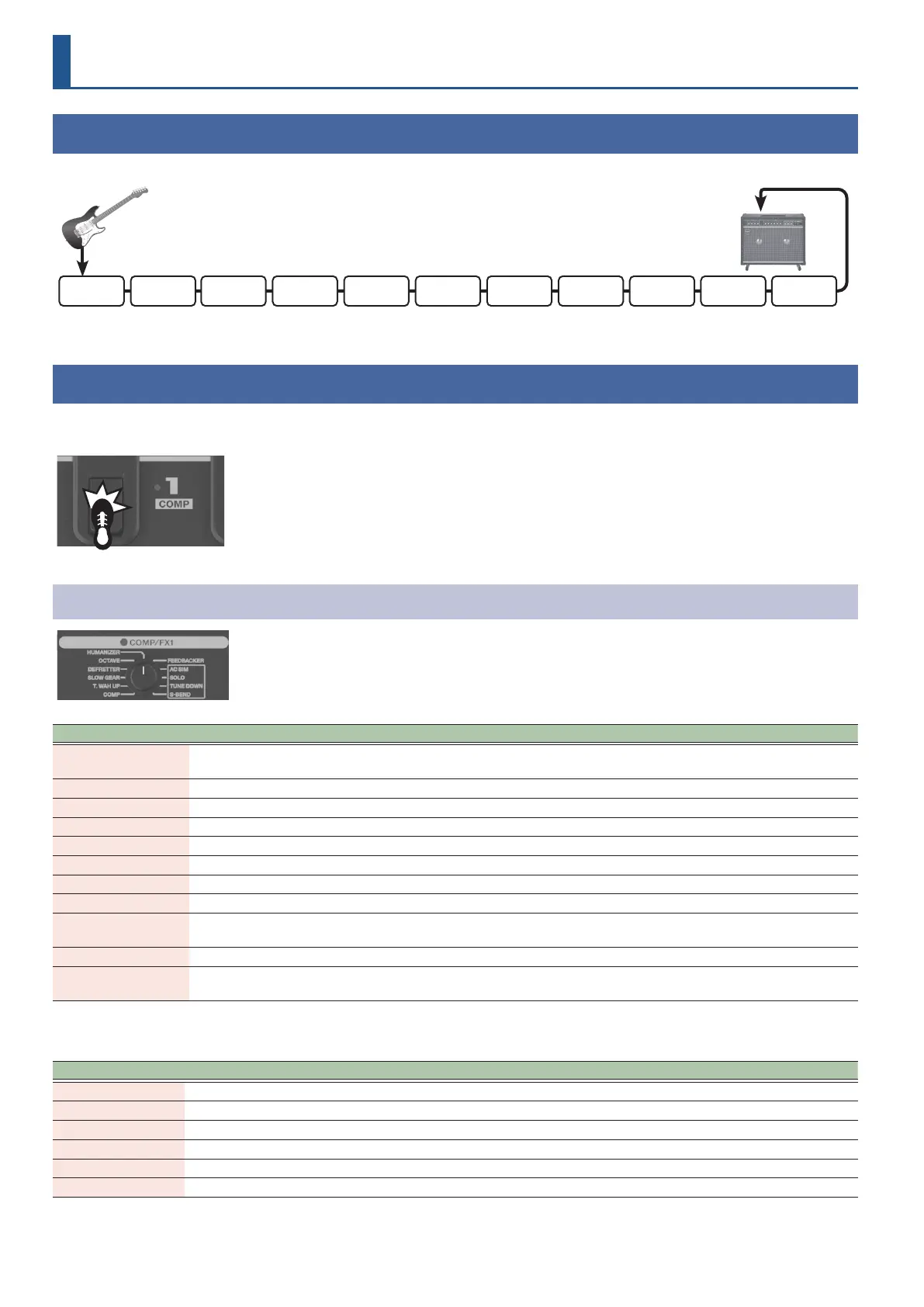
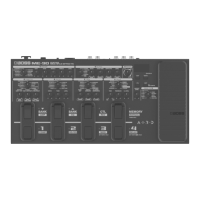
The signal chain (how the eects are connected) on the ME-90 is shown below.
PEDAL FX COMP/FX1 OD/DS PREAMP
SEND/
RETURN
EQ/FX2NS
FOOT
VOLUME
MOD DELAY REVERB
Guitar
Guitar
amplier
The signal chain is automatically optimized to match the eect type that’s selected. You can insert the SEND/RETURN after the PREAMP.
COMP/FX1 (compressor/eect 1)
Averages out the volume, giving a sustained sound without distortion. You can also select from a variety of unique eects.
In manual mode or in memory edit mode, you can turn the eect on/o with the number [1]/[COMP] pedal.
Compressor/eect types
Eect type Indicator color Explanation
1. COMP Blue
Makes the sound sustain without distorting. This also works as a limiter to suppress high volume
input.
2. T.WAH UP Blue Gives a wah eect according to the dynamics of your picking. The frequency of the lter rises.
3. SLOW GEAR Blue This produces a volume-swell eect (“violin-like” sound).
4. DEFRETTER Blue This simulates a fretless guitar.
5. OCTAVE Blue Adds pitches one and two octaves lower.
6. HUMANIZER Blue Alters the guitar tone to make it sound more like a human voice.
7. FEEDBACKER Blue Generates feedback performance. The eect is applied while you hold down the pedal.
8. AC SIM Blue Alters the sound from an electric guitar to make it sound like an acoustic guitar.
9. SOLO Blue
Use this in combination with the OD/DS or PREAMP eect for a sound that’s optimal for playing
solos.
10. TUNE DOWN Blue Gives the eect of tuning your guitar lower.
11. S-BEND Blue
Gives a pitch shift up/down eect that’s not possible when using typical guitar vibrato bar
techniques. The eect is applied while you hold down the pedal.
You can use the BOSS TONE STUDIO for ME-90 dedicated app to exchange the 11. S-BEND with the following eects.
Dierent settings can be made for each patch.
Eect type Indicator color Explanation
D-COMP Blue This models an MXR DynaComp.
RING MOD Blue Combines the internal oscillator and the guitar tone to create an atonal, metallic sound.
POLY OCTAVE Blue An octave eect that works with polyphonic input.
T.WAH DOWN Blue Gives a wah eect according to the dynamics of your picking. The frequency of the lter falls.
Single > Hum Blue Makes a single-coil pickup tone sound like a humbucking pickup tone.
Hum > Single Blue Makes a humbucking pickup tone sound like a single-coil pickup tone.


 To Next Page