5
Initial Power Up
• After power up or Reset is pressed, all programmes are reset.
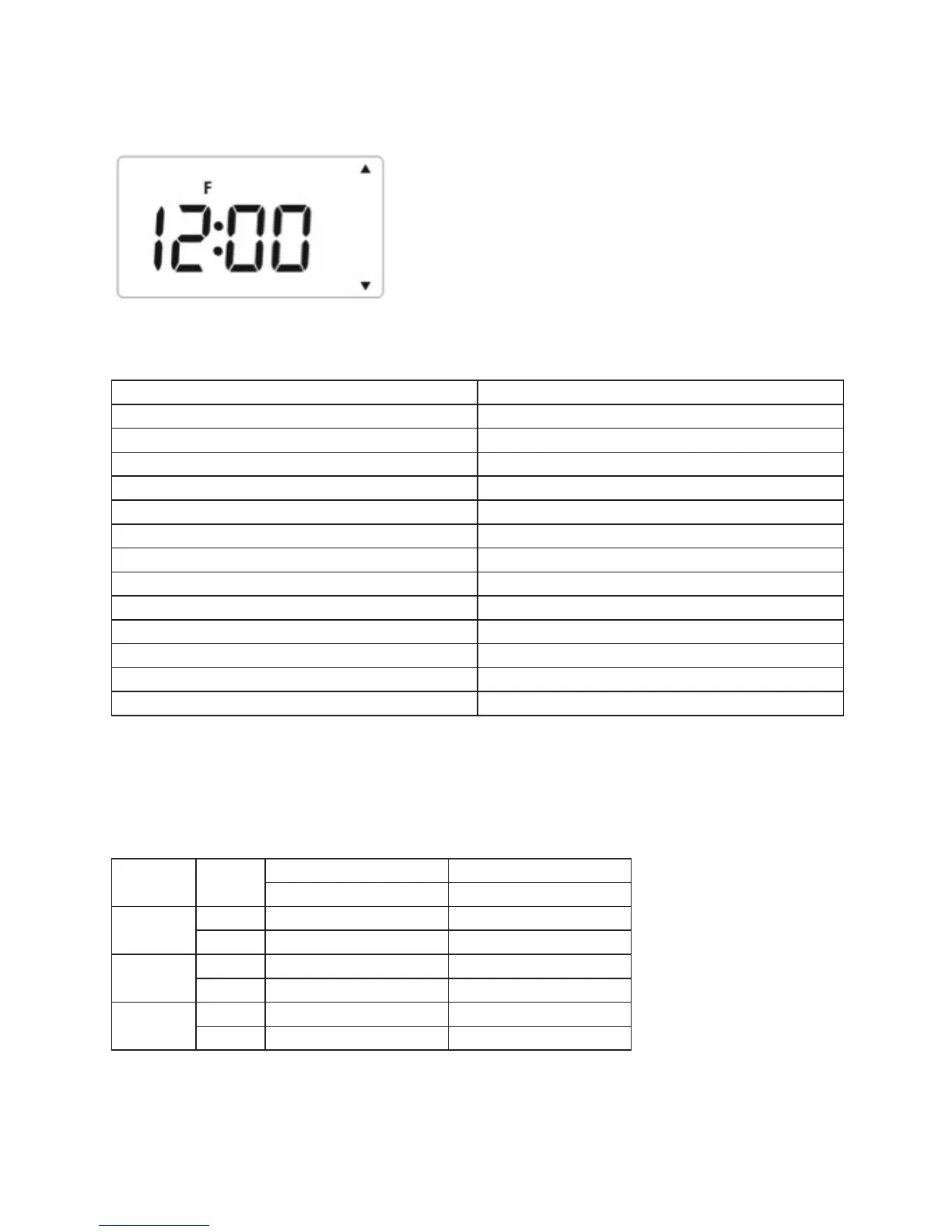
• During system reset, all LCD segments are turned on for 2 seconds. After 2 seconds, the
programmer is initialized and the display will look like this.
Setting of the TPSE201/TPSE101 after reset
Function Status after Reset
Operation Mode Auto mode
12/24 hour 24h
Clock 12:00
AM/PM indicator N/A
Date 2016-Jan-1
Daylight Saving On
Program Default factory setting
Program Number indicator Depends on program
SET indicator Off
PROG indicator Off
Mode indicator(s) “Auto”
CH/HW indicator(s) Depends on program
Output Relay Depends on program
• After reset, the TPSE201/TPSE101 will operate in Auto mode.
Default Program Settings after reset
Same for both 5-2 and 7 days programmes.
Program Output
CH HW
Day of week (Mon to Sun) Day of week (Mon to Sun)
1
On 06:00 06:00
Off 08:00 08:00
2
On 10:00 10:00
Off 12:00 12:00
3
On 18:00 18:00
Off 22:00 22:00



 To Next Page