2-1
OPERATION
POWERING UP
With all your connections made, you are ready to listen to your
Boulder 1060 Power Amplifier.
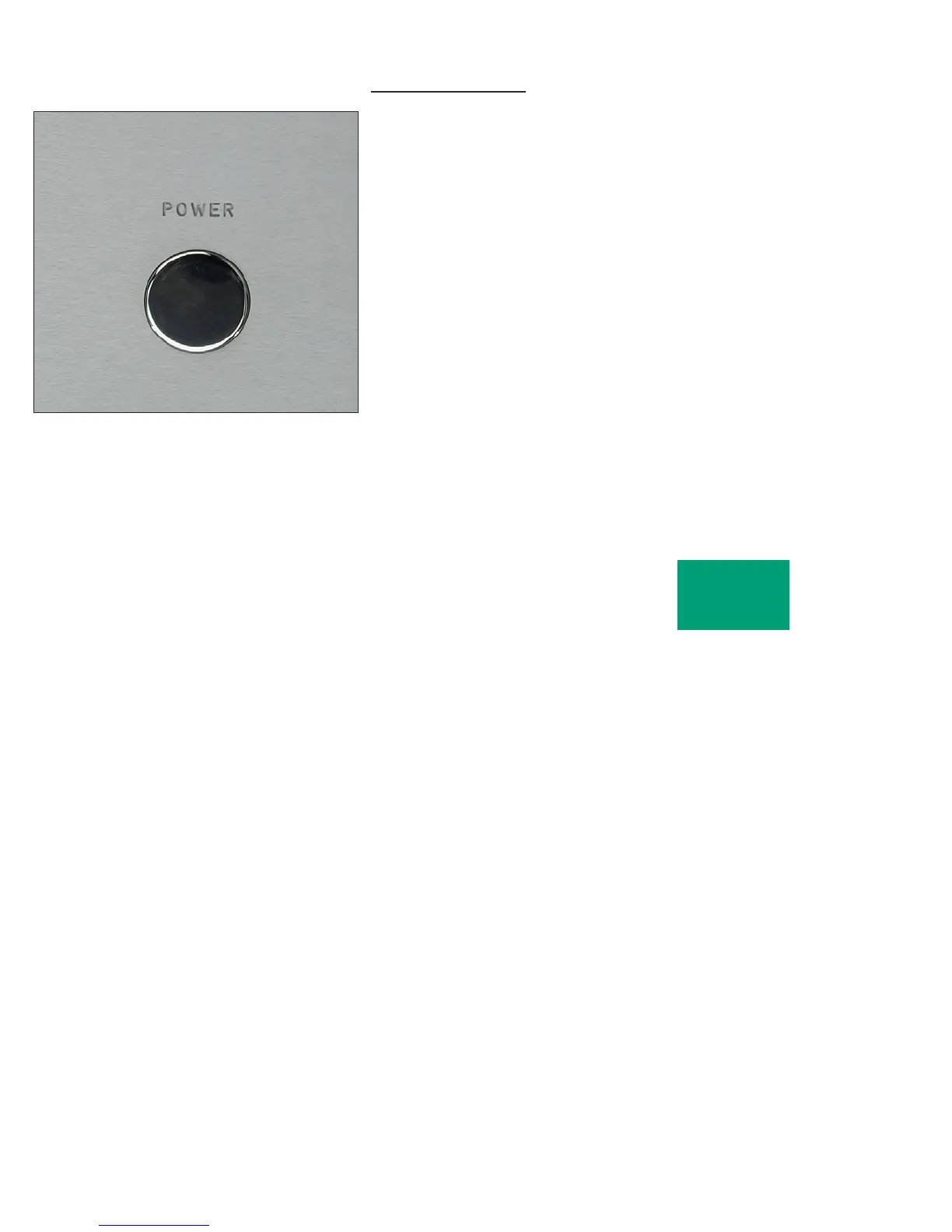
To turn the amplifier on, press the POWER button on the front
panel. The amplifier will perform a warm up cycle and the indicator
will alternate between red and amber for 45 seconds. This power up
sequence is mandatory, and cannot be avoided.
Because of the large inrush currents associated with the powerful
dual toroidal transformers, four power relays are used to turn on the
amplifier. These are under the control of the supervising microprocessor.
During the power up sequence, you will hear 2 relay clicks followed by
an additional 2 relay clicks after 2 seconds.
The indicator will then turn amber and stay so during normal
operation.
To turn the amplifier off, press the POWER button again. The
indicator will continuously change from red to green.
OPERATION



 To Next Page