1-2
GETTING
STARTED
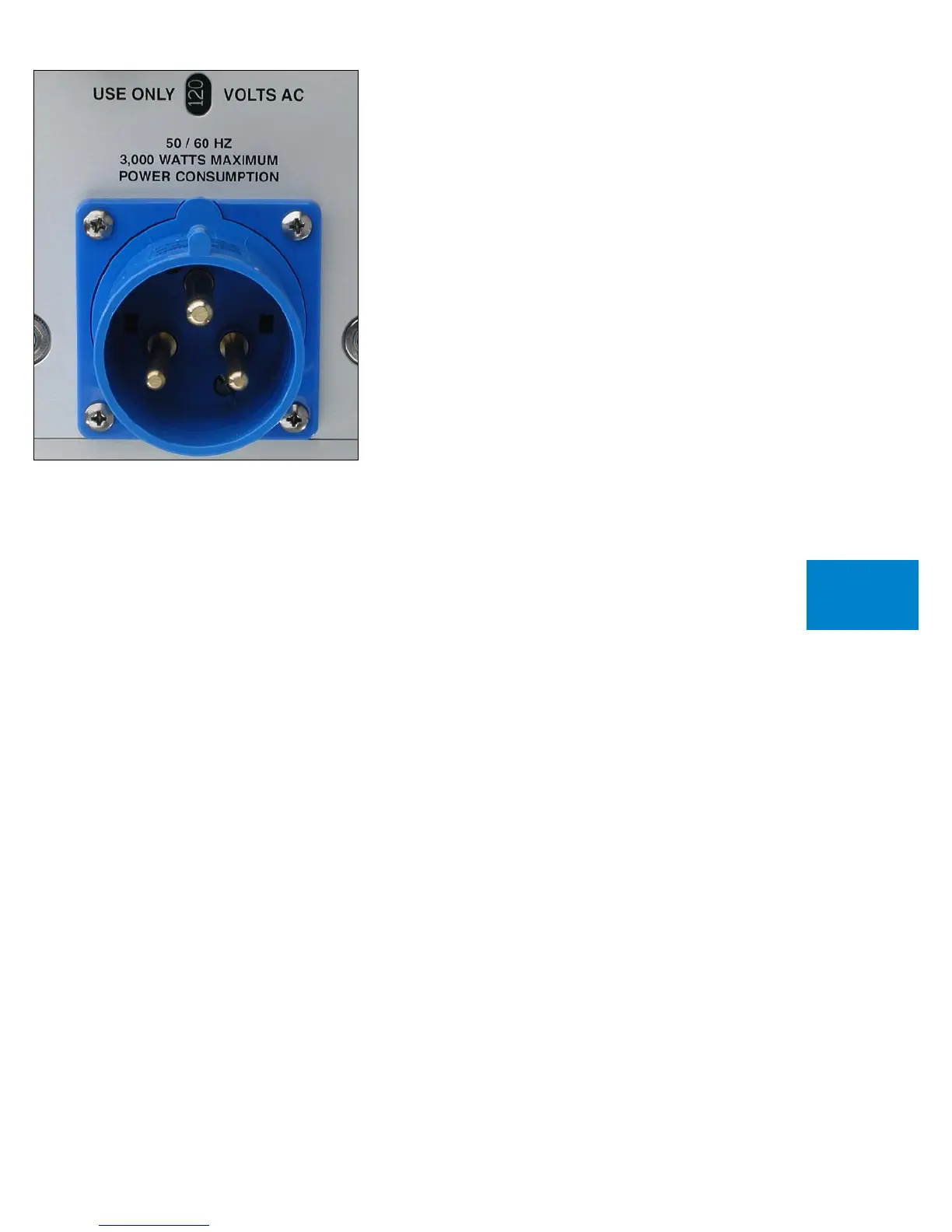
CONNECTING TO THE MAINS OUTLET
Your 1060 Power Amplifier is supplied with a mains cord suitable to
the location where it was purchased. It is constructed of a large enough
wire gauge and a cable plug appropriate for the voltage you intend to
use. Do not substitute another power cable.
The voltage appears in a small window on the rear panel. If you
require a different mains voltage, consult your dealer or contact the
factory.
Exact voltage and frequency compatibility is stated in the
specifications section.
Once the 1060 Power Amplifier is connected to a live mains outlet,
the indicator will be illuminated. The indicator will be of varying color,
showing that the supervising microprocessor is powered up and ready.



 To Next Page