EasyManua.ls Logo

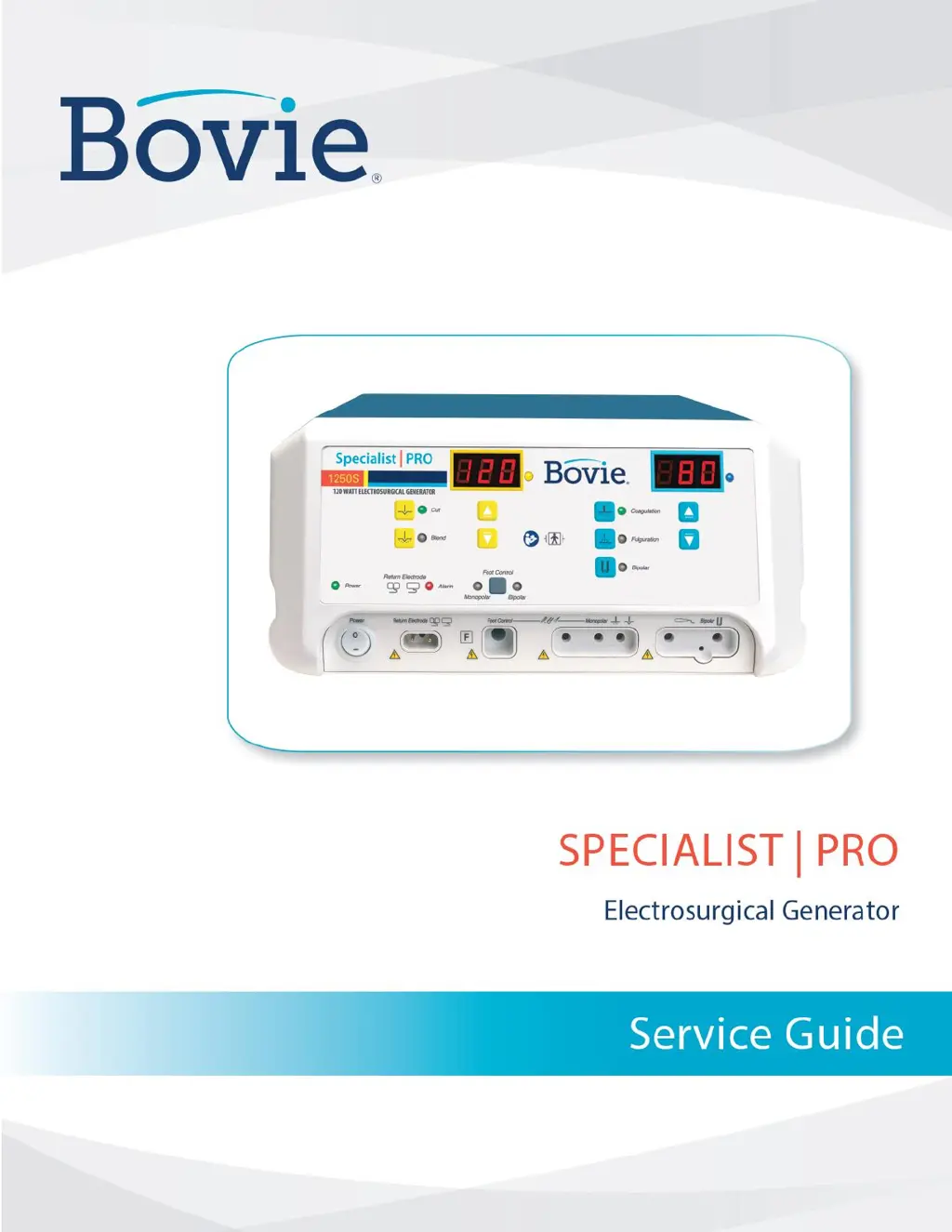
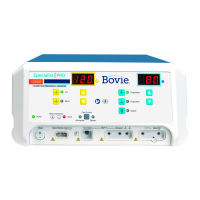
Bovie SPECIALIST PRO - Service Manual

Bovie SPECIALIST PRO
97 pages
Print Icon
To Next Page IconTo Next Page
Loading...
Service Guide Specialist | PRO
1

Table of Contents

Other manuals for Bovie SPECIALIST PRO

Questions and Answers

  • A
    andrea05Aug 4, 2025
    What to do if Bovie Medical Equipment shows error E8?
    • M
      Melissa BellAug 4, 2025
      If the cable is disconnected, an E8 error will occur and be displayed. The unit cannot be activated while the error condition is present. To remove the error, the unit has to be reset.
  • M
    Mrs. Kayla CrossAug 9, 2025
    What to do if Bovie Medical Equipment displays F2 error?
    • C
      Carrie HaasAug 9, 2025
      Release either the cut or coag button on the handpiece, or the cut or coag pedal on the footswitch.
  • J
    John MedinaAug 13, 2025
    What to do if Bovie SPECIALIST PRO Medical Equipment displays error E7?
    • K
      Kendra MartinAug 13, 2025
      If the Bovie Medical Equipment displays error E7: 1. Turn the unit off. 2. Allow the unit to cool for 20 minutes. 3. Turn the unit on. 4. If the error code reappears, record the number and contact Bovie® Customer Service.
  • J
    Joseph PorterAug 18, 2025
    What to do if Bovie Medical Equipment displays error E6?
    • J
      Jennifer RichardsAug 19, 2025
      If the Bovie Medical Equipment displays error E6: 1. Turn the unit off. 2. Verify that the unit is connected to the line voltage. 3. If the error code reappears, record the number and contact Bovie® Customer Service.
  • C
    Christine CombsAug 25, 2025
    What to do if Bovie SPECIALIST PRO displays error E4?
    • E
      Erin JordanAug 25, 2025
      If the Bovie Medical Equipment displays error E4: 1. Turn the unit off. 2. Turn the unit on. 3. If the error code reappears, record the number and contact Bovie® Customer Service.
  • M
    Matthew SmithAug 29, 2025
    How to fix F1 error on Bovie SPECIALIST PRO Medical Equipment?
    • R
      Robert BergerAug 29, 2025
      To fix the F1 error: 1. Turn off, then turn on the generator. Do not press buttons or activate accessory devices during the self-test. 2. If the error code reappears, disconnect all accessories. Turn off, then turn on the generator again. 3. If the problem persists, replace the handpiece or footswitch and repeat the restart. 4. If the error code reappears, record the number and call Bovie® Customer Service.

Summary

Safety and Conventions

Operating Safety Precautions

Essential safety guidelines for operating the electrosurgical generator, including warnings and cautions.

Conventions Used in This Guide

Explains the meaning of warning, caution, and notice indicators used in this manual for clarity.

Generator Overview

Functional and Unit Descriptions

Covers the generator's purpose, technology, advantages, and component breakdown.

Hazards and Servicing Safety

Details safety for repair, accessories, fire/explosion, electric shock, and servicing procedures.

Controls and Indicators

Front Panel Controls and Indicators

Describes front panel controls, symbols, indicators, and receptacles for various operational modes.

Rear Panel and Receptacle Details

Identifies connectors and controls on the rear panel, including power input and receptacles.

Technical Specifications

Performance and Leakage Data

Lists performance metrics, audio volume, electrode sensing, and leakage current limits.

Standards, EMC, and Output Data

Covers safety standards, EMC compliance, output characteristics, power curves, and waveforms.

Theory of Operation

System Block Diagram and Circuits

Provides a system block diagram and functional overview of key internal circuits.

Logic, Signals, and Troubleshooting Points

Explains system logic, control signals, and main board test points for diagnostics.

Maintenance and Troubleshooting

Maintenance Procedures

Covers cleaning, periodic inspection, and fuse replacement guidelines for the unit.

Troubleshooting Guide

Offers methods for diagnosing and resolving common problems, error codes, and interference issues.

Repair, Parts, and Schematics

Repair Policy and Parts Ordering

Outlines repair policy, returning procedures, and how to order parts and accessories.

Board Drawings and Schematics

Lists specific board types and refers to detailed schematics and assembly drawings for components.

Bovie SPECIALIST PRO Specifications

General IconGeneral
TypeElectrosurgical Generator
Power ModesCut, Coagulation, Bipolar
Line Voltage100-240 VAC
Frequency50/60 Hz
Voltage100-240 VAC
Weight15 lbs (6.8 kg)

Related product manuals