F350/F650 Roll Laminator Manual
- 9 -
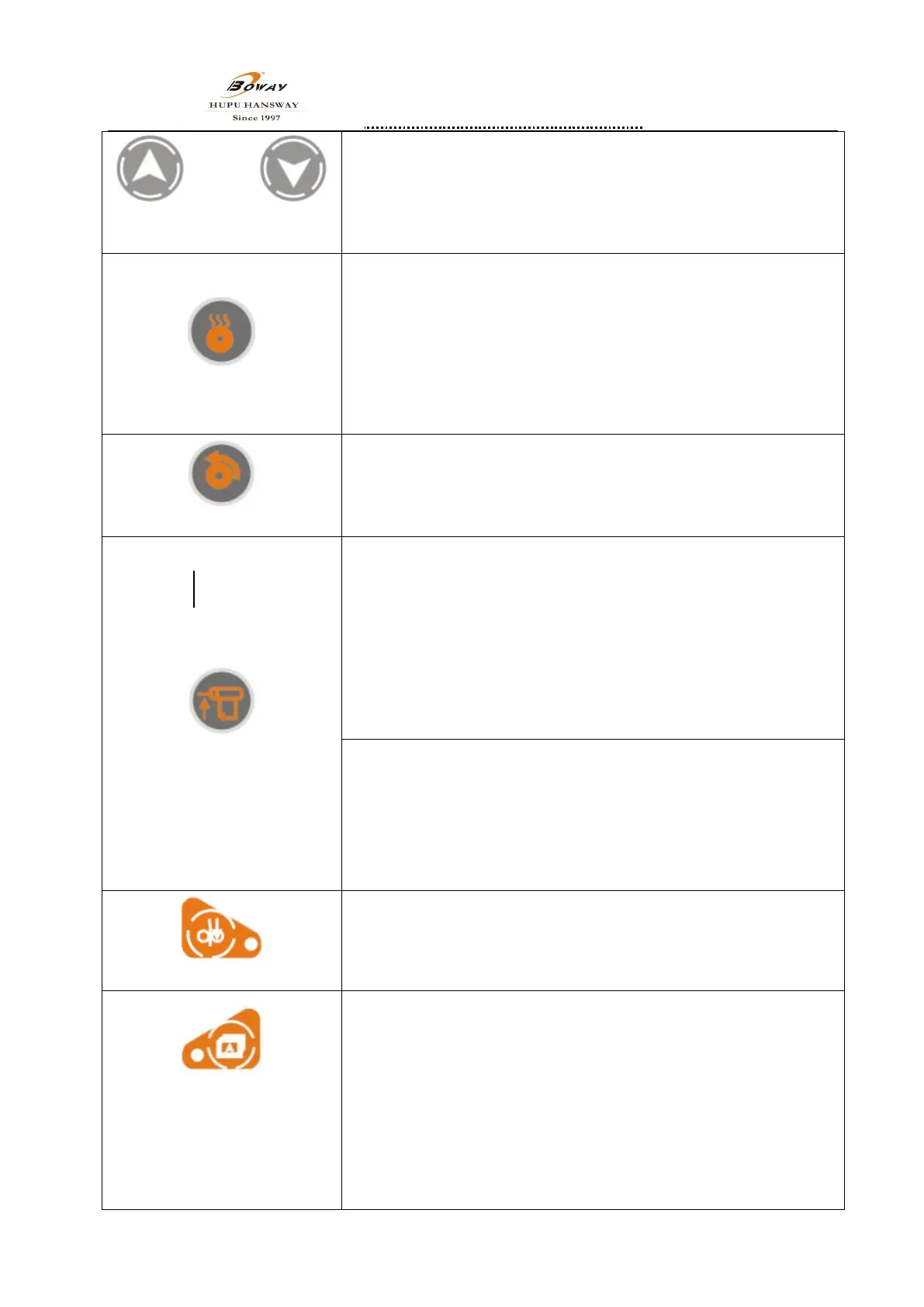
Up key Down key
4.4.Up key
、
Down key
“∧”“∨”up or down for the menu,increase or decrease for the
parameters.
Set temperature key
4.5.Set temperature key
After press“setting temp.”,temp. display will flicker,means it’s can
setting the temp. now.press“ ”or“ ”can modify the temp. parameter∧ ∨ ,
after setting,pres “setting temp.”to confirm。There is cold operation mode
if the temp. appear 0 degree.
Note
:
Lowest temp.is 0 degree
,
highest tem. is 130 degree
。
There is best
temp. about 110 degree as factory setting. Any adjust value, the machine
have the memory.
Speed key
4.6.Speed key
After press“speed key”,speed key will flicker,means you can set the
speed, press“∧”or“∨”can modify the temp.,after setting,press“speed
key”to confirm
4.7.Paper distance key
4.7.1 F350A、F350B、F350C、F650A、F650B Paper distance key’s
functions:
After press“Paper distance”,Paper distance will flicker, means you can
setting. press“∧”or “∨”can modify the distance parameter,more bigger
value means the distance is more bigger of two papers. less value means
the two papers are lapped more. After setting,press“Paper distance” to
confirm。
Note:Standard parameter is 45 as factory setting; space value is 0-250mm
Paper distance key
4.7.2 F350D、F350E、F650E Paper distance key’s functions:
After press“Paper distance”,Paper distance will flicker, means you can
setting. press“∧”or “∨”can modify the distance parameter,more bigger
value means two papers are lapped more.,less value means the two papers
are lapped less. After setting,press“Paper distance” to confirm。
Note:Standard parameter is 10 as factory setting; space value is 0-20mm
Reverse key
4.8.Reverse key
Pressing the”Reverse key” when the indicator is not light, the motor rotate
at low speed, for Troubleshooting, loose the key, it will stop.
Start key
PS:if any abnormal, press two
times continuously to stop
working forcibly
(Only for F350D、F350E、F650E)
4.9.Start key
4.9.1、F350A、F350B、F350C、F650A、F650B ’s functions:
①when the indicator is not light, the motor rotate at low speed, for
feeding film and troubleshooting, loose the start key, it will stop.
②Under manual mode,press”start key” the indicator is light and main
motor running all the time, and press” start key” again, the motor stop
running.


 To Next Page