EasyManua.ls Logo

Boway F350 - User Manual

Boway F350
20 pages
Print Icon
To Next Page IconTo Next Page
Loading...
- 1 -
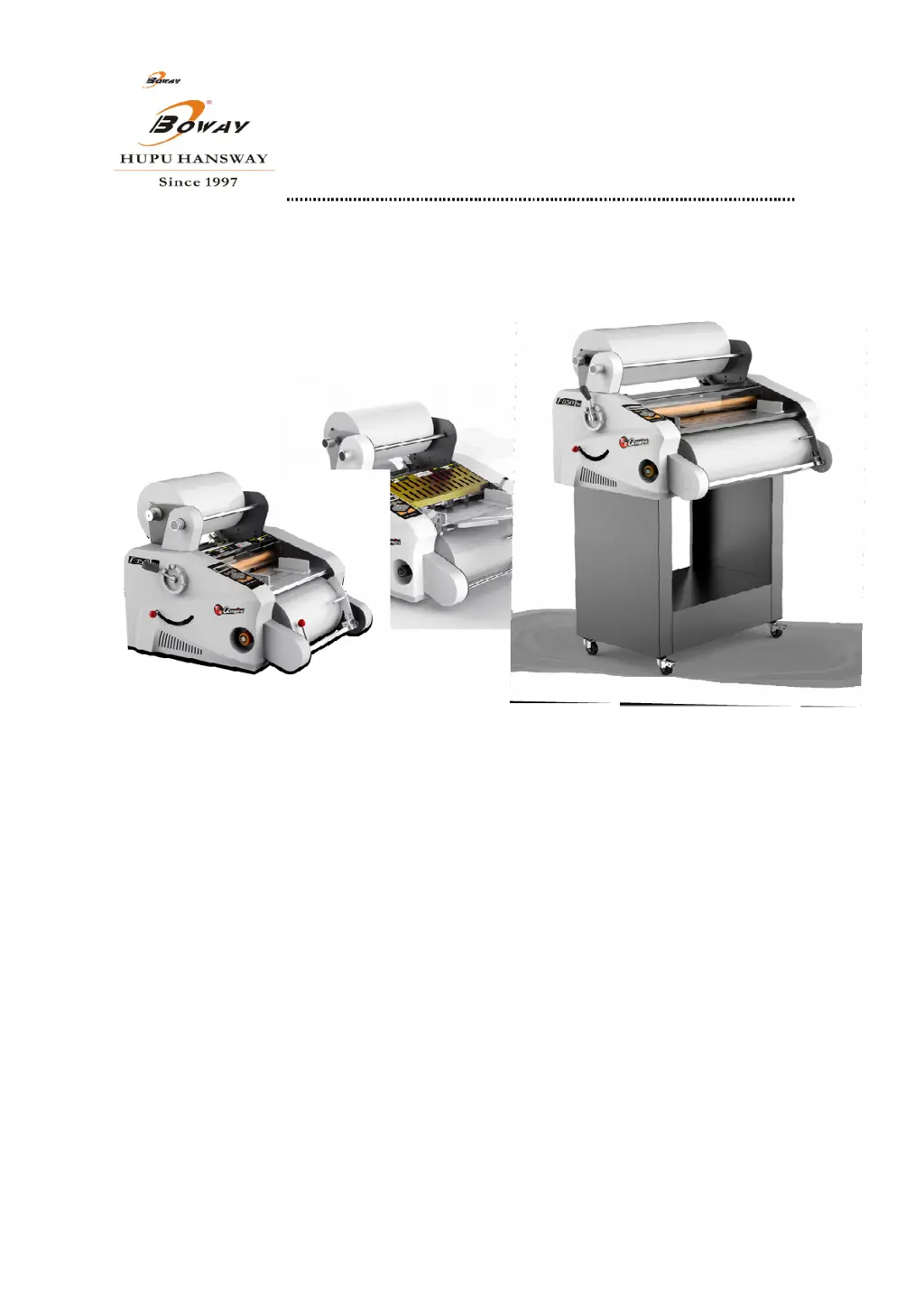
F350/F650 Roll Laminator Manual
HANGZHOU FUYANG HUIBO HANSWAY TRADING CO.,LTD.
ADD: NO.1216,GONGYUANXI ROAD, JINQIAO INDUSTRIAL PARK FUYANG,
HANGZHOU,CHINA
TEL: +86-571-63368676 +86-571-63168822
+86-571-61718035/8036/8980/8981
FAX: +86 20 28819702-25160
E-MAIL:boway@bowaychina.com
WEBSITE:www.bowaychina.com www.fullar.net
If any change, we won’t make the notice, please make the object as the standard.
March.2014. December(second edition)

Questions and Answers

Summary

Forward

Safety Caution

General Warning Labels

Explains common warning labels found on the machine for user safety.

Open Box and Check

Name and Function of Parts

F350 Series General Parts

Details the parts specific to the F350 series models.

F350 B;E Parts Name

Lists and describes parts for F350B and F350E models.

F350 D;E Parts Name

Lists and describes parts for F350D and F350E models.

F650 Series General Parts

Details the parts specific to the F650 series models.

F650 B;E Parts Name

Lists and describes parts for F650B and F650E models.

F650 E Parts Name

Lists and describes parts for the F650E model.

Technical Parameter

Controllable Parts and Keys

Power Switch Operation

Instructions for turning the machine on and off.

Confirm Key Function

How to use the 'E' key for confirmation and selection.

Exit (Cancel) Key Function

How to use the 'C' key to exit menus or cancel operations.

Navigation Keys (Up;Down)

Describes the use of arrow keys for menu navigation and adjustment.

Temperature Setting Key

Details the process of setting the machine's temperature.

Speed Setting Key

Explains how to adjust the lamination speed.

Paper Distance Key

Describes setting the spacing between laminated items.

Reverse Key Function

How to use the reverse function for troubleshooting.

Start Key Function

How to start and stop the machine's motor.

Paper Length Setting

How to configure the desired paper length.

Operate Mode Selection

Choosing between manual and automatic operating modes.

Paper Feed Space Setting

Adjusting the gap for paper feeding.

Unit Selection (mm;inch)

Option to switch between metric and imperial units.

Counter Display

How to view the total count of laminated items.

How to Use the Machine

Laminating Mode Selection

Choosing lamination types (e.g., single/double sided).

Roll Compensation Adjustment

Adjusting compensation for upper and lower rolls.

Start to Work Procedure

Initial steps to commence operation.

Film Installation

Step-by-step process for loading laminating film.

Laminating Process

Detailed instructions on performing the lamination.

Cleaning Jammed Film

Procedure for clearing film obstructions.

Jammed Film Cleaning Procedure

Specific steps and precautions for removing jammed film.

Adjustment Skills of Auto Slitting

Slitting Experience and Tips

Practical advice and best practices for effective slitting.

Laminating Technology and Skills

Daily Maintenance

Self-checking

Troubles and Troubleshooting

Electrical Diagram

F350 D;E;F650 E Electrical Diagram

Wiring schematic specific to certain model configurations.

Diagram Component Identification

Explanation of the various components shown in the electrical diagrams.

Boway F350 Specifications

General IconGeneral
BrandBoway
ModelF350
CategoryLaminator
LanguageEnglish