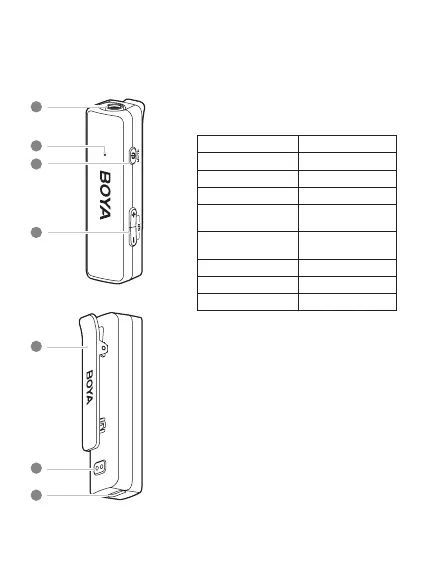
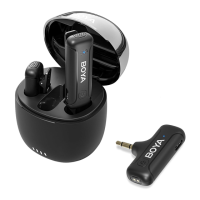
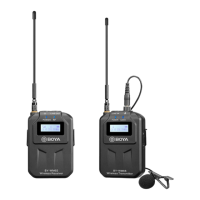
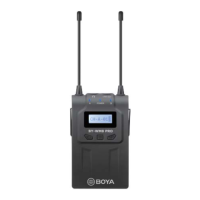
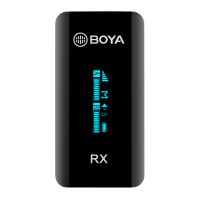
Product Structure
Transmitter
1
2
3
4
①
In-built Microphone Capsule
②
Status Indicator
Status Indicator
Unpaired Blinking blue slowly
Paired successfully Static blue
Mute Blinking red slowly
Noise cancellation
enabled
Static green
Maximum/ Minimum
gain
Blinking blue(green) 3
times quickly
Low battery Blinking red quickly
Charging Static red
Fully charged Red light o
③
Power Button
•
Press and hold to power on or o.
•
Press to mute or unmute the microphone.
④
+/- Button
•
Press the “+” or “-” button to adjust mic gain in
6 levels.
•
Press both the “+” and “-” buttons at the same
time to enable/disable noise cancellation.
•
The setting is retained even after the power is
turned o.
⑤
Belt Clip
⑥
Charging Contacts
⑦
USB-C Charging Port
For charging the transmitter. (It’s okay to use the
transmitter while charging.)
5
6
7
03



 To Next Page