1. On/Off switch
2. Gain control switch for microphone and headphone
3. Indicator light
4. 3.5mm headphone monitoring jack
5. USB Type-C socket
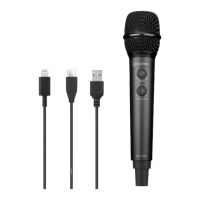
6. USB Type-C to Lightning audio cable
7. USB Type-C audio cable
8. USB Type-C to USB-A audio cable
9. 5/8” microphone mount
10. 3/8” to 5/8” screw
11. Cable protector
12. Mini tripod
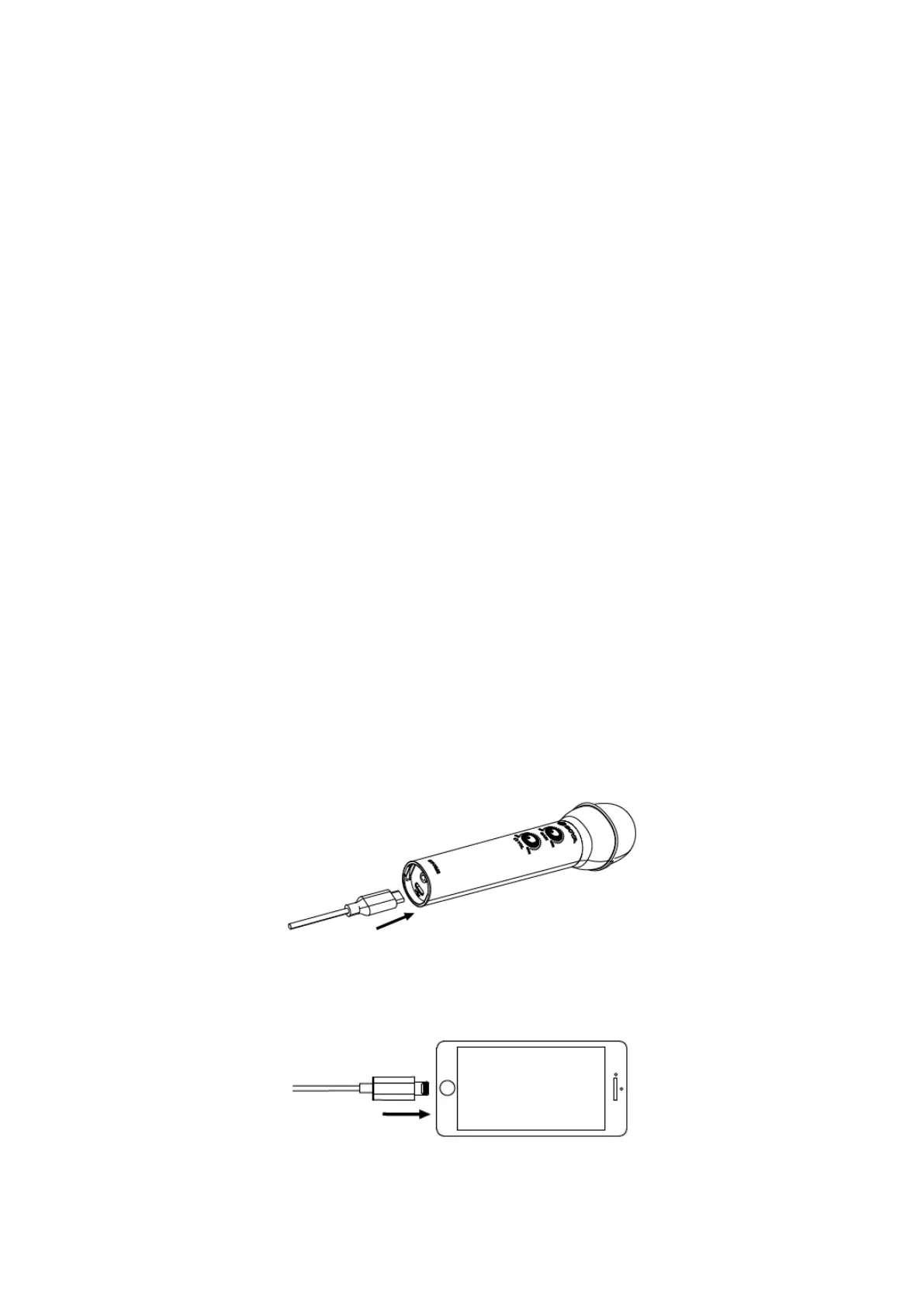
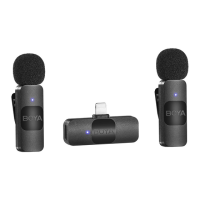
How to use BY-HM2 handheld mic with iOS devices:
1. Use the USB Type-C to Lightning audio cable, cross the USB Type-C connector side
through the cable protector and plug it on the USB Type-C socket on the bottom of BY-
HM2.
2. Plug the Lightning connector on the iOS devices.


 To Next Page