Need help?
Do you have a question about the boytone BT-428F and is the answer not in the manual?
Detailed specifications including power, drive units, frequency response, S/N, distortion, and dimensions.
Highlights of the speaker system's capabilities and design aspects.
List of all items included in the product package.
Explanation of buttons and indicators on the front panel.
Detailed guide to using the remote control buttons and their operations.
Specific instructions for operating the system via remote in FM, USB/SD, and Bluetooth modes.
Identification and purpose of ports on the rear panel, including antenna, inputs, and power.
Instructions and visual guide for connecting audio sources, speakers, and powering on the system.
Important warnings and advice for safe and optimal use of the speaker system.
This document describes the Boytone BT-428F 2.1CH Multimedia Speaker System, providing operational instructions, technical specifications, and usage guidelines.
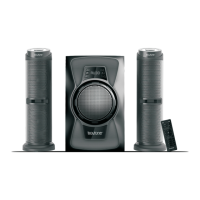
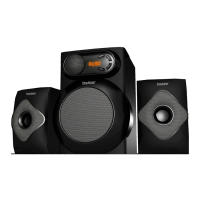
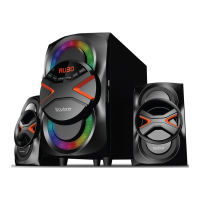
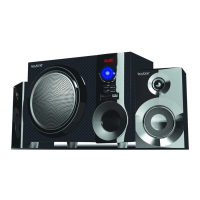
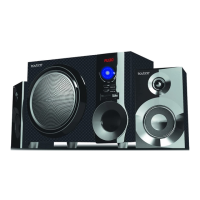
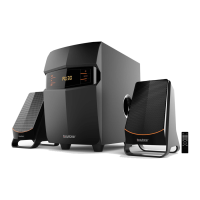
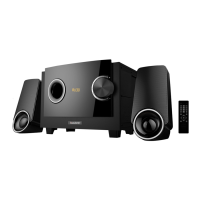
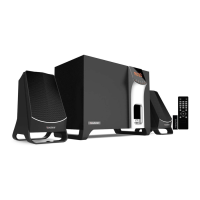
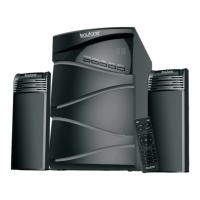
The Boytone BT-428F is a 2.1 channel multimedia speaker system designed for various audio entertainment needs. It features a built-in amplifier and delivers a full audio spectrum performance, making it suitable for use with MP3, MP4, CD/DVD players, and digital playbacks. The system includes a subwoofer cabinet specifically designed for enhanced bass and resolution, along with two satellite speakers. It comes with a remote control and RCA stereo connection for versatile connectivity.
The system supports multiple input modes, including AUX, DVD, USB/SD, FM radio, and Bluetooth. Users can switch between these modes using the SOURCE button on both the front panel and the remote control. The front panel also features controls for ST-BY (standby/pause/mute), TONE (treble/bass adjustment), and VOL-/VOL+ for volume control and track/channel navigation.
In USB/SD mode, the system allows for playing previous/next songs, play/pause, and direct song selection using numbers on the remote. For FM radio, it supports tuning to previous/next channels, automatic search, and saving channels to specific numbers. The Bluetooth functionality enables wireless connection to mobile devices, allowing users to stream music. The system also includes an LED effect feature, allowing users to change the lighting display.
Front Panel Controls:
Remote Control Functions:
Bluetooth Mode:
System Connection:
 General
| Brand | boytone |
|---|---|
| Model | BT-428F |
| Category | Speaker System |
| Language | English |

 To Next Page