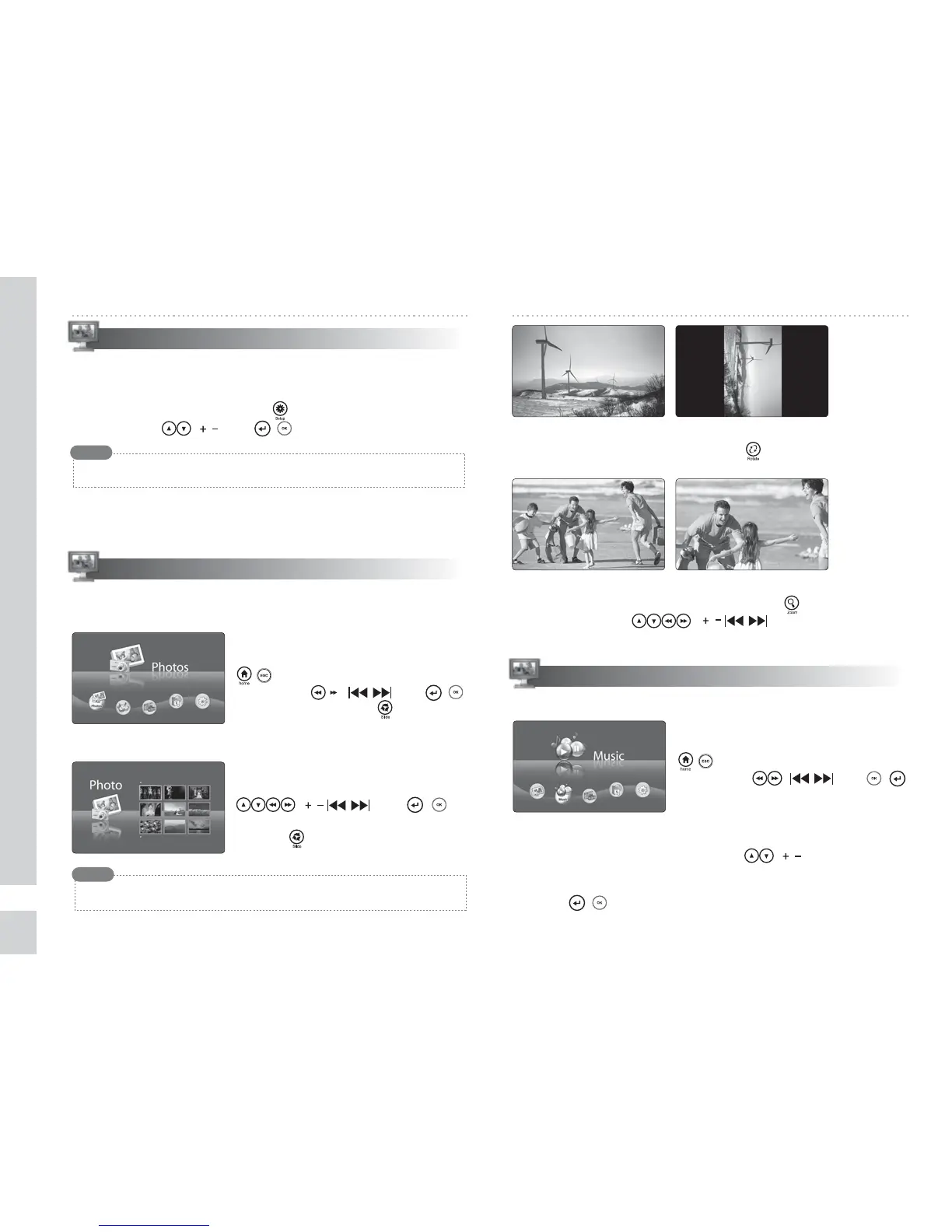
◈ Moving to the PHOTO menu
Move to the MENU screen by pressing the
( ) button. Select the PHOTO menu
by using the ( ) and ( )
buttons or simply press button.
Photo format supportable → JPEG (jpg)
◈ Selecting the desired photo
Select the desired photo by using the
( ) and ( )
buttons.
Press the button to start the slide show.
◈ Rotating the selected photo
After selecting the photo you want, press the button to rotate it clockwise.
◈ Zooming the selected photo
After selecting the photo you want, press the button to zoom it.
In zoom mode, the ( ) buttons are used as a
direction key.
◈ Moving to the Music menu
Move to the MENU screen by pressing the
( ) button. Select the MUSIC menu
by using the ( ) and ( )
buttons.
Slide show button work only with BGM “ON”mode
Note
Memory Format
MUSIC
PHOTO
The preview displays available pictures.
Select any of them to display in the digital photo frame.
Memory Format / PHOTO / MUSIC
6
It plays back the MP3 les.
※Parenthesis( ) is the button of the main body.
◈ Selecting the desired music le
Select the desired music le using the ( ) buttons.
◈ Playing back the selected music le
Press the ( ) button after selecting the desired music le.
Delete all les stored built-in memory using this menu
◈ Moving to the Memory Format menu
Move to the Menu by pressing the button. Select Memory Format
menu by using ( ) and ( ) buttons.
Do not press any button during memory format
Note


 To Next Page