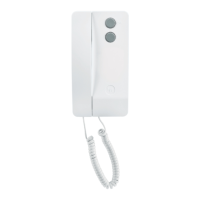
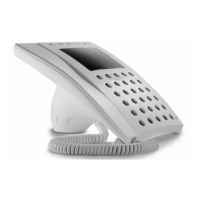
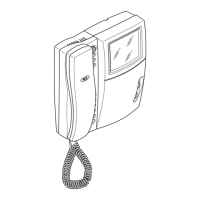
PROGRAMMING ENTRY PANELS WITHOUT VA/01 OR A/01
Programming for the first time
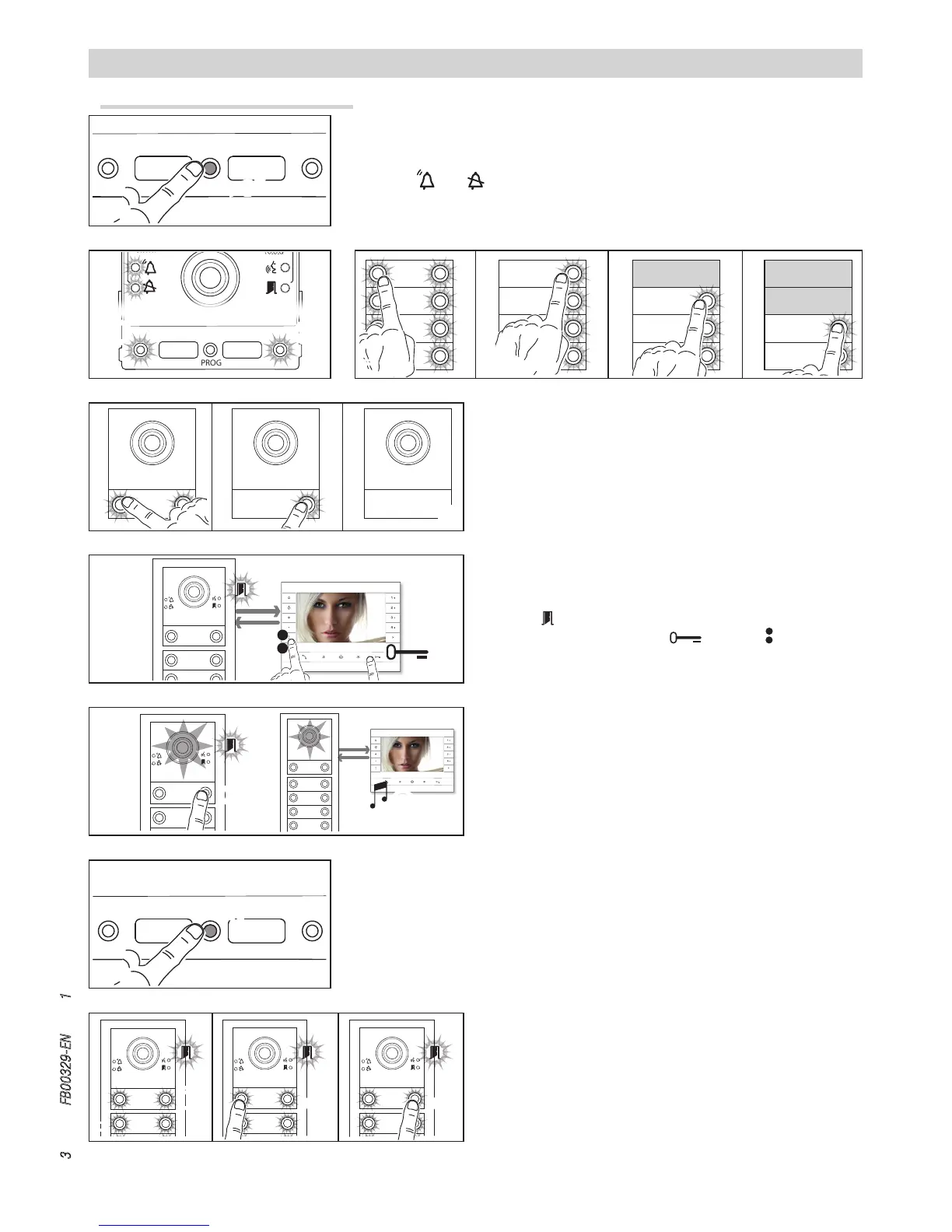
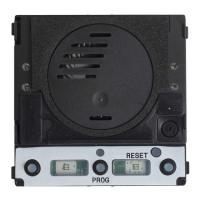
Programming buttons
C D. The unit
stops flashing and remains on. Repeat for all the other call devices.
NOTE. For the basic unit (no call buttons)
a, you do not
need to press the buttons that are shown as flashing in figure
a.
Once programming is complete, you are automatically taken to
“programming calls”.
Programming calls
The LED flashes. Lift the internal receiver handset (if present)
and press the door lock release
and AUX2 buttons . On
the entry panel, press the call button to be linked to the internal
receiver
a. A beep confirms that the setting has been stored
b. End the call and repeat for the other internal receivers.
NOTE. You can force the switch from one programming mode
to another by pressing the PROG button on the power sup
-
ply unit for 3 seconds and releasing within 6 seconds. If you
force the switch to call programming from button program
-
ming, the button units which have not been programmed are
configured to 8 calls. If the base unit is not programmed,
calls are not configured.
Exiting Programming
Press the PROG button briefly . The LEDs on the entry panel
switch o.
Entering programming mode
Press the PROG button on the entry panel for at least 3 seconds and release within
6 seconds.
The LEDs
and and the button LEDs flash to show the buttons are being pro-
grammed .
Adjusting the brightness and colour of the unit back-
light
During call programming , you can adjust the brightness and
colour of the unit backlight. Press the left call button to select white
and the right call button to select blue .
Press the same button repeatedly to select one of the five bright
-
ness levels (o, 25%, 50%, 75%, 100%).


 To Next Page