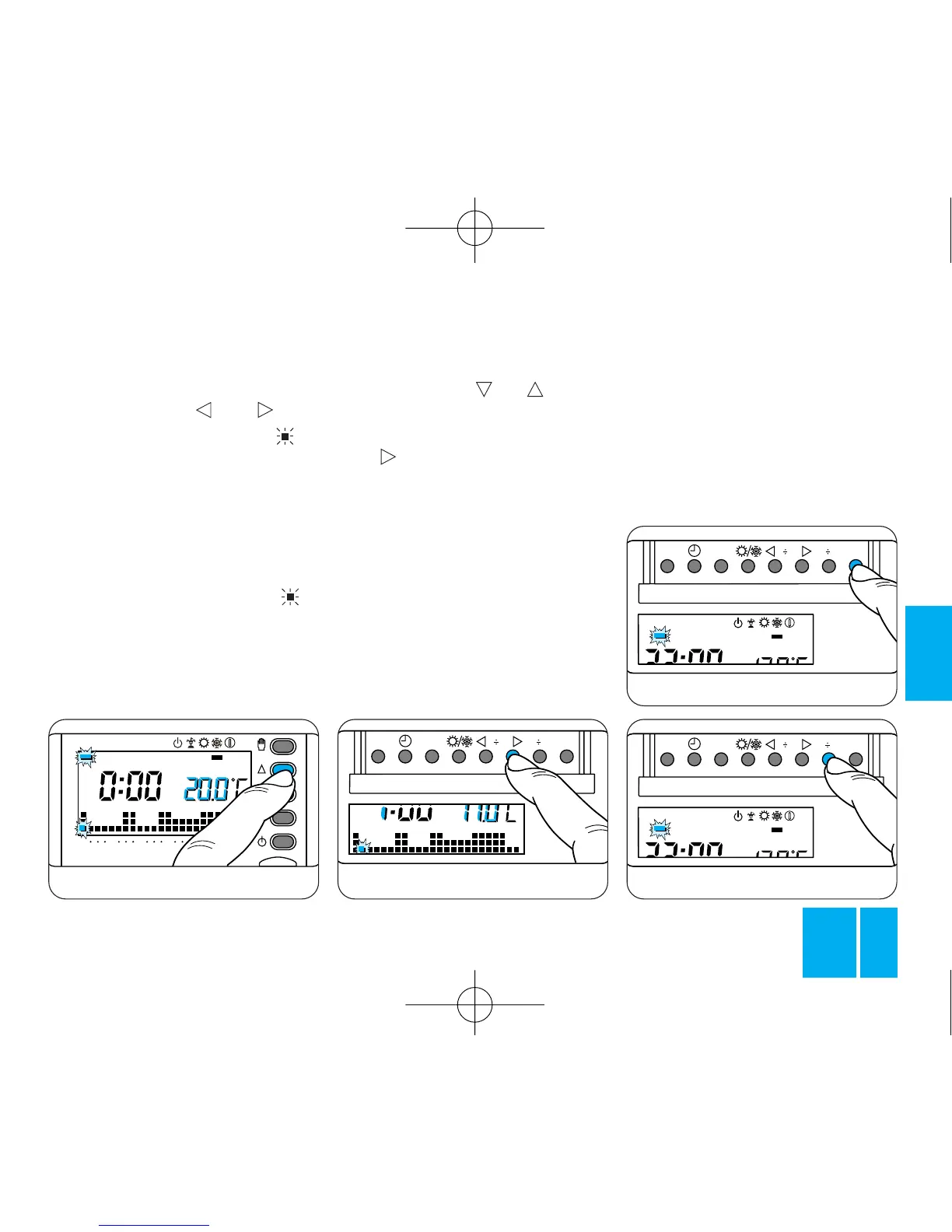
Fig. 38
8.2 - Using the 1÷7 button, bring
the indicator round to the 1 posi-
tion (Monday), figure 35.
8.3 - Using the 0÷23 but-
tons, move the flashing bar to
0 hours on the daily program
graph, figure 36.
Note. When you move away from
the actual time, the information on
the display changes as follows:
a) The clock shows the time indica-
ted by the flashing of the bar .
The dots between the hours and
minutes stop flashing.
b) The temperature reading shows
the value of the temperature level
selected for the time indicated by
the flashing bar.
8.4 - Using the or button,
figure 37, select the required tem-
perature level; the press the
0÷23 button to move on to the
next hour and select the required
temperature, figure 38.
Proceed in this way until you reach
23.00 hours. This completes the
program for Monday.
8.5 - If, for the next day or for the
remainder of the week, you want to
maintain the same program, press
the C button, figure 39, to automa-
tically copy the program for the
Fig. 40
days progressively indicated by the
corresponding bar.
8.6 - To program the subsequent
days differently, move to the next
day by means of the 1÷7 button
and repeat the same procedure as
described in step 8.4, figure 40.
8.7 - Having completed the pro-



 To Next Page