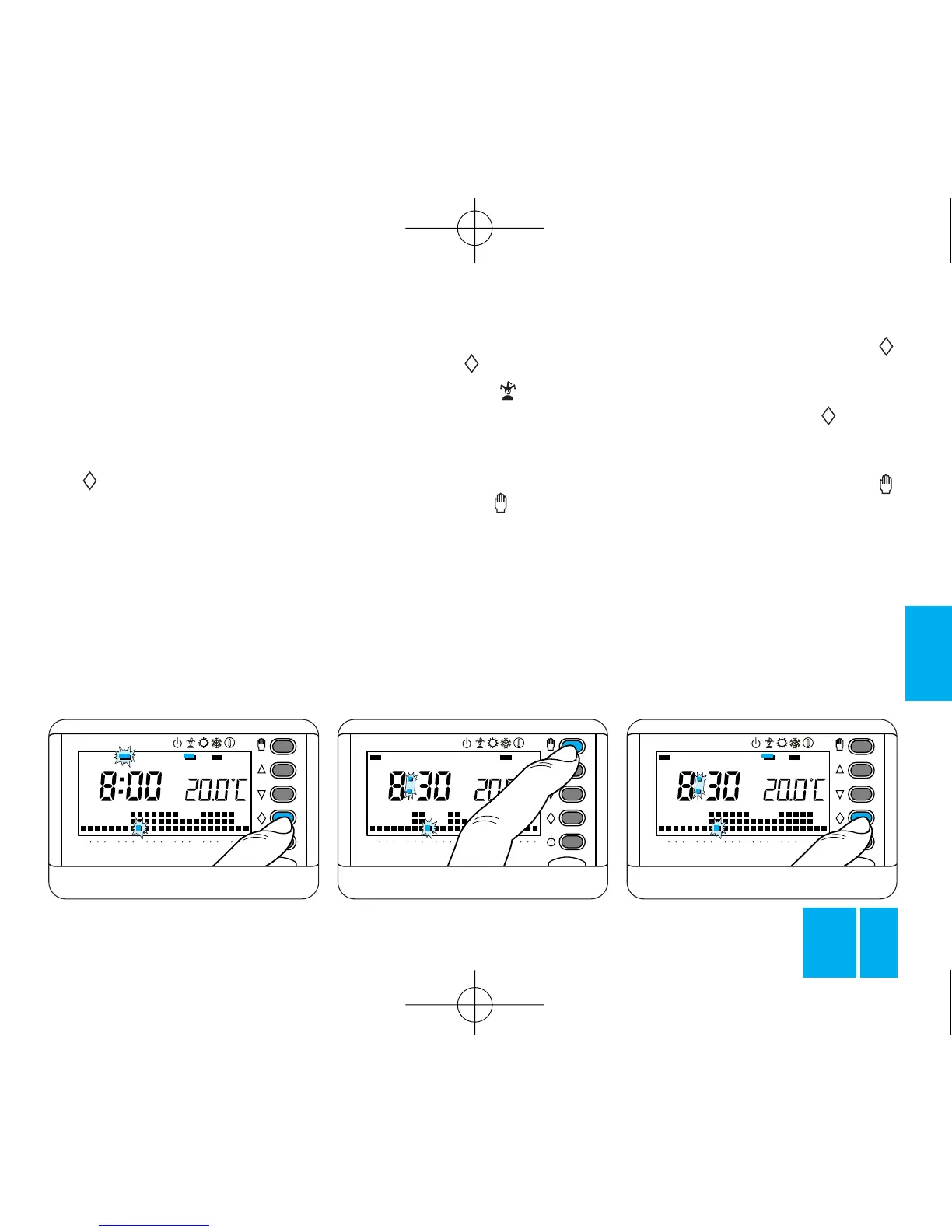
Fig. 45
apply in this case).
At midnight, THERMOPROGRAM
returns to automatic mode.
9.4 - To abandon the WILD CARD
program and restore the thermo-
stat to AUTOMATIC mode, press
the button again, figure 43.
If you want to book the WILD
CARD program for another day,
proceed as follows:
9.5 - Remove the thermostat
body from its housing.
9.6 - Make sure that the thermo-
stat is in AUTOMATIC mode.
9.7 - Using the 1÷7 button, bring
the indicator into line with the day
you need, figure 44.
9.8 - Press the button, figure 45.
The bar under the symbol is
enabled to confirm that the pro-
gram concerns this particular day.
9.9 - Proceed with personalizing
the program as required.
9.10 - Press the button to
restore the thermostat to AUTO-
MATIC mode, figure 46.
The program will automatically
come on at 0.00 hours of the
selected day.
You can canceled a booking by
returning the indicator to the day
concerned by means of the 1÷7
Fig. 47
button and then pressing the
button.
Alternatively, you can cancelled the
setting by pressing the button
twice, figure 47.
To returns to AUTOMATIC mode
and the current day, press the
button, figure 48.
However, the thermostat return
automatically to normal after an
interval of 10 s from the last action
you take.
The WILD CARD program cuts out
at the end of the day.
9.11 - Replace the thermostat in its
housing.



 To Next Page